6 Best Guard Tour Software for Security Companies in 2026
Compare the six best guard tour software in 2026: 1. GuardTrac 2. Belfry 3. QR-Patrol 4. Silvertrac 5. GuardMetrics 6. GuardsPro.
A patrol can go exactly as planned, yet a client still asks: “Can you prove it?” Paper logs and separate reports make that simple request harder to answer. For security guard companies serving multiple sites, the best guard tour software records checkpoint visits that supervisors can verify. Some products concentrate on patrol verification. Others also cover staffing, customer updates, and billing. We compare six of the best platforms, their key capabilities, published pricing, and suitable use cases to help you narrow your options.
TL;DR
Here are six of the best guard tour software options for security companies in 2026:
- GuardTrac: Best for patrol records connected to daily operations.
- Belfry: Best for guard tours with integrated payroll and billing.
- QR-Patrol: Best for dedicated patrol monitoring and guard safety.
- Silvertrac: Best for mobile patrols, incident reporting, and parking operations.
- GuardMetrics: Best for offline checkpoint recording.
- GuardsPro: Best for patrol tracking with optional management modules.
Guard Tour vs. Guard Management Software
These terms sound similar, but they cover different parts of running a security business. Here’s how they compare:
- Guard tour software: This digital tool records checkpoint scans, timestamps, and missed patrols. Officers use a guard tour app to log their rounds, giving supervisors proof of which locations they visited and when.
- Security guard management software: Adds workforce scheduling, attendance tracking, and dispatch to patrol monitoring. Managers can assign shifts, check who’s on duty, and coordinate responses when an officer reports an issue.
- All-in-one security operations platforms: Bring field records and back-office work into one system. Teams can review hours for payroll, prepare invoices, and share service reports with clients.
These categories overlap. Some patrol systems also handle incident forms and timekeeping, so compare the actual capabilities rather than relying on labels.
A contractor with 15 officers at two properties may only need tour verification. An operation covering 30 locations also has staffing and billing responsibilities to consider.
What to Look for in a Guard Tour System
To find the best guard tour system, security teams should compare these seven essential features and purchasing factors:
- Checkpoint verification: At indoor security checkpoints, officers scan QR codes or use near-field communication (NFC) and radio-frequency identification (RFID) tags. GPS works outdoors but may struggle inside buildings.
- Patrol routes and schedules: Recurring patrol routes need due times, grace periods, and a way to identify skipped stops.
- Incident reporting: When someone discovers a broken lock, the mobile app should capture photos, notes, and timestamps. Check whether it saves submissions without reception.
- Supervisor monitoring: Automated alerts need to identify the missed location and assigned officer, so managers know whom to contact.
- Client reporting: Patrol data should show who visited each checkpoint and when. Ask whether customers receive real-time reporting through a portal or scheduled summaries. Check access to branded PDFs.
- Workforce and billing tools: Compare assignments with clock-in records before approving hours. Check whether the product exports payroll data, processes payments, or prepares invoices.
- Pricing: Review user minimums, subscription tiers, equipment, and add-on fees. Confirm that the required functions come with the plan you’re considering.
6 Best Guard Tour Software Platforms Compared
Here’s how six of the best guard tour software platforms compare on patrol verification, operational features, pricing, and best-fit use cases.
1. Guardtrac: Best for Patrol Records Connected to Daily Operations
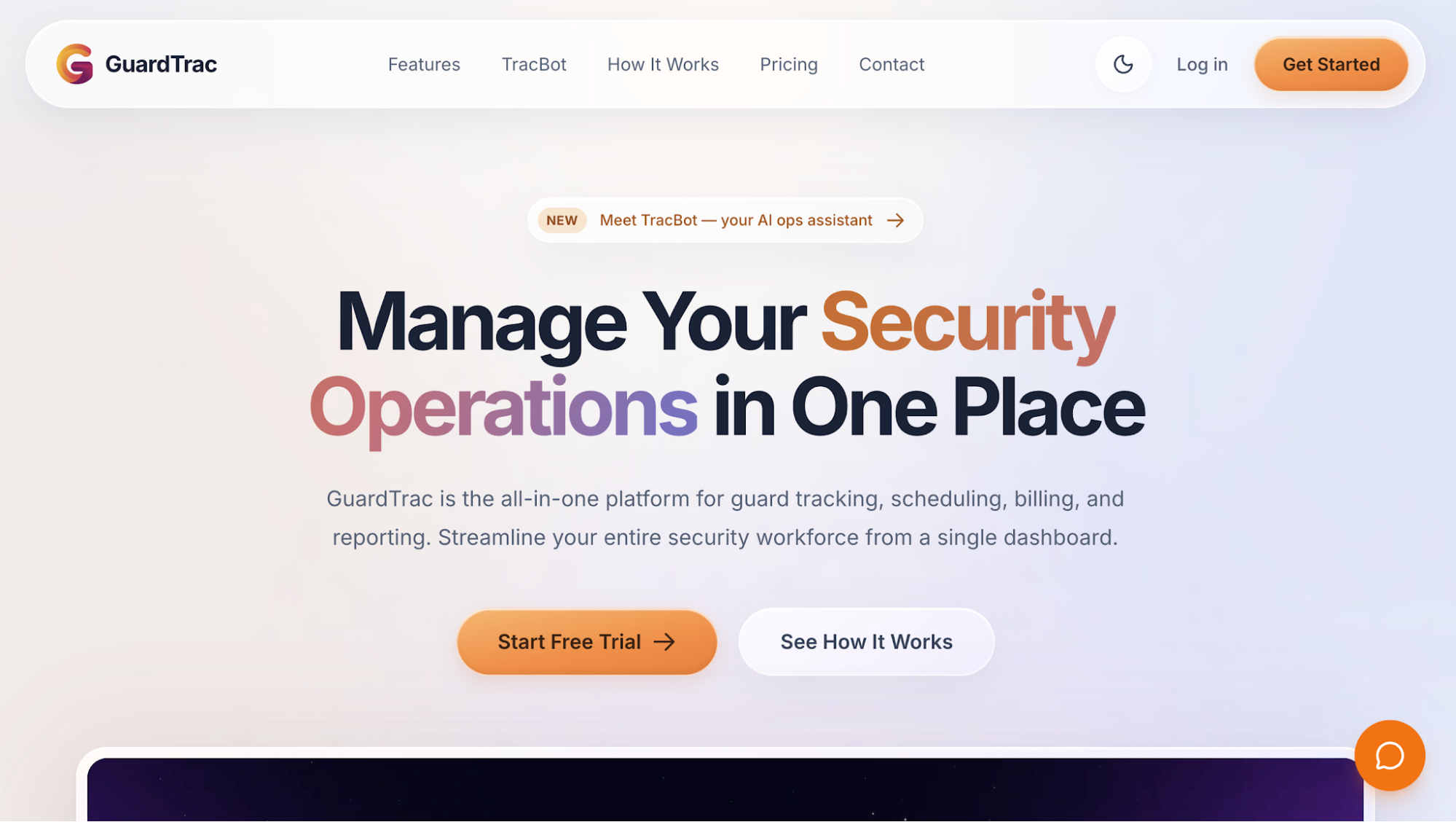 GuardTrac is an all-in-one security guard management platform for private contract security firms serving multiple clients and sites.
It connects tour records with scheduling, dispatch, payroll preparation, and invoicing. Owners can manage these tasks without separate WhatsApp conversations, paper logs, and manually corrected timesheets.
Key Features
- Checkpoint verification and patrol routes: Set up QR and NFC tags, or GPS checkpoints with Pro. Configure ordered tours, recurring intervals, weekly or monthly schedules, and grace periods. Routes follow assigned positions, so replacement officers inherit their duties.
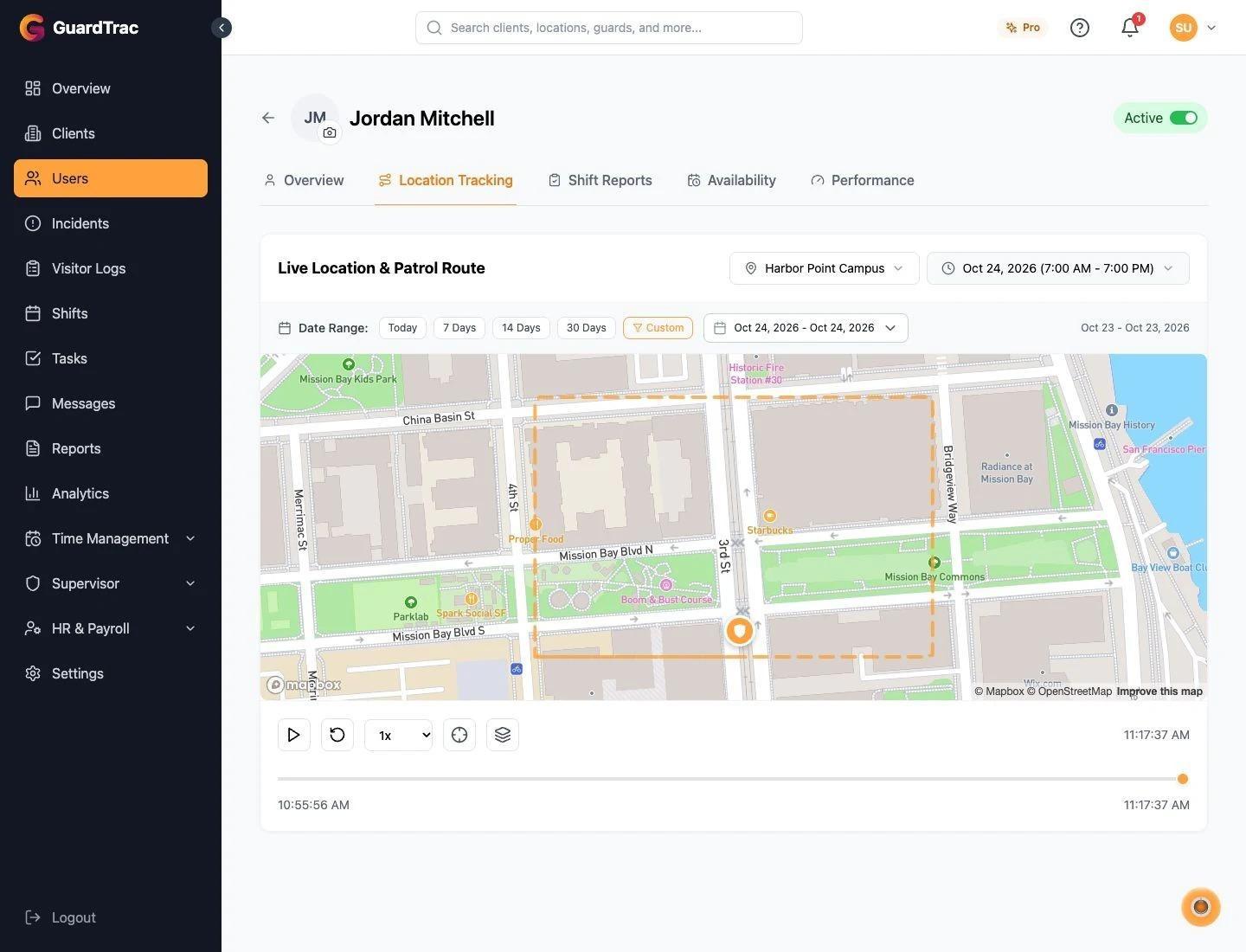
- Patrol monitoring and guard tracking: Review pending, completed, missed, and overdue scans. Officers receive notifications and can explain a skipped stop. GPS and geofencing verify where security guards clock in. A live map provides real-time visibility into attendance and locations.
- Mobile patrol and incident reporting: Officers document security incidents with photos, timestamps, and location details on iOS or Android. They can read post orders, use in-app messaging, and save tour activity offline for later synchronization.
- Client reporting and proof of service: Create forms, review submissions, and generate branded PDFs. Customers access selected portal pages, while Pro adds scheduled email delivery. TracBot AI answers questions about your recorded site activity.
- Shift scheduling and coverage: Assign recurring or overnight posts, broadcast openings, and approve requests or swaps. Acknowledgments show who accepted the assignment.
- Time tracking, payroll, and billing: Review regular hours, overtime, and gross pay before exporting files to your payroll provider. Office personnel can set location billing rates, prepare invoices, and check payment statuses.
GuardTrac Pricing
GuardTrac offers three subscription plans, with the following rates for monthly billing:
- Essentials: $7.50/user/month, including QR and NFC patrol tours, time tracking, custom forms, and client portal access.
- Pro: $10/user/month, adding GPS checkpoints, TracBot AI, payroll preparation, automated client emails, and dispatch operations.
- Enterprise: Custom pricing with volume-based rates, custom integrations, and a dedicated account representative.
Essentials and Pro both include a 14-day free trial.
Connect Patrol Records With Daily Operations
GuardTrac suits private contract security firms that oversee several properties and handle staffing, patrol verification, and client communication with a limited office team.
Consider a property manager disputing an incomplete garage patrol. The supervisor can review the assigned officer, clock-in record, checkpoint history, and incident submissions from one dashboard.
Office staff can also use the same platform to prepare payroll and manage invoices. This makes GuardTrac suitable for contractors looking to replace separate scheduling tools, paper activity logs, and manual timesheets.
2. Belfry: Best for Guard Tours With Integrated Payroll and Billing
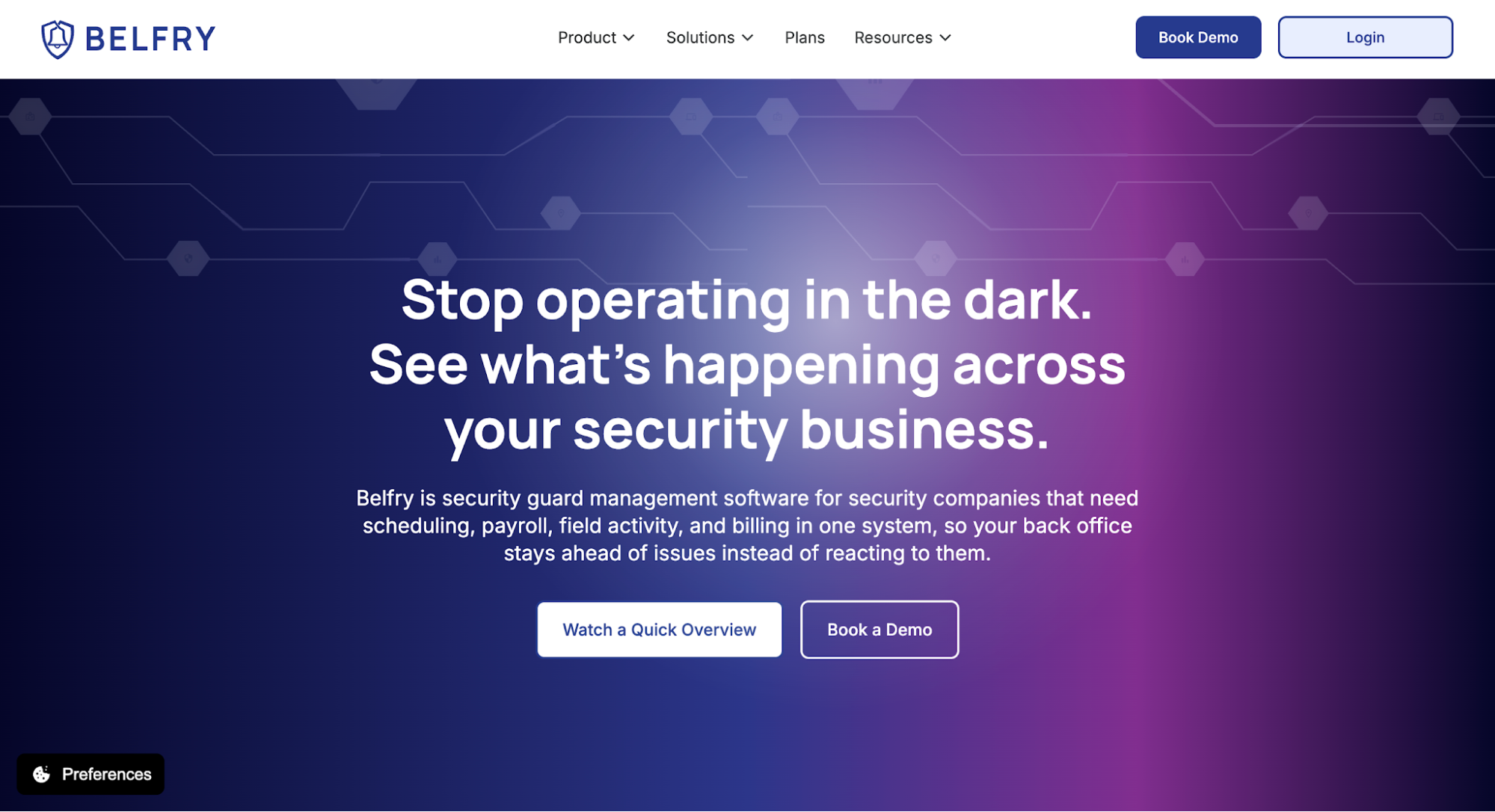 Image source: belfrysoftware.com
Belfry combines patrol monitoring with workforce scheduling, payroll processing, and billing for contract security firms. Its mobile app captures field activity, while office staff manage assignments and financial records through the same platform.
Key Features
- Patrol verification: Officers scan NFC checkpoints on recurring or one-time routes. GPS tracking and geofence alerts identify departures from assigned areas, helping managers assess guard accountability.
- Field monitoring: Dashboards and heatmaps show real-time data on locations and activity. Supervisors can contact the assigned person through two-way messaging when an alert requires attention.
- Incident reporting: A person who discovers a damaged entrance can submit photos and details during the round. The office receives the record before the tour ends.
- Workforce scheduling: Belfry recommends available personnel based on certifications and site experience. It flags assignments that could create unbilled overtime before managers publish the roster.
- Payroll and billing: GPS-verified timecards identify attendance discrepancies. Approved hours feed payroll and invoicing. Belfry also handles direct deposits, tax filings, and payment collection. Site-level performance metrics compare labor expenses with contract revenue.
Belfry Pricing
Belfry doesn’t publicly list standard subscription prices for its security management platform.
Workforce Management and Payroll Processing
Belfry’s integrated payroll system is a distinction for security contractors comparing tools that process employee payments with those that only export timesheets.
This becomes relevant when replacement shifts, overtime, and attendance corrections affect wages and customer charges. Managers can review those changes before finalizing payroll and invoices.
3. QR-Patrol: Best for Dedicated Patrol Monitoring and Guard Safety
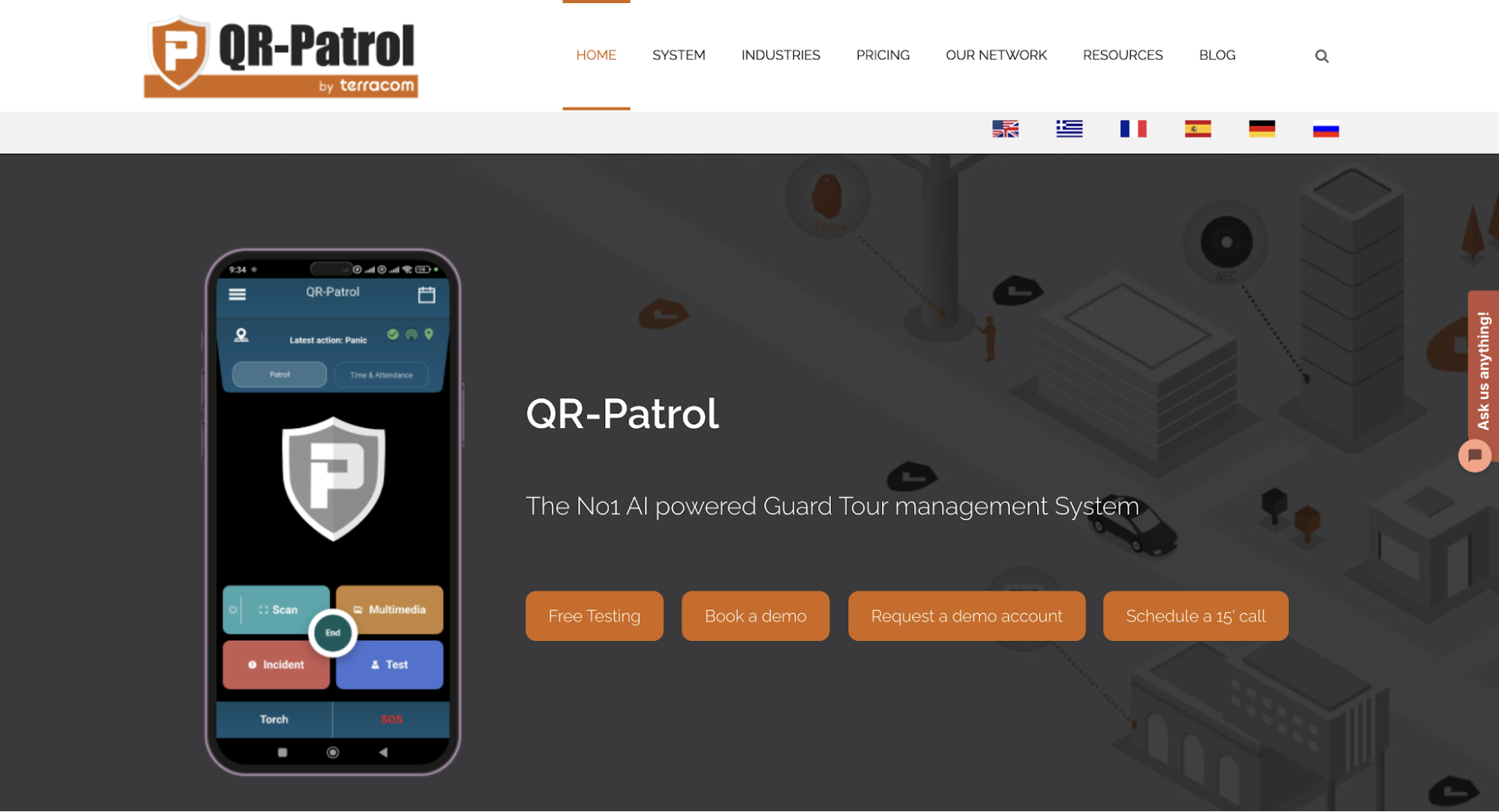 Image source: qrpatrol.com
QR-Patrol is a cloud-based guard tour system that records checkpoint visits and alerts supervisors to missed patrol activity. Its web application gives monitoring teams access to submissions from officers working at different properties.
Key Features
- Checkpoint verification: Officers scan QR codes, NFC tags, or Bluetooth beacons. Gold also offers virtual checkpoints that use location-based verification rather than physical tags.
- Patrol monitoring: Managers create schedules for assigned tours and check each officer’s GPS location against checkpoint history. Missed-scan notifications flag skipped stops, while duration records show how long each round took.
- Incident reporting: Instant incident reporting lets personnel submit photos, voice recordings, detailed notes, and signatures. Supervisors receive these details and can issue instructions or escalate an event.
- Guard safety: An SOS alert requests emergency assistance. Pro also offers external SOS buttons, man-down detection, and welfare checks for lone workers.
- Client access: Authorized customers use read-only web accounts to review property activity. Scheduled emails deliver detailed reports on completed rounds, missed visits, and incidents.
- Issue management: Gold lets managers assign follow-up tasks after an incident or skipped stop and track their resolution.
QR-Patrol Pricing
QR-Patrol offers three subscription tiers:
- Base: From $3.20/guard/month, covering QR, NFC, and beacon checkpoints, GPS monitoring, patrol schedules, and notifications.
- Pro: From $6.15/guard/month, adding mobile forms, indoor location capabilities, welfare checks, and man-down functionality.
- Gold: From $11.10/guard/month, including virtual checkpoints, time and attendance, advanced reporting, and expanded issue management.
These are advertised per-guard starting rates. The total subscription depends on your guard-count band, selected tier, and billing term.
Checkpoint Verification for Different Property Types
A warehouse with indoor corridors and outdoor perimeter routes may require different verification methods. Physical tags can document visits inside buildings, while virtual checkpoints offer another option for designated outdoor locations.
QR-Patrol offers these technologies through different subscription tiers, so plan availability is an important consideration when evaluating its patrol coverage.
4. Silvertrac: Best for Mobile Patrols, Incident Reporting, and Parking Operations
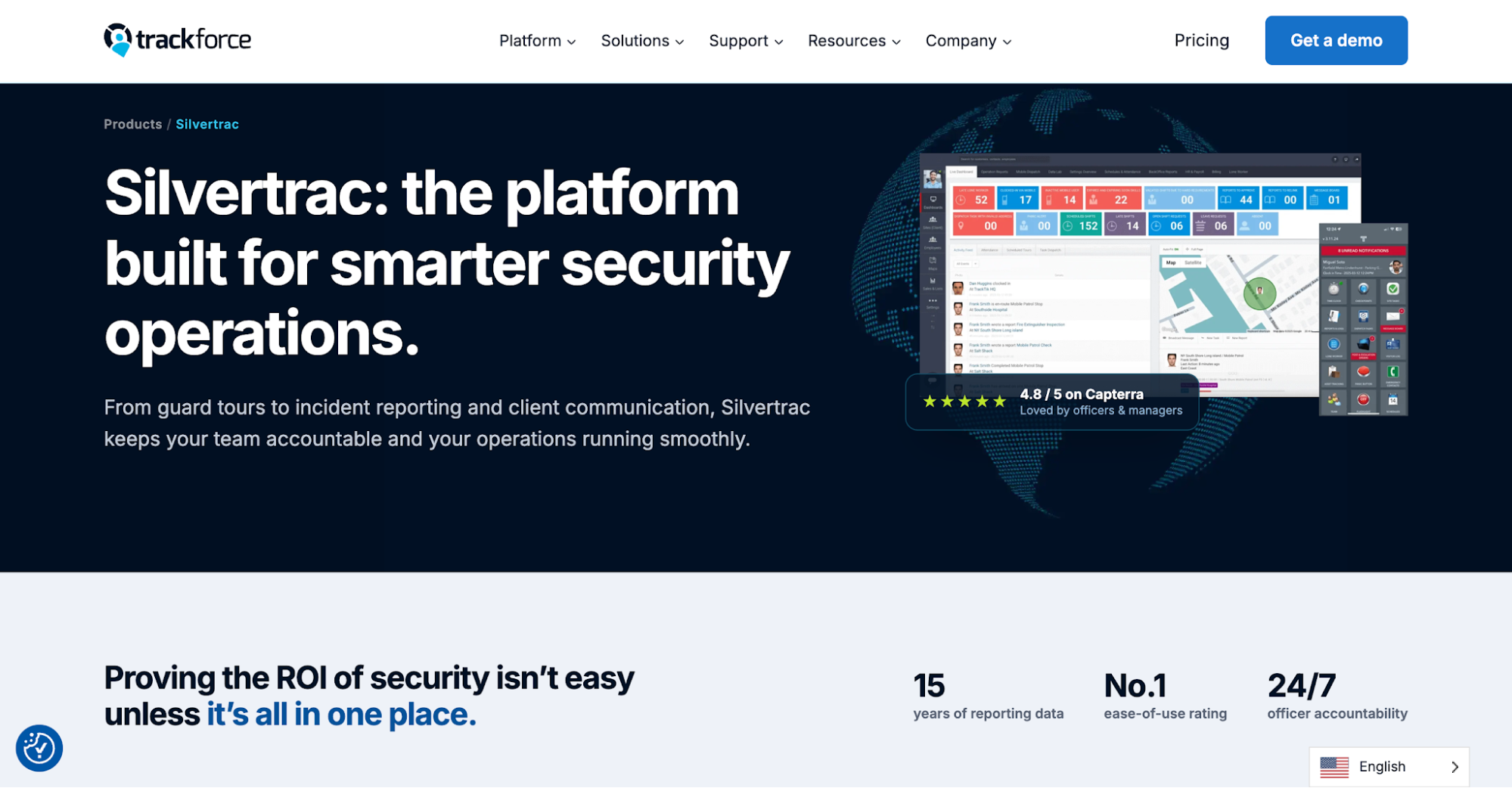 Image source: trackforce.com
Silvertrac is a security guard management product from Trackforce, which also owns the separate TrackTik platform. It covers mobile guard tours, field documentation, dispatch, and client communication.
Officers use the app to record activity during their shifts, while supervisors review patrol progress and submitted incidents from the office.
Key Features
- Checkpoint verification: Configure unlimited checkpoints with instructions for each location. QR codes, barcodes, and NFC tags document visits and identify unfinished stops.
- Mobile patrol coordination: Plan rounds covering several properties. Real-time tracking shows GPS progress, while geofencing alerts the office when someone leaves the assigned area.
- Incident reporting: Officers can report issues immediately with photographs, audio, and written accounts. Silvertrac timestamps submissions, helping managers establish when an event occurred.
- Dispatch and communication: Assign tasks to personnel or sites. Two-way messaging enables instant communication when dispatch redirects an officer or shares instructions. Post orders and emergency contacts also help incoming personnel take over unfinished work.
- Client reporting: Checkpoint records and incident submissions produce automated reports, including Daily Activity Reports (DARs). Property managers review summaries through the portal.
Silvertrac Pricing
Silvertrac doesn’t publicly list standard subscription rates.
Mobile Patrol Coordination and Parking Operations
Silvertrac covers fieldwork at properties where officers complete regular rounds, respond to incidents, and handle parking enforcement.
At a residential complex, for example, an officer may encounter repeated parking violations during a patrol. Silvertrac’s parking management tools document warnings and vehicle histories, giving supervisors additional records when investigating complaints.
5. Guardmetrics: Best for Offline Checkpoint Recording
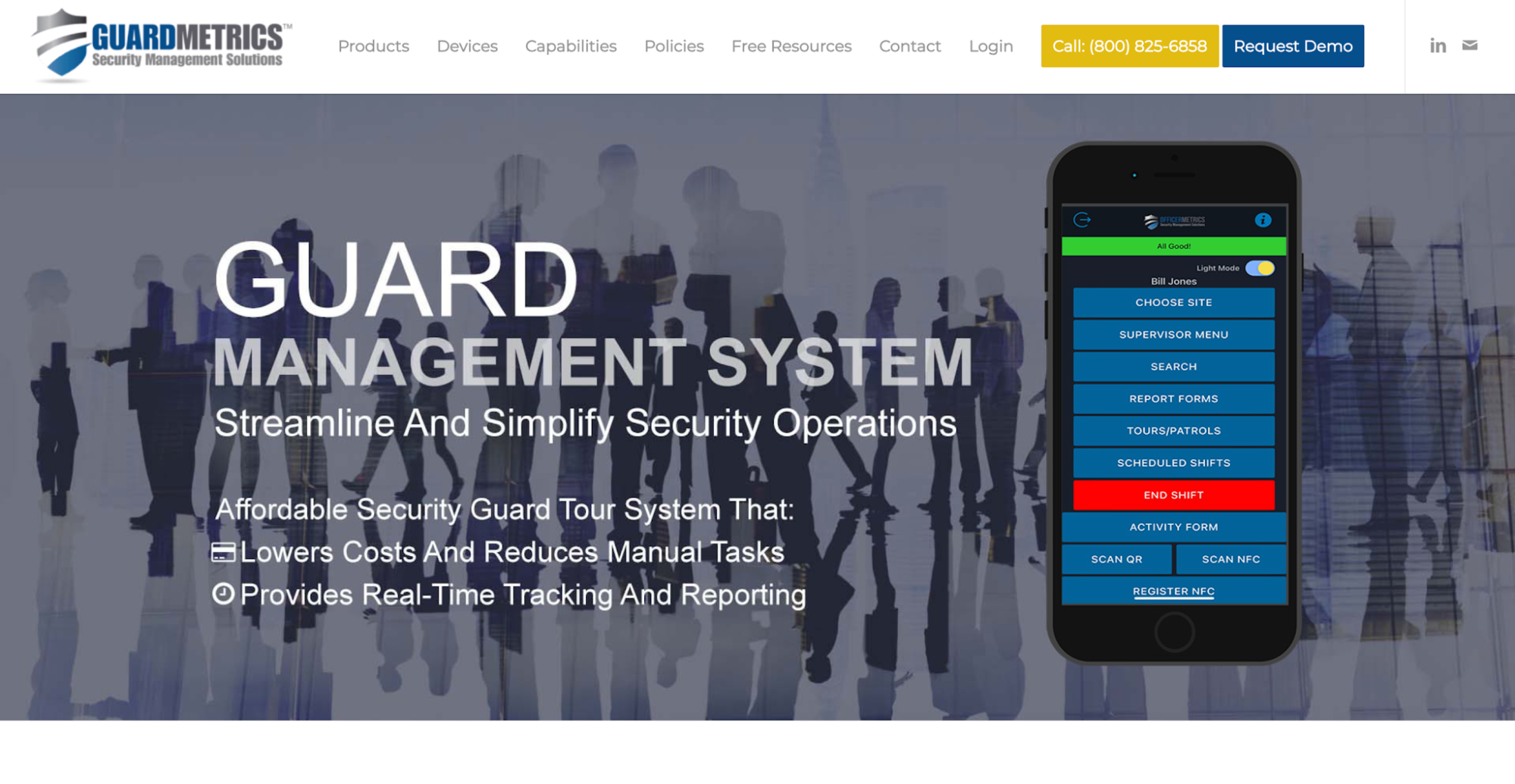 Image source: guardmetrics.com
GuardMetrics provides security guard tracking software that records patrol activity through mobile checkpoint scans, timestamps, location data, and field submissions.
Its iOS and Android app also works offline, allowing officers to document their rounds in areas with unreliable cellular reception.
Key Features
- Checkpoint verification: Use QR codes, RFID tags, or NFC checkpoints. Recorded times and locations help supervisors check whether personnel reached the assigned stops.
- Offline recording: The guard tour app saves scans and submissions when security staff lose cellular service. It uploads the stored entries when the device reconnects.
- Field documentation: Mobile forms capture incident descriptions and photos, with timestamps and location tags attached to each submission.
- Patrol oversight: Managers examine checkpoint histories, GPS information, and forms to investigate missing visits or inconsistent entries.
- Client reporting: Branded Daily Activity Reports and incident emails document completed work. Authorized customers also have access to field information.
GuardMetrics Pricing
GuardMetrics doesn’t publicly disclose standard subscription rates for its guard tour software.
Offline Patrol Records for Low-Signal Locations
Underground garages, remote industrial sites, and large buildings don’t always have reliable cellular coverage. An officer may lose service halfway through an assigned round. GuardMetrics preserves the recorded activity, including checkpoint visits and related documentation, so a temporary connection failure doesn’t leave supervisors without patrol evidence.
6. GuardsPro: Best for Patrol Tracking With Optional Management Modules
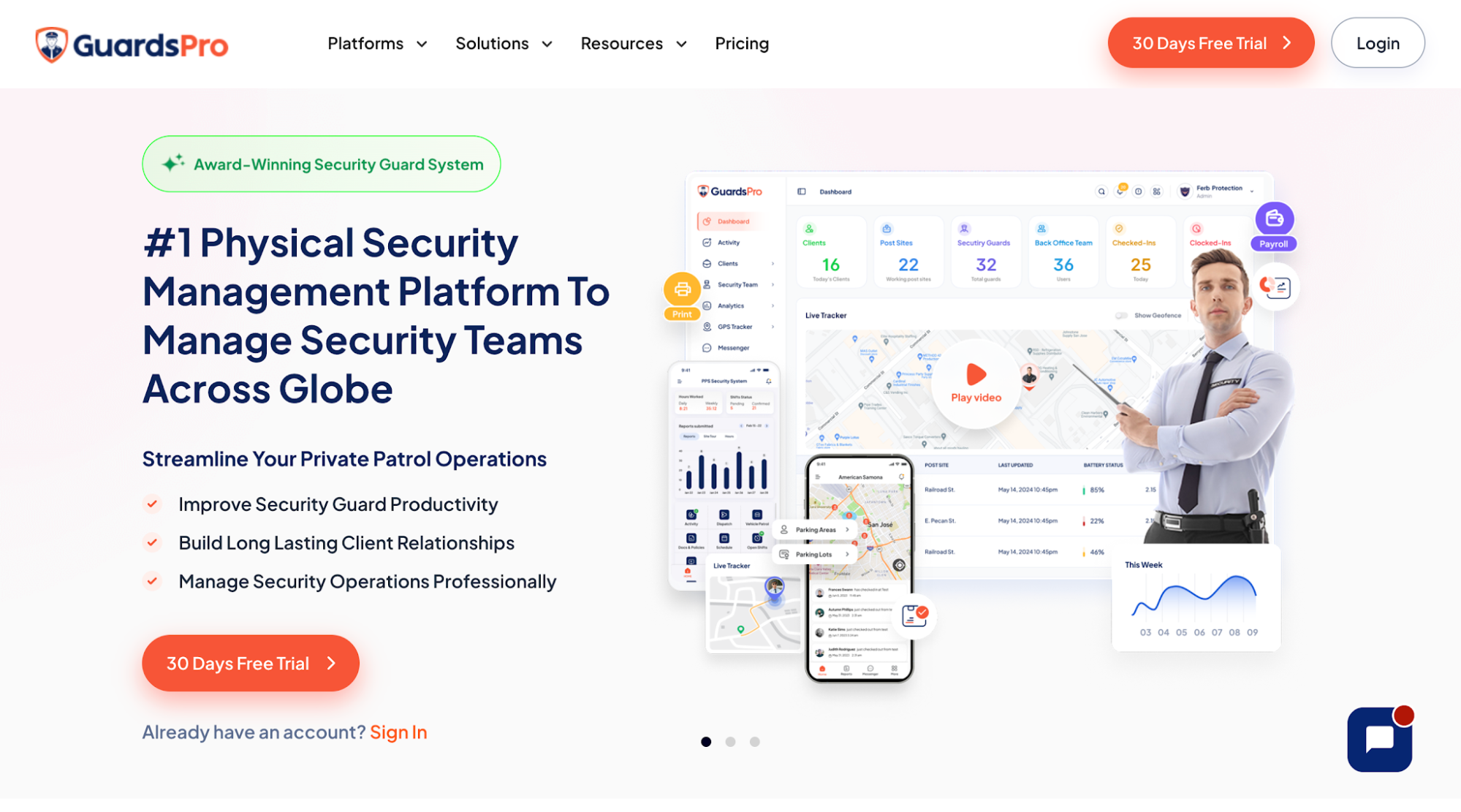 Image source: guardspro.com
GuardsPro is a security guard management system that combines mobile site tours with GPS tracking, field reporting, and administrative functions.
Its web dashboard gives supervisors access to operational records, while officers use the mobile app for checkpoint visits and assigned tasks.
Key Features
- Site tours: Configure NFC, QR code, or virtual-tag checkpoints. Security officers scan these through the app, creating visit records separate from their attendance times.
- GPS and attendance tracking: Real-time GPS tracking displays on-duty personnel on a map. Geofence notifications flag activity outside authorized areas, while clock-in records verify attendance at assigned posts.
- Field reporting: Custom forms let officers document suspicious activities, such as repeated attempts to enter restricted areas. Post orders supply instructions, while task checklists track assigned work.
- Workforce scheduling: Create reusable templates and assign available shifts. Personnel can request exchanges, while managers approve replacements and receive license-expiry notifications.
- Client communication: Authorized customers use web or mobile portals to review patrol records, field submissions, and GPS activity. The Professional plan also includes automatic report emails for routine updates.
GuardsPro Pricing
GuardsPro publishes three subscription plans:
- Essential: $5/user/month, including time tracking, field reporting, and GPS live tracking.
- Advanced: $8/user/month, adding GPS history, geofencing, and messaging.
- Professional: $10/user/month, including Site Tours, automated email reports, tasks, checklists, and integrations.
All three plans require a minimum of three users. Site Tours are included in Professional, while the Scheduler costs an additional $2/user/month. Invoicing and certain other management functions also carry separate fees.
Patrol Features and Subscription Requirements
GuardsPro divides its capabilities between subscription tiers and optional modules.
A security contractor requiring checkpoint tours would need Professional rather than Essential or Advanced. Adding workforce scheduling or invoicing increases the subscription cost, which makes the selected modules important when comparing total expenses.
How to Choose the Right Guard Tour Software for Your Security Company
Consider a contract security firm with 40 guards covering 12 sites. One apartment complex requires regular garage patrols, another has indoor checkpoints, and a third has poor cellular reception.
A product demonstration won’t necessarily reveal how the software performs at these properties. Have the operations manager evaluate each shortlisted platform under the same conditions.
Test One Complete Patrol at an Active Site
Set up the apartment complex’s actual route, including garage entrances and other critical areas. Assign an officer to complete the round through the mobile app, then review whether each scan follows the required sequence.
At the second property, observe how guards scan indoor checkpoints. Check whether the application confirms each visit before the officer continues.
Where offline functionality is available, disconnect the test device during a practice round at the low-signal site. Reconnect afterward and verify that the saved entries appear with their original timestamps.
Check How Supervisors Handle a Missed Checkpoint
Deliberately skip one stop during a supervised trial without interrupting contracted duties. Check whether the platform delivers instant alerts, where advertised, and identifies the missed location and assigned officer.
Next, have the tester document a legitimate reason, such as a locked access door. Review the activity history to confirm that the explanation remains available.
The system should distinguish a missed visit from a completed one, even when the officer provides a reason. This helps supervisors assess patrol compliance without overlooking incomplete rounds.
Review What the Client Receives After the Shift
Give the completed patrol report to someone who didn’t participate in the trial. Ask them to identify which locations the officer visited, when those visits occurred, and whether any incidents were documented.
Their answers will reveal whether the information is sufficient to resolve a customer dispute without further investigation. Where available, test the portal and email delivery. Check whether recipients only have access to their property’s information and whether the document includes your company’s branding.
Finally, compare the file against the test itself. Accurate records distinguish completed checkpoints from missed visits and retain the explanations submitted.
Calculate the Cost of Managing Patrols at Every Site
Start with the tier that passed your tests, not the lowest advertised price. Include 40 guard accounts, office users, checkpoint equipment, integrations, and necessary add-ons.
Where the platform covers workforce operations, ask the office to prepare a sample timesheet and invoice. Note any clock-in details employees have to retype into payroll or billing software.
Compare the full subscription expense with existing fees and the administrative hours spent managing patrols. Use those findings to select a guard tour patrol system that fits your contracts.
Show Clients Proof of Completed Patrols With GuardTrac
 A missed stop doesn’t always mean an officer ignored an assignment. A locked entrance or an incident response may interrupt the round. The property manager still has a right to ask what happened.
GuardTrac gives supervisors quick access to the checkpoint history and the exact location of an incomplete visit. They can examine the explanation and determine whether the area requires another inspection.
Even the best guard tour software won’t turn a missed checkpoint into completed work. Your documentation helps explain the exception before a dispute threatens contract renewal.
FAQs About the Best Guard Patrol System
Do guards need special devices to use guard tour software?
Most apps work on compatible smartphones, so security personnel usually don’t need separate handheld devices. However, various technologies require different equipment, such as printed QR labels, NFC tags, or dedicated RFID readers.
How long does it take to set up a guard tour system?
Setup time depends on the number of sites, patrol routes, checkpoints, and user accounts. After configuring the system, train guards to scan checkpoints and report incidents through the mobile app before deployment.
Does guard tour software work without internet access?
Some platforms save checkpoint scans and incident details offline, then upload them when the device reconnects. However, supervisors generally need an internet connection for real-time monitoring and immediate alerts.
Can I transfer existing patrol records to new guard tour software?
Some systems accept records of past security guard activities, but import options vary. Before switching to a new system, check which file formats it accepts and test a sample import. Confirm that dates, locations, and incident details transfer correctly.
Put it into practice
Bring your security operations together.
Manage guards, schedules, patrols and reporting in one place. Try GuardTrac with your own team and sites.
- Guard tracking
- Shift scheduling
- Client reporting
14-day free trial. No credit card required.