Best Security Guard Scheduling Software: 7 Picks for 2026
Seven best security guard scheduling software: 1. GuardTrac 2. Belfry 3. Celayix 4. TrackTik 5. GuardsPro 6. Guard Owl 7. ShiftGuard.

Managing guards at multiple client sites means one call-out can disrupt more than one schedule. Your dispatcher has to find a qualified replacement without leaving another post uncovered or adding unexpected overtime.
But filling the shift isn’t the whole job. You still have to confirm who arrived, review patrol activity, and record the correct hours for payroll and client billing.
The best security guard scheduling software helps with more than posting shifts. We compare seven platforms based on coverage, field records, scheduling tools, and office workflows so you can choose what fits your business.
TL;DR
Here are the seven best security guard scheduling software platforms for 2026.
- GuardTrac
- Belfry
- Celayix
- TrackTik
- GuardsPro
- Guard Owl
- ShiftGuard
Why Security Companies Need More Than Basic Scheduling
A basic calendar shows who is assigned, but security guard companies also need to match officers to each contract’s posts, qualifications, and coverage requirements.
These requirements vary between multiple locations. One property may require an armed officer at the entrance, while another expects two guards on overnight warehouse patrols. You can’t assign someone just because they’re available.
The schedule also won’t tell you everything that happened on-site. When a property manager calls about an unattended gate, supervisors can review attendance records and patrol logs to find out what happened.
Then there’s the financial side. Assigning someone who’s already near overtime increases labor costs, while incorrect hours can lead to payroll corrections or billing disputes.
That’s why security guard scheduling software does more than fill a calendar. Some platforms focus on staffing and timekeeping, while others connect those records with client updates and billing.
The seven options below offer different ways to manage these responsibilities.
7 Best Security Guard Scheduling Software Platforms Compared
We’ll compare seven platforms based on their scheduling tools, field activity tracking, client access, payroll, and billing capabilities.
1. GuardTrac
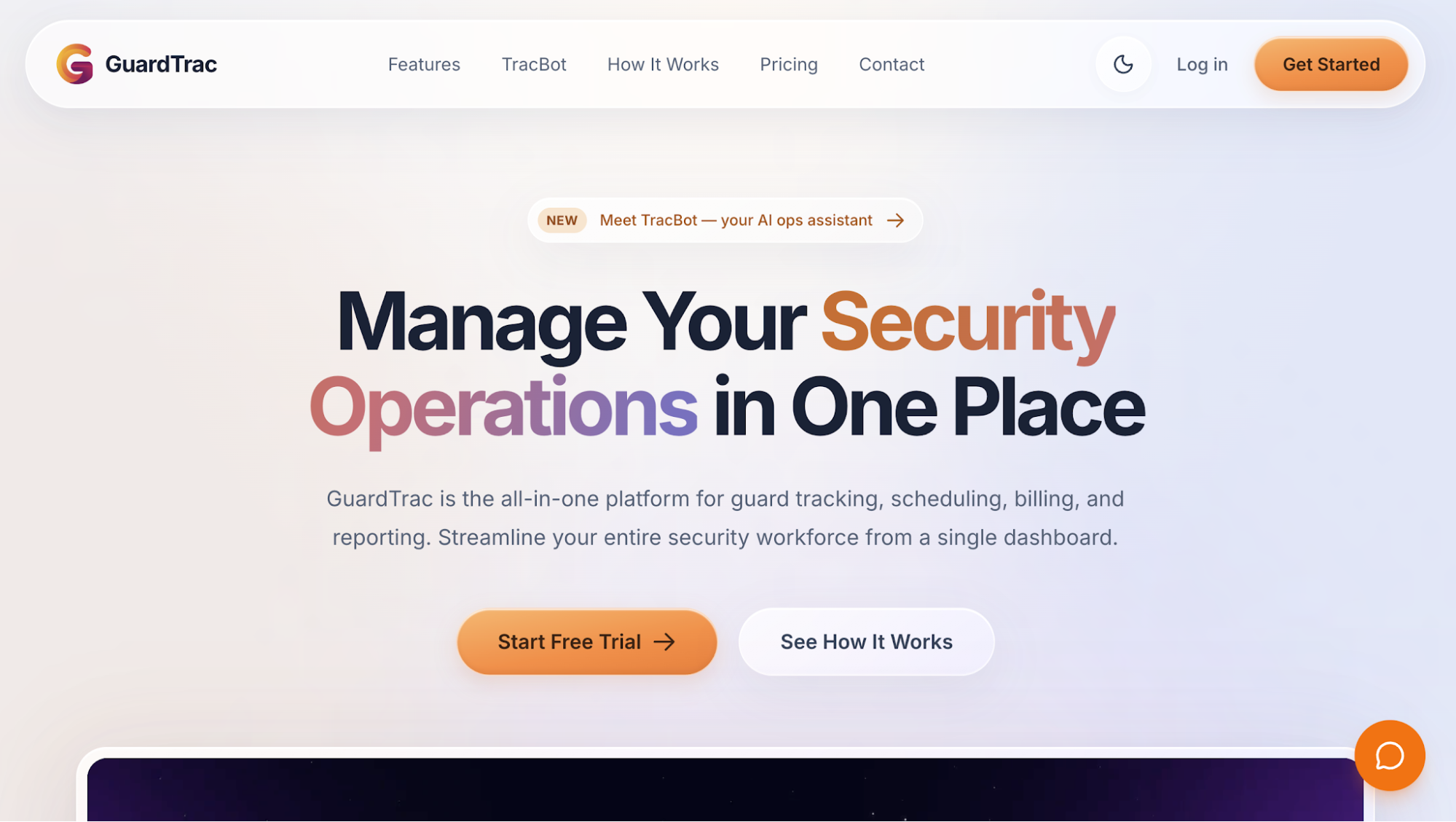 GuardTrac is security guard management software that helps private security contractors organize officer assignments at different client sites.
Dispatchers work from a single platform to plan coverage, handle staffing changes, and publish schedules. Officers receive their assignments through the mobile app, where they can also clock in when they arrive.
Key Features
- Shift planning: Create one-time, recurring, or overnight shifts based on each site’s staffing requirements. The timeline shows coverage by post, while the calendar provides a monthly overview. Dispatchers also add new positions without leaving the scheduler.
- Guard assignments: Drag an officer onto an open shift or assign the same person to several shifts at a post. Dispatchers also split assignments between two officers when one person can’t cover the full duration.
- Schedule conflict detection: Switch to the guard-based view to review each officer’s assigned hours and overlapping shifts. Overtime flags help dispatchers reconsider assignments that could increase payroll expenses before publishing.
- Open-shift management: Broadcast vacant shifts and let available officers request them. Dispatchers approve requests before publishing the updated schedule. Mobile acknowledgments show who’s received the new assignment.
- GPS attendance: Officers clock in through their phones using GPS and geofence validation. Supervisors also use real-time location tracking to check who’s on duty at each property without calling every post.
- AI-assisted scheduling: Enter a request, such as adding overnight shifts for a warehouse post. The assistant drafts the assignment with location and timing details, which dispatchers review before confirming.
Pricing
GuardTrac offers three monthly subscription plans:
- Essentials ($7.50/user/month): Includes shift scheduling, geofenced clock-ins, timesheets, and in-app messaging. The plan also covers unlimited client locations, QR/NFC patrol checkpoints, custom report templates, and client portal access.
- Pro ($10/user/month): Adds TracBot AI, HR and payroll tools with ADP and QuickBooks exports, and GPS checkpoints. It also includes automated client report emails and the Dispatch Operations console.
- Enterprise (custom pricing): Includes everything in Pro, with volume pricing, custom integrations, a dedicated account representative, and priority feature requests.
Essentials and Pro come with a 14-day free trial.
Manage Your Next Schedule With GuardTrac
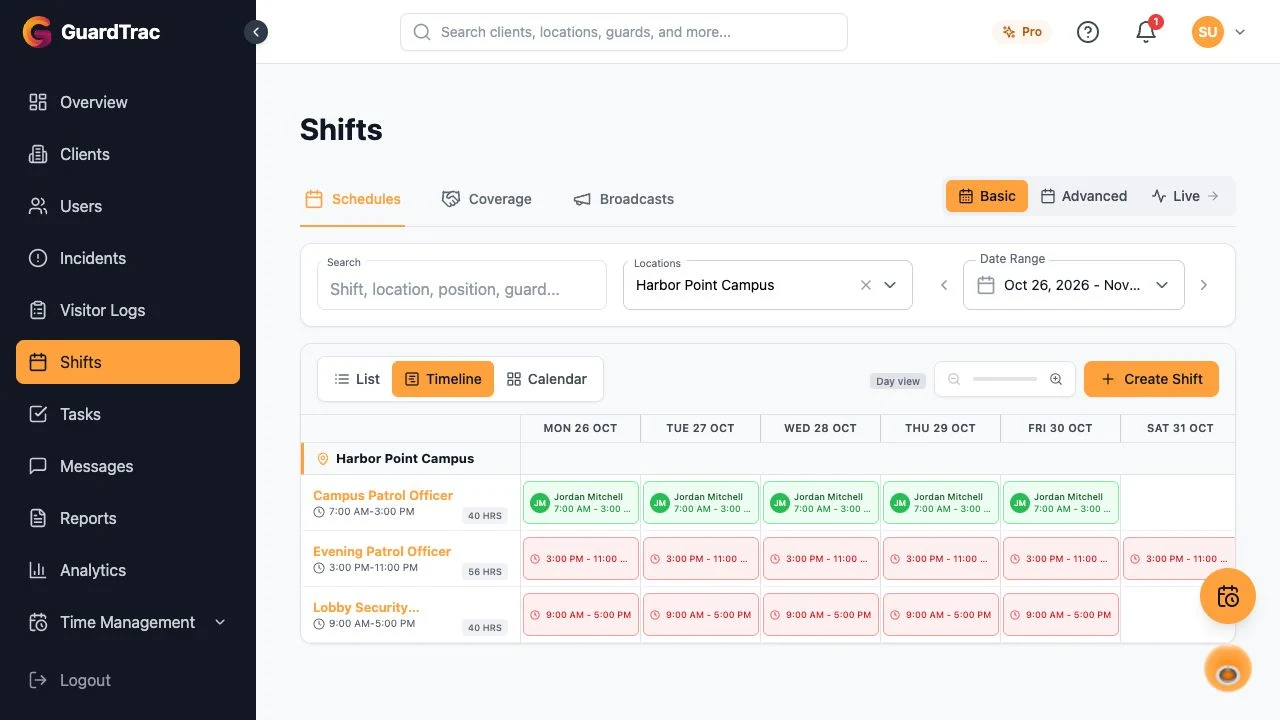 Say a parking garage client adds security coverage for a second entrance on Friday nights. Your dispatcher has to fill the new position without disrupting regular assignments.
With GuardTrac, they can add the post, review available personnel, and publish the updated schedule. Your back office can check acknowledgments to identify anyone who hasn’t confirmed their assignment.
That gives your team a record of who accepted the added work before Friday’s shift begins.
Start your 14-day free trial with GuardTrac and prepare your next site schedule in one place.
2. Belfry
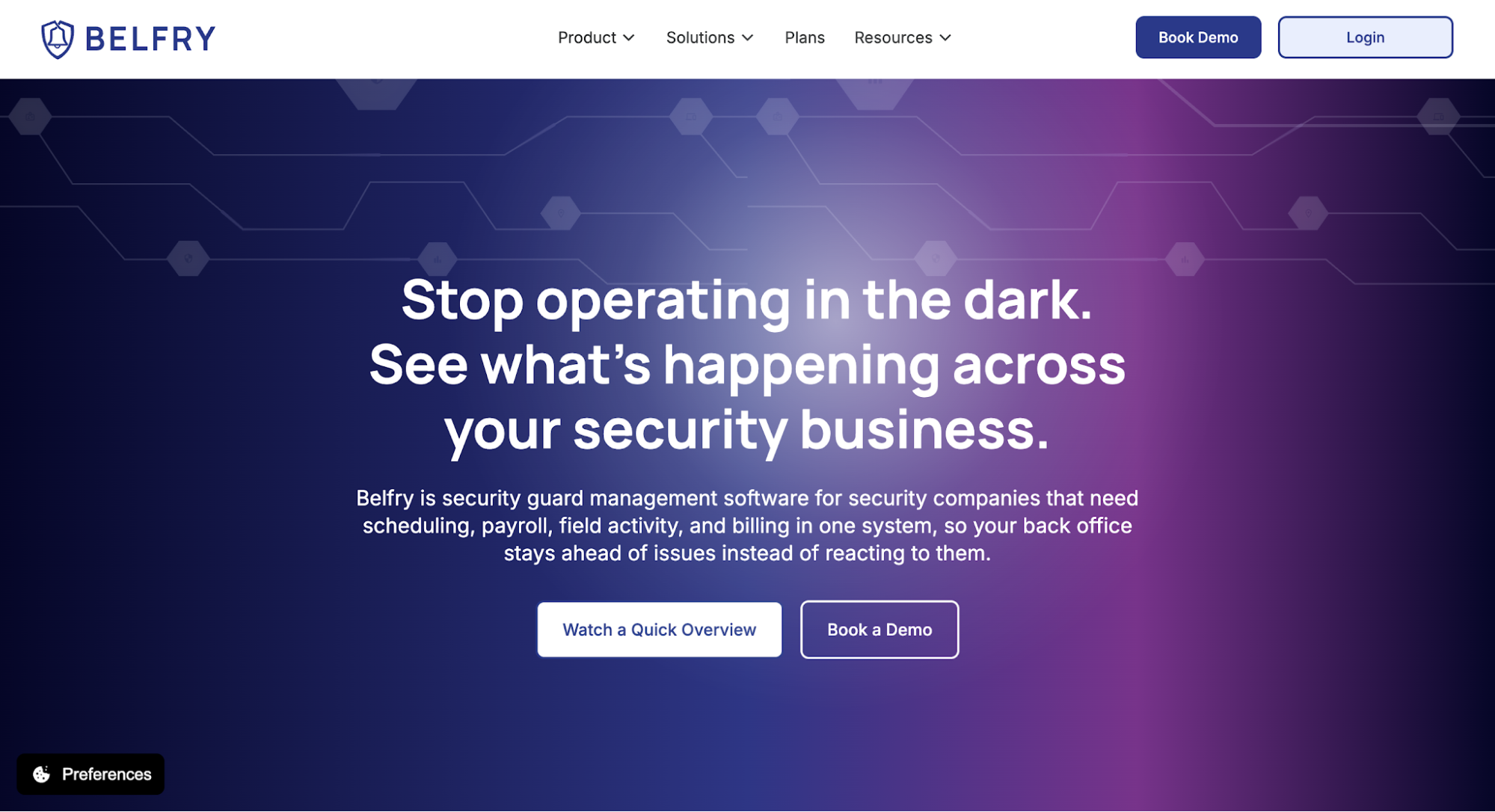 Image source: belfrysoftware.com
Belfry brings scheduling, timekeeping, and payroll into one system. It’s particularly useful for security operations where last-minute coverage changes can lead to unexpected overtime expenses.
Belfry helps dispatchers account for those costs while assigning shifts, before they reach payroll.
Key Features
- Overtime forecasting: Belfry calculates potential unbilled overtime as dispatchers build the schedule. It flags affected assignments and shows projected costs by site or officer, allowing managers to reassign hours before publishing.
- Officer recommendations: When a position opens, Belfry suggests personnel based on certifications, site experience, availability, and pay rates. Dispatchers compare eligible candidates without searching through the entire workforce.
- Team coordination: The Shift Marketplace lets officers request available work, while automated texts notify them about offers and changes. Confirmations identify who accepted without requiring individual follow-up calls.
- Attendance and timecards: Belfry creates timecards from published shifts and reconciles them with geofenced clock-ins. Missing punches and discrepancies appear for review before the hours go through its built-in payroll processing.
Pricing
Belfry doesn’t publish standard subscription rates. Pricing depends on workforce size and selected modules, including scheduling, field operations, payroll, and billing.
3. Celayix
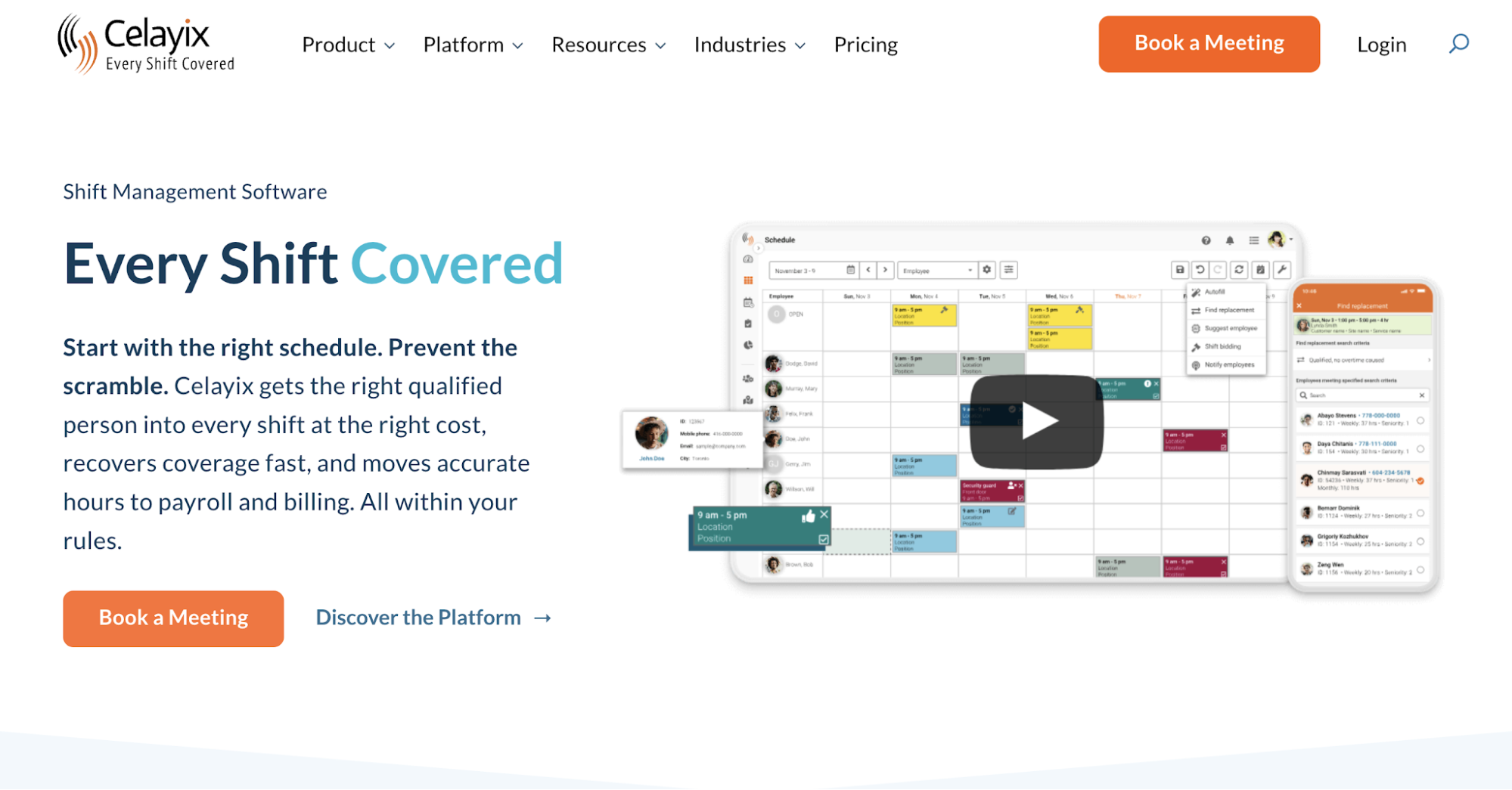
Image source: celayix.com
Celayix focuses on workforce scheduling for security contractors with detailed staffing requirements. Its rules engine helps managers assign qualified personnel while accounting for labor restrictions and changing staff availability.
A vacant post might require a particular certification, but the qualified officer could already have another assignment. Celayix uses configurable rules to account for these restrictions when building the roster.
Key Features
- Rules-based scheduling: Set compliance requirements for qualifications, overtime limits, and union agreements. Celayix’s Autofill feature uses those rules to allocate shifts, reducing the manual work involved in reviewing employee eligibility.
- Shift replacements: When someone calls out, Find Replacement identifies available personnel who meet the post’s requirements. Managers assign a suitable officer or send an offer through the app without contacting every candidate individually.
- Flexible roster management: Reuse templates for regular posts or set up rotations when officers follow a recurring pattern. Shift bidding also lets staff request open assignments, particularly when several qualified people are available.
- Mobile scheduling and attendance: Managers handle shift communication through the app, text, or email, including reminders and confirmation requests. GPS-verified clock-ins capture attendance data for administrators to review and transfer to connected payroll systems.
Pricing
Celayix publishes monthly price ranges based on workforce size.
- Small Team: $400–$800/month for up to 100 employees.
- Medium Team: $1,000–$8,000/month for up to 1,000 employees.
- Enterprise: Custom pricing for more than 1,000 employees.
Final costs depend on the number of users, selected package, integration requirements, and implementation services.
4. TrackTik
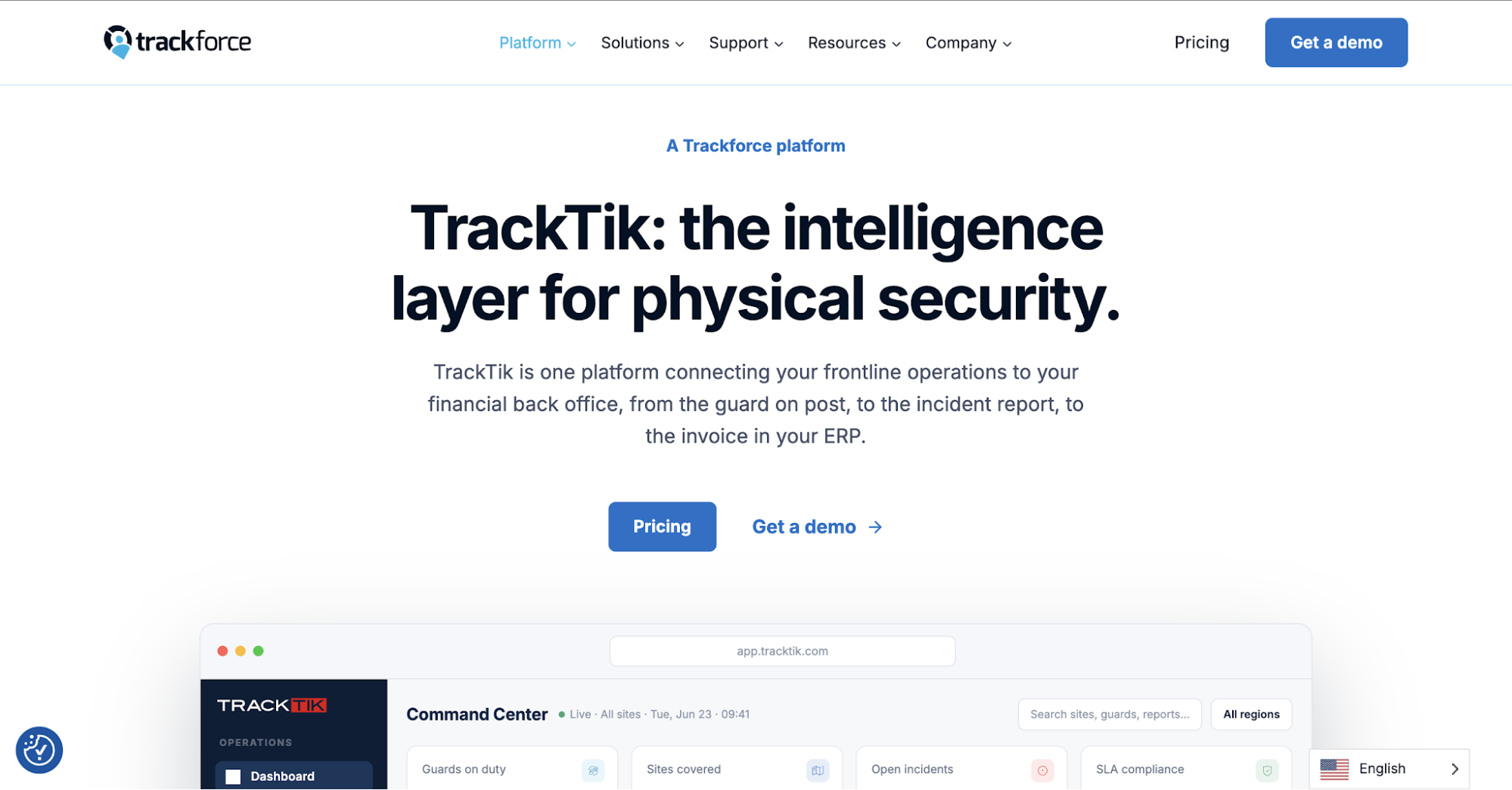
Image source: trackforce.com
TrackTik is a Trackforce platform for large contractors managing security services at numerous client sites. It connects workforce scheduling with attendance records and contract-based billing.
Its Back Office suite also uses verified work hours for payroll preparation and invoicing, reducing the need to re-enter approved time records.
Key Features
- Multi-site scheduling: Build schedules using shift templates and assignment rules for different locations. Regional managers review coverage from a central dashboard to identify vacant posts without opening each property’s calendar.
- Open-shift coverage: When someone calls out, TrackTik helps dispatchers find replacements based on qualifications, location, and availability. They send offers by text or email, which is useful when the nearest officer isn’t qualified for the assignment.
- Overtime alerts: TrackTik flags assignments that could push personnel into overtime. Dispatchers review those hours before publishing, especially when an officer already has shifts at several properties.
- Attendance tracking: Supervisors monitor GPS-verified clock-ins against the published schedule. When an arrival isn’t recorded, they know which site to contact rather than discovering the discrepancy during timesheet review.
Pricing
TrackTik doesn’t publish fixed subscription rates. Trackforce bases quotes for its main platform on the number of protected sites and selected modules.
Its Back Office suite also uses per-active-officer pricing with volume tiers. Pricing for that suite depends on the guard count and modules selected.
5. GuardsPro
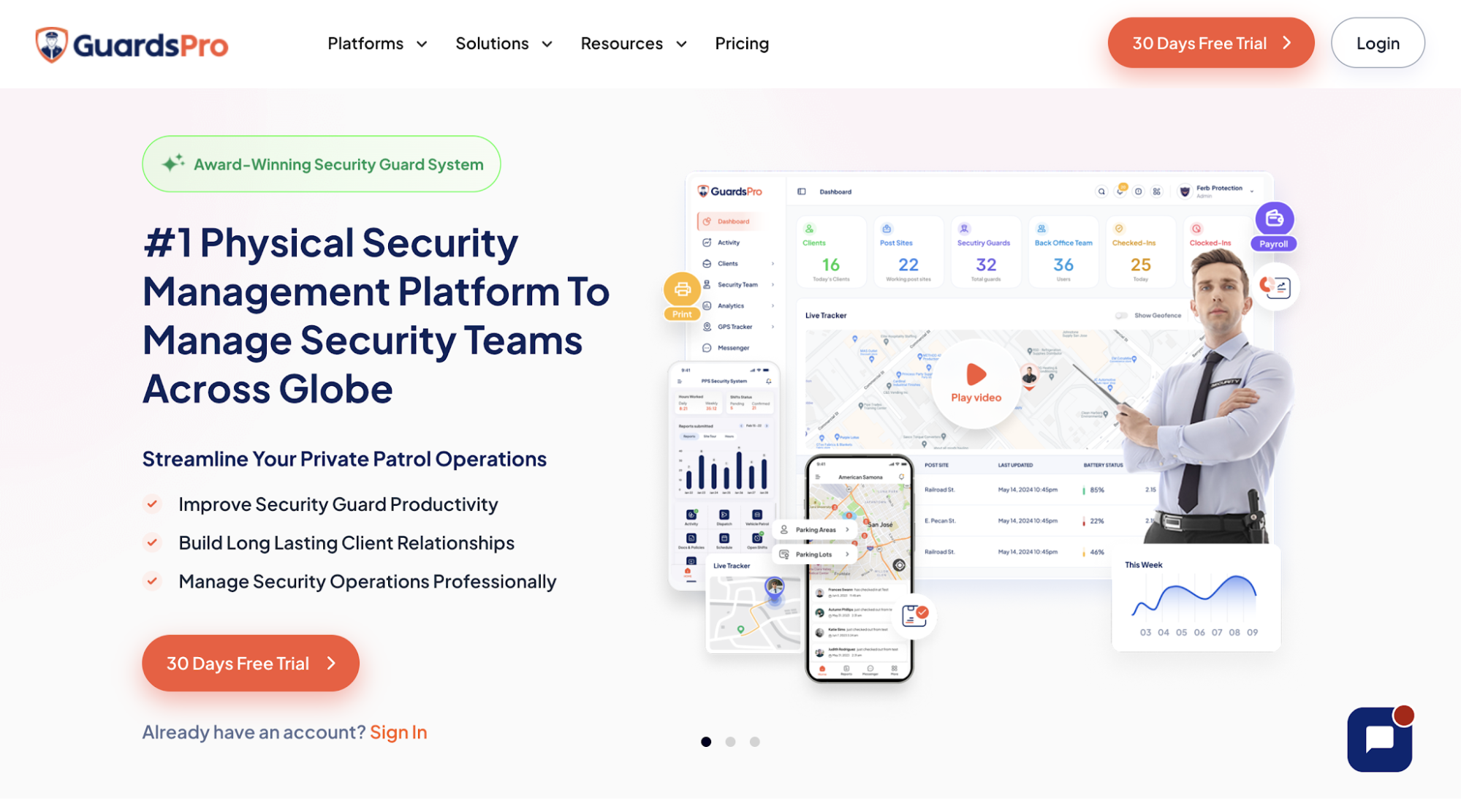 Image source: guardspro.com
GuardsPro offers security guard software with optional modules for workforce scheduling, payroll, dispatch, and invoicing. Contractors can add its Scheduler to a base subscription instead of purchasing every administrative tool.
The platform handles regular assignments and staffing changes, with mobile options for officers to request work or exchange shifts.
Key Features
- Shift templates: Save recurring assignments instead of rebuilding the same schedule each week. Before allocating a post, dispatchers can review an officer’s availability, skill set, and assigned hours to identify suitable personnel.
- Open-shift management: Publish vacant assignments for personnel to request through the mobile app. Office staff reviews each pickup before approving it, so an interested officer isn’t automatically treated as confirmed coverage.
- Shift exchanges and time off: Someone who can’t work an assigned shift can propose an exchange or submit a leave request through the app. Managers approve the change before updating the schedule, preventing an unapproved handover.
- Attendance monitoring: The mobile time clock records when officers arrive and leave their posts. Dispatchers can check shift-status notifications to identify missing clock-ins without calling each location.
Pricing
GuardsPro offers three base subscription plans:
- Essential: $5/user/month, including timekeeping and GPS live tracking.
- Advanced: $8/user/month, adding geofencing and in-app messaging.
- Professional: $10/user/month, with additional tools such as site tours and integrations.
All plans start at three users. With monthly billing, the Scheduler module costs an additional $2/user/month, while Payroll and Dispatcher each add $1/user/month.
For example, Essential with Scheduler starts at $7/user/month before any other paid modules.
6. Guard Owl
 Image source: guardowlco.com
Guard Owl is a security management platform that helps contractors prepare rosters and respond to staffing changes. Its AI assistant, Owly, helps fill vacancies when an assigned officer can’t work.
The platform also lets dispatchers update several shifts together, rather than editing every assignment separately.
Key Features
- Bulk roster editing: Copy an entire week’s assignments instead of rebuilding the calendar. Dispatchers select several shifts and update their times, routes, or assigned officers together.
- Qualification and overtime checks: Guard Owl flags licensing conflicts, missing site certifications, and rest-rule violations while managers build the roster. Overtime warnings also help them identify assignments that could increase labor expenses.
- AI-assisted shift coverage: When someone calls out, Owly offers the vacancy to qualified personnel based on priority and proximity. The first officer to accept receives the assignment, so dispatchers don’t have to contact other guards individually.
- Mobile scheduling: Published assignments appear in the guard app, with reminders and confirmation requests. Supervisors review acknowledgments to find out who’s still waiting to confirm an upcoming shift.
- Incident reporting: Officers dictate or type reports from their phones while on duty. Guard Owl’s AI organizes their accounts into categorized reports with supporting photos and GPS information for further review.
Pricing
Guard Owl doesn’t publish standard subscription rates. Pricing scales with the number of deployed officers, with site count considered during the quotation process.
The platform uses a quote-based model rather than separate charges for individual modules.
7. ShiftGuard
 ShiftGuard is a security-focused platform that helps contractors organize site coverage and record officer attendance. Its published plans charge a fixed monthly amount based on workforce size rather than a fee for every user.
Key Features
- Shift scheduling: Create recurring assignments for sites with regular coverage or add one-time shifts when a client requests additional personnel. Managers drag officers onto the calendar and review which positions remain unfilled.
- Open-shift coverage: When someone calls out, dispatchers review the vacant position and arrange replacement coverage. ShiftGuard also advertises an automatic open-shift assignment feature to reduce manual scheduling work.
- GPS attendance: Officers clock in and out through the mobile app, which records their location and work hours. Break timestamps help managers compare actual attendance with the published schedule.
- Time-off management: Personnel submit leave requests through the platform. Managers review planned absences while preparing upcoming assignments to avoid scheduling someone unavailable.
- Patrol verification: ShiftGuard records guard tours through QR and NFC checkpoint scans. Supervisors review completed checkpoints to verify activity during assigned patrol periods.
Pricing
ShiftGuard offers three flat-rate monthly plans:
- Starter: $49/month for up to five guards.
- Growth: $99/month for up to 20 guards.
- Professional: $199/month for unlimited guards.
All three plans include scheduling, GPS attendance, timesheets, patrol checkpoints, and client portal access.
How to Choose Security Guard Scheduling Software for Multiple Sites
A full schedule looks reassuring until something changes. Before purchasing, consider how each platform handles situations your dispatchers regularly encounter.
Test a Last-Minute Guard Absence
Two hours before an evening shift at a hospital entrance, the assigned officer calls out. Your dispatcher has to find someone qualified without leaving another location short-staffed.
Start by checking whether the system identifies available replacements and flags overlapping assignments or potential overtime. Once someone accepts the offer, the dispatcher should be able to publish the change and confirm they’ve received it.
Arrival matters, too. Check whether real-time tracking lets supervisors verify the replacement’s location and clock-in. Count the phone calls and manual changes required before coverage is confirmed.
Check Client Reporting Requirements
Different security contracts call for different proof of service. One property owner expects hourly checkpoint records, while another requests a daily activity summary.
Try retrieving records from a specific location and shift. An audit trail helps investigate disputed entries by showing who submitted or edited a record.
Some platforms offer automated reports that send documentation at agreed intervals. Check whether the correct recipient receives the required information without your account manager preparing each update manually.
Review Payroll, Billing, and Total Software Costs
An officer works nine hours instead of eight after their relief arrives late. Payroll has to account for the additional time, but the amount charged to the customer depends on the contract.
Review how GPS tracking records the actual clock-out time and prepares the corrected hours for payroll. Then look at how billing handles that difference. You don’t want your team correcting the same entry in separate applications.
The subscription price deserves similar attention. Calculate what you’ll pay for your workforce, including any modules required for scheduling or payroll. Factor in setup and integration expenses, then consider how those charges change as your business expands to additional sites.
Verify Guard Attendance and Patrols With GuardTrac
Your schedule shows that the warehouse had overnight coverage. The next morning, the property manager asks whether someone checked the loading dock at 2 a.m.
A name on the calendar can’t answer that question. Without the patrol record, your team could face a dispute despite having filled the shift.
With GuardTrac, supervisors review GPS-verified attendance and QR/NFC checkpoint scans. Those records help them investigate whether tasks such as checking the loading dock were documented during the patrol.
Officers also report incidents through the mobile app. Instead of searching through WhatsApp messages or paper logs, account managers share field records through the client portal or exported PDF reports.
Your clients expect more than a filled schedule. Give your team a better way to document patrol activity and answer questions about the service delivered.
FAQs About the Best Security Guard Scheduling Software
What is the best security guard scheduling software?
The best software depends on your staffing requirements and how you verify coverage at each location. Choose a scheduling app that records actual attendance, not just assigned shifts. GuardTrac suits security agencies managing multiple client sites that want scheduling and patrol records together.
Can in-house security teams use guard scheduling software?
Yes. In-house teams at hospitals and construction sites can use a cloud-based platform to update assignments and review attendance. With checkpoint tools, supervisors can assess patrol performance by checking which rounds have documented scans.
Does security guard scheduling software replace a dispatcher?
No. Many platforms use scheduling technology to offer or assign open shifts automatically. Dispatchers still oversee coverage, handle exceptions, and intervene when no qualified officer accepts.
Put it into practice
Bring your security operations together.
Manage guards, schedules, patrols and reporting in one place. Try GuardTrac with your own team and sites.
- Guard tracking
- Shift scheduling
- Client reporting
14-day free trial. No credit card required.