6 Best Security Guard Billing Software for 2026
Compare six security guard billing software to find the right fit: 1. GuardTrac 2. Belfry 3. TrackTik 4. Celayix 5. GuardChek 6. GuardMetrics.
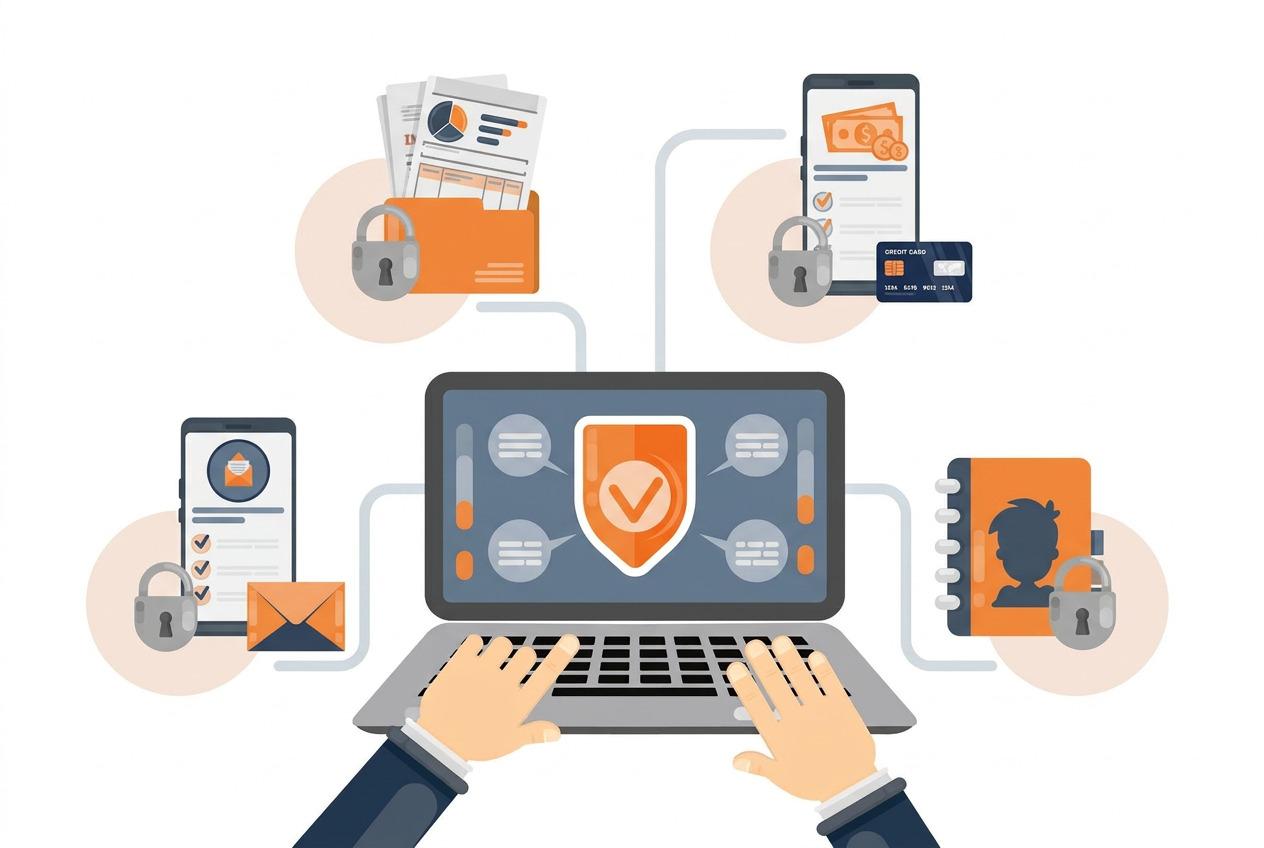
Scheduled hours don’t always match the hours guards actually work. Missed clock-outs, extra coverage, and different site rates can make it harder to confirm what a client owes.
Security guard billing software connects time records, approved timesheets, and contract rates so you can prepare accurate invoices. Attendance and patrol records also help answer questions when a client disputes a charge.
This guide explains how the software works, compares six of the best platforms, and covers what to look for when choosing one for your company.
TL;DR
Here are six of the best security guard billing software platforms in 2026:
- GuardTrac
- Belfry
- GuardChek
- TrackTik
- Celayix
- GuardMetrics
What Is Security Guard Billing Software?
Security guard billing software helps private security companies prepare invoices using hours worked, approved timesheets, service rates, and contract terms. Unlike general invoicing tools, it connects charges to actual work performed at each location.
Security is a vertical market with billing requirements tied to individual posts, patrols, and service agreements.
Specialized platforms link time tracking, GPS clock-ins, and patrol records to client billing. Office staff can use these details to verify billed hours and answer questions about specific charges.
Features vary by provider. Depending on the platform, billing generation, payment tracking, and accounting integrations may be included or require separate tools. These differences are especially relevant when your company serves multiple sites with different rates and invoicing arrangements.
How Does Security Guard Billing Software Work?
Invoice preparation follows four stages, from setting up service agreements to documenting the work performed.
Set Up Contracts, Rates, and Shifts
For companies serving multiple locations, start by entering each site’s coverage requirements, service rates, and billing frequency. Guard scheduling helps assign shifts and match officers to posts based on those requirements.
Where available, certification tracking helps assign the right guard to posts with specific licensing requirements. Expiration alerts flag credentials that need renewal before an upcoming assignment. Review credentials before confirming assignments, ensuring guards meet the site’s requirements.
Include contract terms for overtime charges, holiday premiums, minimum billable hours, and additional services. These details establish what the customer agrees to pay.
Record Actual Hours and Guard Activity
Officers record their attendance through clock-ins and clock-outs. GPS tracking and geofencing help verify whether a clock-in occurs inside the site’s virtual perimeter. Checkpoint verification documents patrol visits.
Incident reporting captures events that occur during an assignment, including details that may explain additional work or changes to normal coverage.
Some contracts also include lone worker safety check-ins as a separately billed service. When that’s the case, document completed checks before adding them to customer charges.
Review Time Records and Billing Adjustments
Supervisors compare attendance records against assigned shifts, investigate missing punches, and review unexpected overtime. They correct discrepancies and approve timesheets before the finance team calculates charges.
The payroll system calculates employee earnings using applicable labor laws and pay rules. Customer charges follow separate contract terms. For example, an officer may earn overtime pay even when the client pays the regular hourly rate.
Additional coverage may also require customer authorization before the company includes it in the charges.
Prepare Invoices and Provide Documentation
The billing team uses approved billable hours, applicable rates, and authorized adjustments to calculate the final amount. Depending on the platform, software either prepares invoice-ready totals or generates client invoices automatically.
Each invoice should include service dates, locations, hours, rates, and applicable charges. Payment tracking helps administrators monitor outstanding balances where available.
When customers question an amount, the office can review the corresponding attendance and patrol history. Platforms with a client portal may also let customers access invoices and related documents themselves.
Top 6 Security Guard Billing Software Platforms Compared
These six leading platforms offer different capabilities for invoicing, attendance verification, and payroll preparation. Here’s what each offers for security firms managing client contracts and multiple sites.
1. GuardTrac
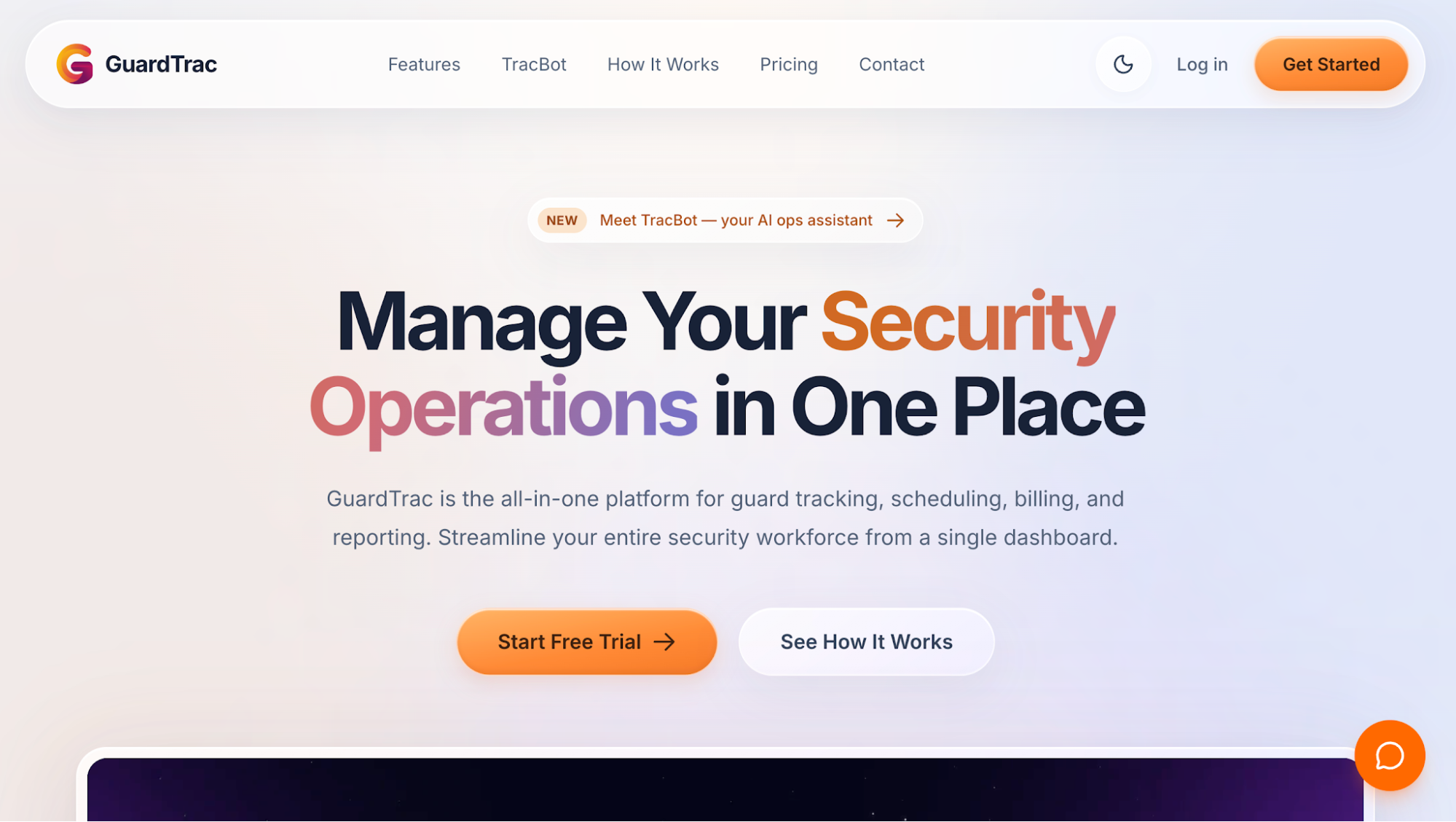 GuardTrac helps contract security firms manage billing alongside the records of work performed at each property. Its security guard management software brings scheduling, timekeeping, and field documentation into one platform, replacing paper logs, group chats, and manual timesheets.
Key Features
- Location-based billing: Set hourly billing rates for each property, manage invoices, and review billing summaries and billing statuses.
- Attendance verification: Monitor GPS clock-ins and clock-outs with geofencing to confirm whether officers attended their assigned posts.
- Patrol documentation: Review QR-code and near-field communication (NFC) checkpoint scans, incident photos, locations, and timestamps.
- Payroll preparation: Generate payroll batches from actual hours, scheduled shifts, or approved timesheets. Review regular hours, overtime, paid time off, holiday premiums, and gross pay before processing.
- Payroll exports: Download standard CSV or ADP Workforce Now files for manual upload. Your payroll provider handles taxes, deductions, and net pay.
- Client portal: Choose which financial details, activity records, and site documents customers can access. Eligible plans also include scheduled branded report emails.
GuardTrac includes payroll preparation and automated report delivery in its Pro and Enterprise plans. Essentials covers timekeeping, billing management, and client portal access.
Check Invoice Charges Against Site Records
GuardTrac is ideal for companies managing several properties with different coverage requirements and billing rates. When a customer questions a weekend charge, your office can review recorded attendance, approved hours, and relevant
patrol submissions. These details help establish what happened on-site before checking the amount against the contract. The office can review the disputed charge without retrieving attendance and service information from separate applications.
2. Belfry
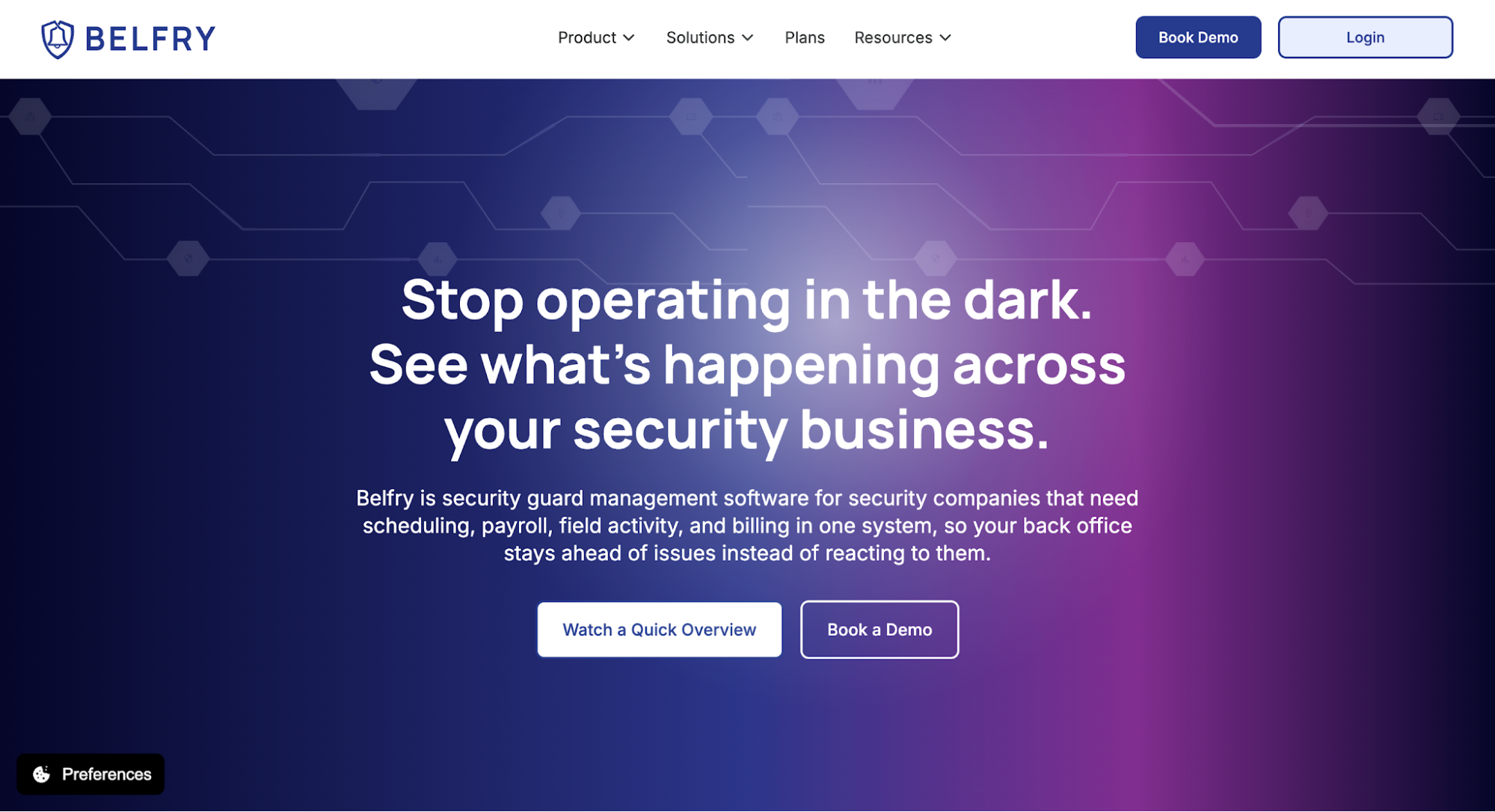 Image source: belfrysoftware.com
Belfry uses approved timesheets for both invoicing and payroll processing. This gives the back office a consistent record of worked hours without requiring administrators to re-enter shift details when preparing customer charges.
Key Features
- Automated invoicing: Generate invoices from approved hours and contract rates, with optional timesheet attachments showing officers, shifts, and charges.
- Contract billing rules: Apply overtime multipliers, holiday rates, billing frequencies, and thresholds based on individual agreements.
- Payment collection: Accept Automated Clearing House (ACH) transfers and credit cards, and monitor overdue balances.
- Integrated payroll: Manage direct deposits, tax calculations, and filings using verified attendance records.
- Financial reporting: Compare billed revenue against labor expenses to assess site performance, including each property’s profitability.
A busy contract doesn’t always mean a profitable one. Belfry’s site-level financial data helps owners identify accounts where staffing expenses consume much of the revenue. Its unpaid-invoice records also show which outstanding balances may affect cash flow.
3. TrackTik
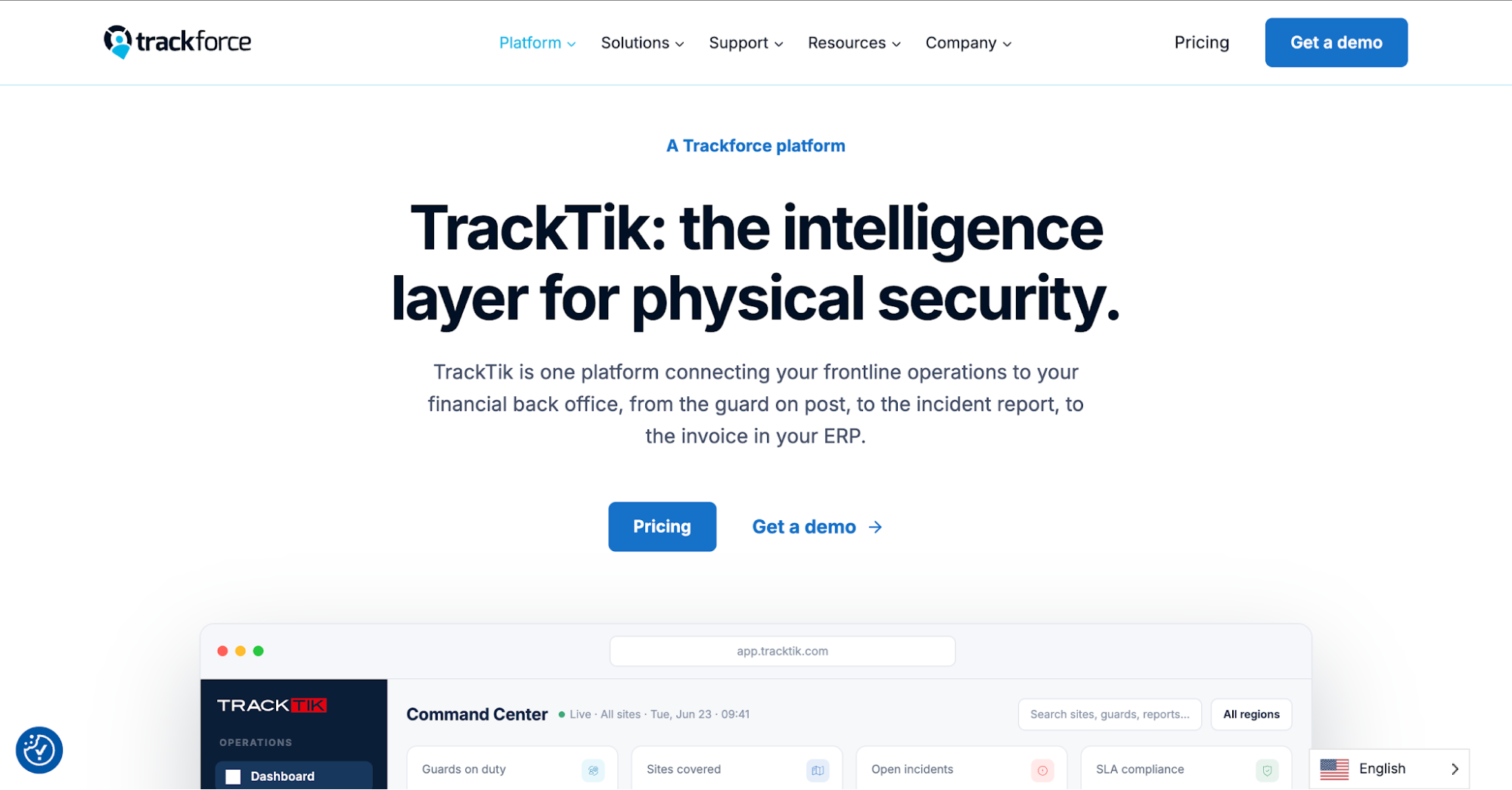 Image source: trackforce.com
TrackTik, part of Trackforce, handles contract-based billing for different security services. These include hourly guarding, security patrols, dispatch assignments, and recurring coverage.
The platform connects contract terms with operational data from scheduled and completed work, allowing administrators to calculate charges according to the services provided.
Key Features
- Contract management: Set customer rates, service requirements, recurring charges, and billing periods.
- Automated invoicing: Generate invoices from scheduling and attendance records, with customizable formats.
- Premium rate management: Apply overtime rules, holiday premiums, and pricing tiers according to contract terms.
- Billing analytics: Examine revenue by account, service, location, or billing period, alongside labor expenses.
- Financial integrations: Transfer billing and timekeeping information to supported accounting and payroll applications.
TrackTik also maintains an audit history connecting invoiced hours to their original assignments. When a customer questions additional coverage charges, administrators can examine the recorded service and corresponding contract terms.
Its forecasting tools estimate upcoming revenue from contract data, helping owners review expected income by account.
4. Celayix
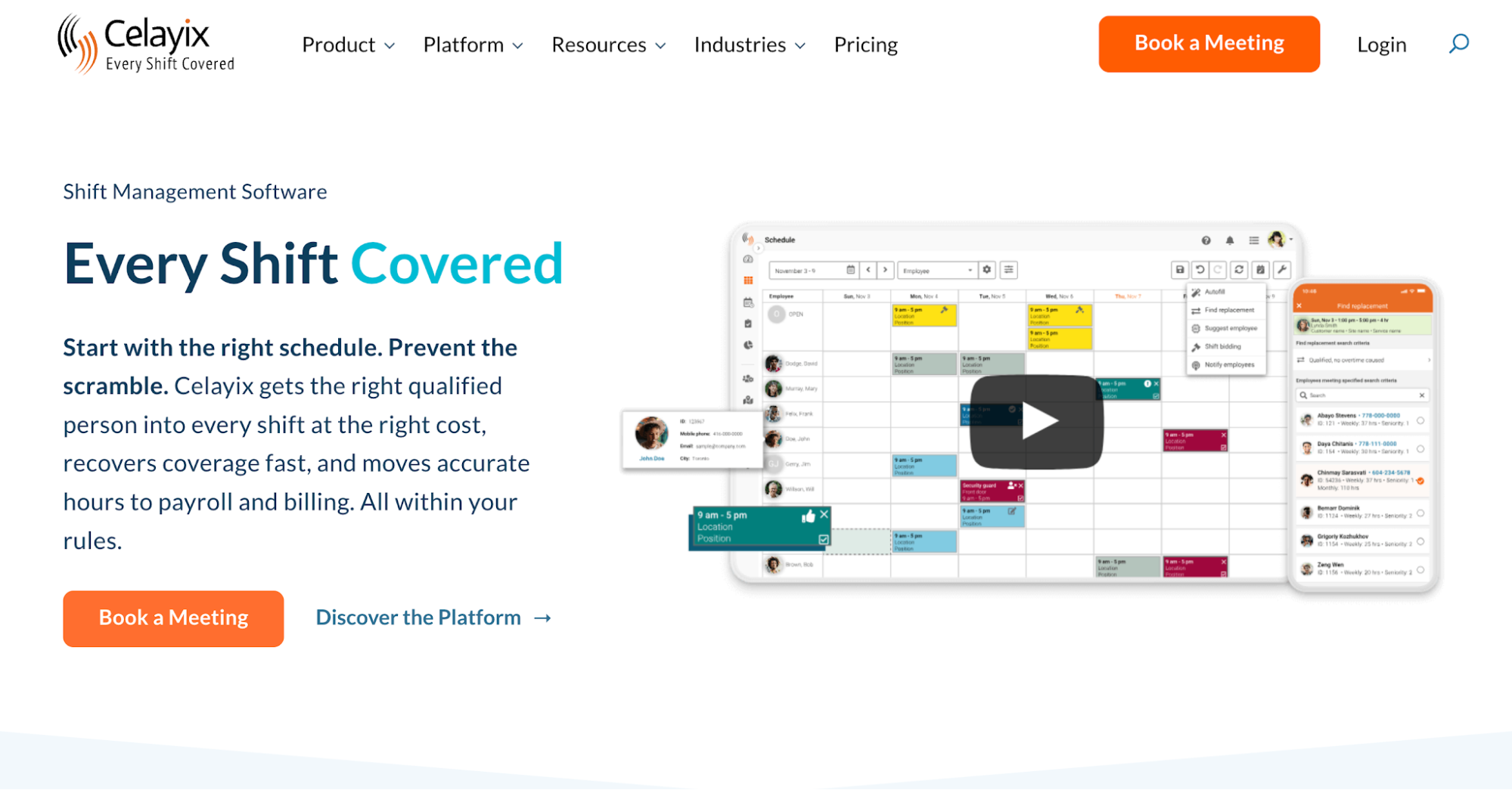 Image source: celayix.com
Celayix connects shift scheduling and attendance management with payroll and billing preparation. It uses recorded work hours and customer rates to calculate amounts finance teams can use to prepare invoices.
Key Features
- Workforce assignments: Fill open shifts according to employee availability, qualifications, and site requirements.
- Verified attendance: Capture GPS and geofenced clock-ins through a mobile app, then compare actual hours against assigned shifts.
- Billing calculations: Apply customer rates to tracked hours and timesheets to produce invoice-ready amounts.
- Payroll preparation: Calculate regular hours, overtime, and shift premiums, with integrations for transferring pay information.
- Labor cost analysis: Compare staffing expenses against client rates to examine margins by shift or project.
When staffing arrangements change, administrators can review the resulting labor expenses against the rates charged for that coverage.
For the final invoice, the platform prepares calculated totals. Companies should confirm how these figures transfer into their accounting software, particularly when they need invoice delivery and payment collection.
5. GuardChek
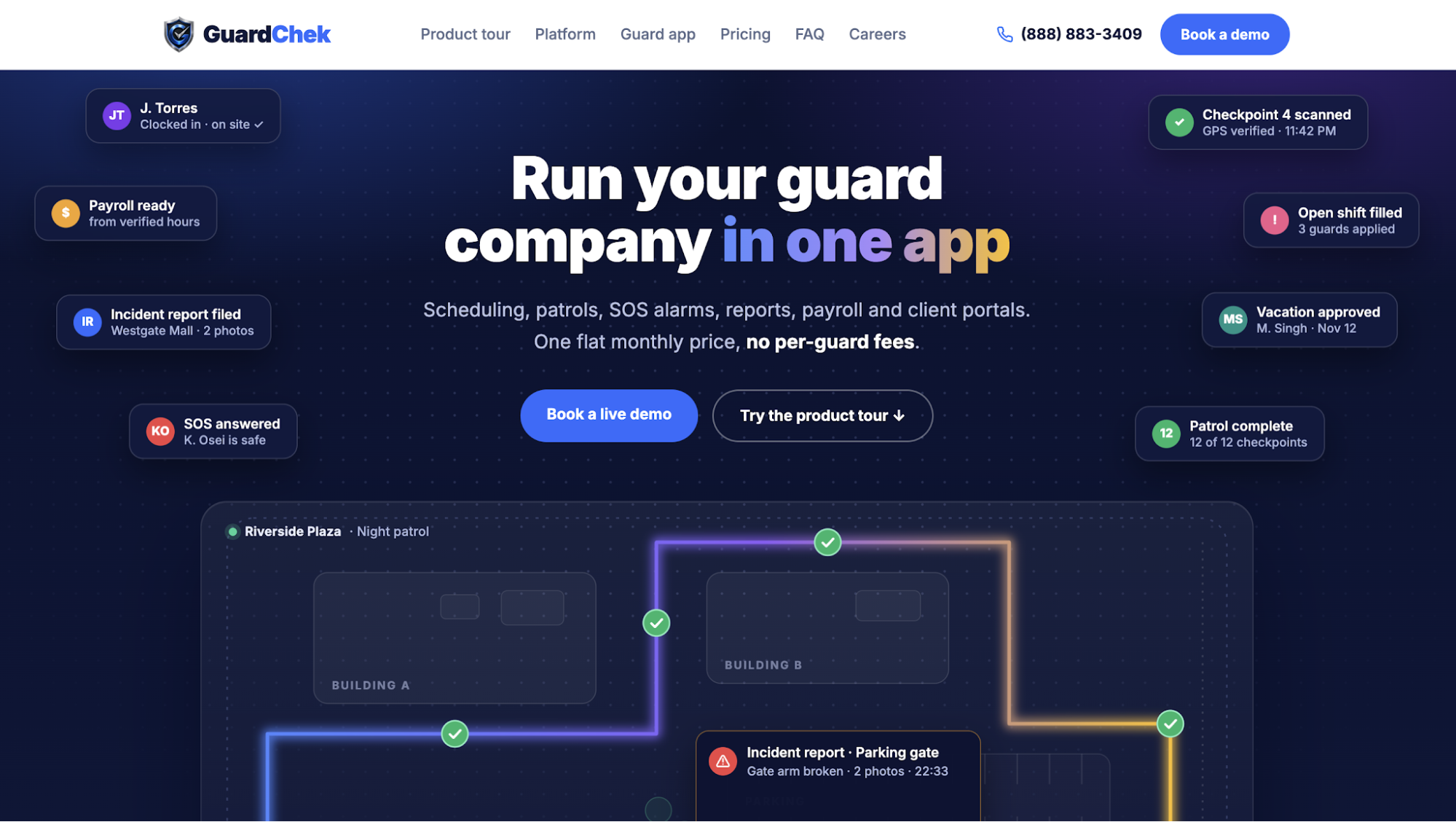 Image source: guardchek.com
GuardChek connects GPS-verified attendance with customer billing and payroll preparation for security guard companies. Each clock-in records a timestamp and confirms whether the officer was within the assigned client site.
Supervisors review missing punches before approving hours for payroll and invoicing. This helps prevent incorrect time entries from affecting customer charges.
Key Features
- Shift-based invoicing: Generate itemized invoices for completed shifts using approved hours and site-specific rates.
- Billing rules: Configure regular, overtime, and holiday rates, along with recurring charges and different billing periods.
- Document delivery: Send branded invoices with purchase order numbers by email or through the client portal.
- Payment tracking: Accept online card payments, review unpaid balances, and send automated reminders for overdue payments.
- Accounting connections: GuardChek describes synchronizing invoice details with QuickBooks and Xero.
GuardChek lets administrators combine charges from several properties into one bill or issue separate documents for each location.
Each line shows the shift details, hours, rate, and amount. When a customer questions a charge, the office can trace it to the corresponding work record.
GuardChek offers invoicing on its Growth, Professional, and Enterprise paid plans.
6. GuardMetrics
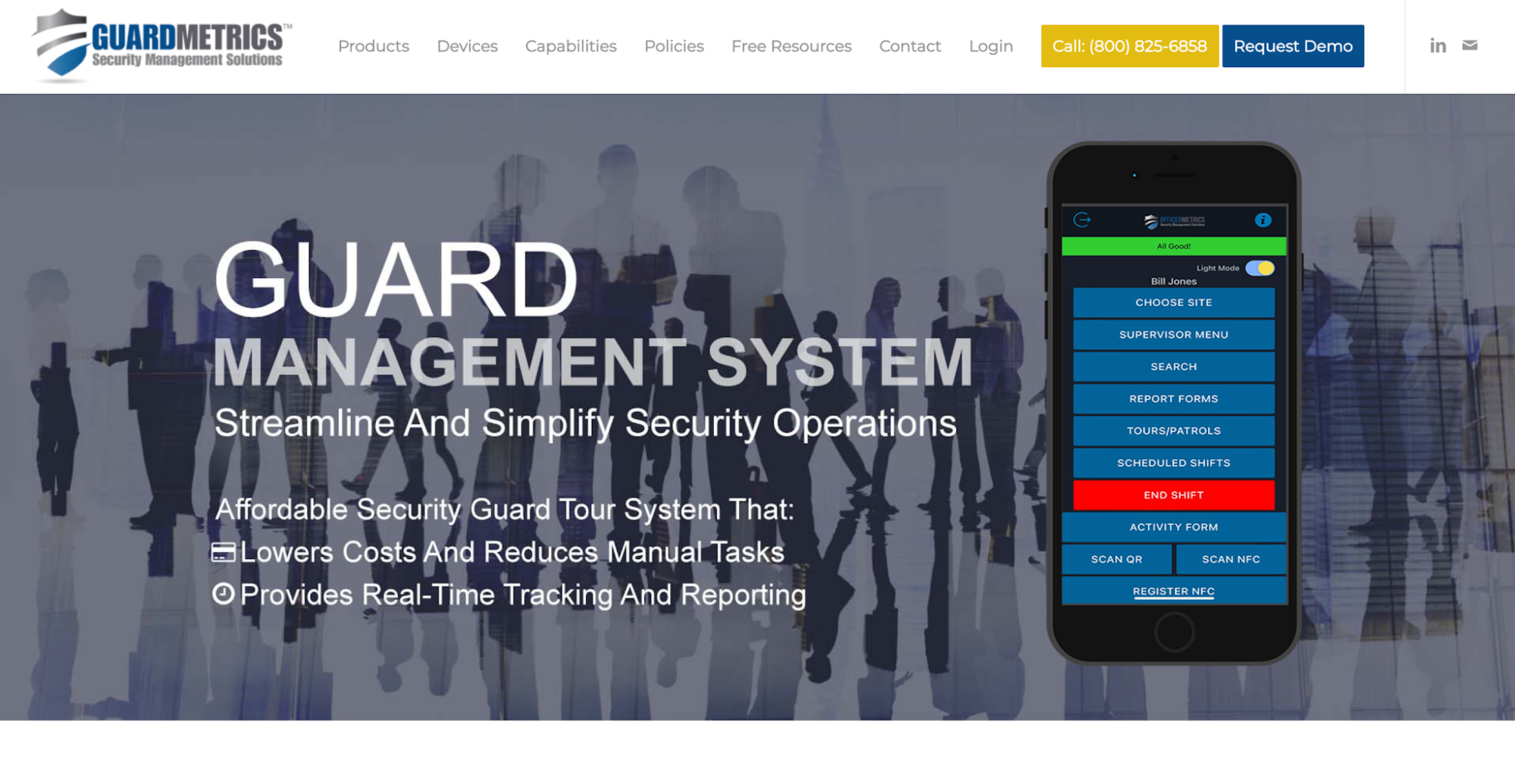 Image source: guardmetrics.com
GuardMetrics focuses on patrol verification and field documentation. Officers record checkpoint visits and incidents through mobile devices instead of relying on paper forms.
Its guard tour history shows when personnel visited assigned checkpoints. Supervisors use those records to review patrol activity associated with a property’s service agreement.
Key Features
- Patrol verification: Capture checkpoint scans with timestamps and GPS location details.
- Timekeeping: Maintain worked-hour records for payroll review and billing comparisons.
- Field documentation: Submit incident details, photos, and custom reports through mobile tools.
- Billing calculations: Convert digital time records into figures for payroll and customer charges.
- Data exports: Download available attendance and activity records, including CSV files, for administrative review.
When a customer questions an overnight patrol charge, the office can examine the checkpoint history and related activity notes. For client reporting and performance management, supervisors can compare those records with the contracted patrol frequency.
GuardMetrics also references a separate provider for scheduling, payroll, and billing services. Its available information doesn’t fully distinguish native invoicing functions from partner services.
Companies should confirm how invoice creation, accounting exports, and payment collection work before relying on those features.
Key Considerations When Choosing Security Guard Billing Software
An invoice might look correct in a sales demo. But that doesn’t tell you how much work goes into preparing it.
When comparing invoicing solutions, use a contract your company already manages. This lets you see how each platform handles the terms and exceptions your office encounters.
Test the Software With a Realistic Billing Scenario
Choose one customer contract covering two properties with different hourly rates. Include a missing clock-out, overtime that may not qualify for additional billing, and a disputed charge.
Ask each vendor to demonstrate how staff track time and correct the missing entry before approving the hours. Have them check which overtime charges the contract allows and retrieve evidence behind the disputed amount.
Finally, ask the provider to show how the approved figures become a customer invoice, including any required accounting handoff. Watch which calculations happen automatically and whether staff need to transfer information between disconnected systems.
This helps you compare the manual work each platform requires during a billing period.
Evaluate How Billing Software Fits Your Security Operations
After the demonstration, look at what purchasing and using the platform would involve.
- Contract requirements: Check whether the software accommodates your other service agreements, including unusual rates or minimum billable hours. Confirm which security-specific features cover these terms without manual calculations.
- Access to records: Ask a supervisor to trace entries from the original clock-in through any corrections and approvals. Check whether they have instant visibility into changes and the evidence behind a disputed invoice line.
- Financial workflow: Find out where the software’s billing responsibilities end. Does your office handle invoicing, payment collection, or accounting transfers through separate apps?
- Total expenses: Request a written quote covering subscription fees, invoice modules, implementation, training, and required integrations. Check whether the price changes as you add users or locations.
- Daily usability: Have staff responsible for back-office operations test common tasks to assess overall operational efficiency and check available support.
Before signing a contract, identify the administrative tasks your company will still perform manually. Include those hours and any additional subscriptions when comparing the total cost.
Choose security guard billing software based on how it handles your contracts, what your staff experienced during testing, and the full expense of using it. A feature checklist alone won’t answer those questions.
Back Up Client Invoices With GuardTrac’s Site Records
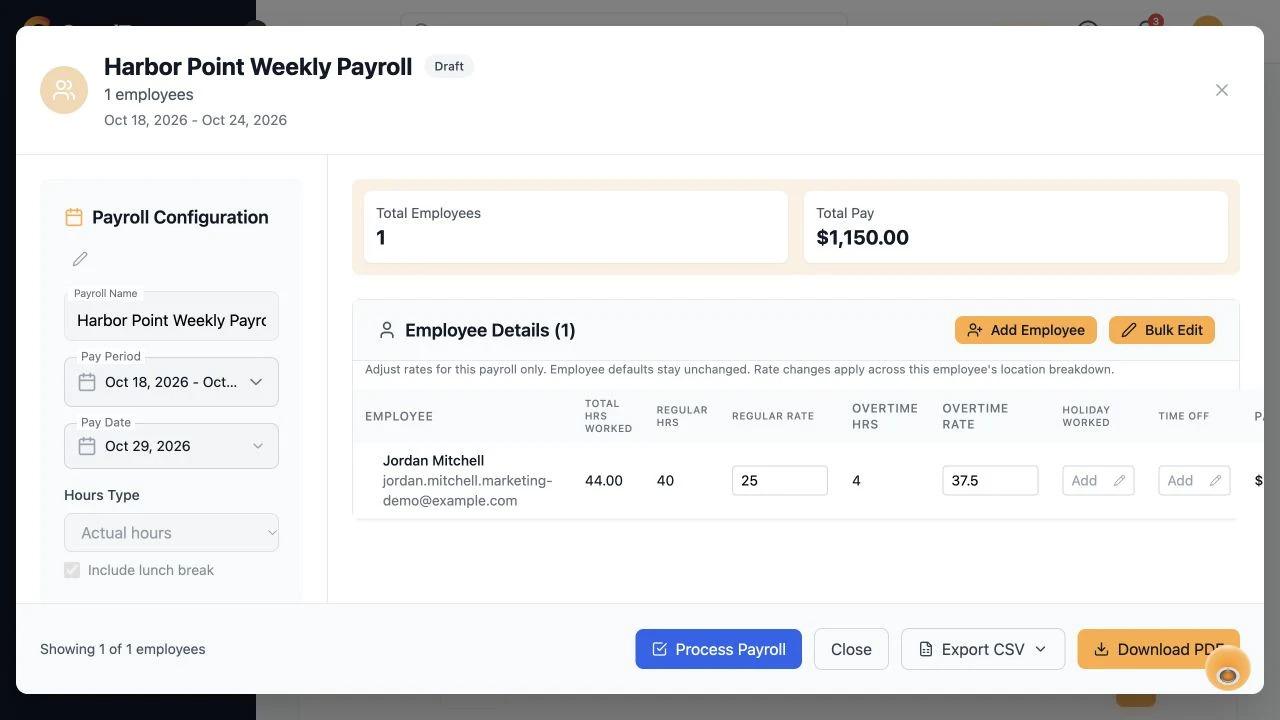 Customers may agree with an hourly rate but still question whether the company delivered the services charged. The office should be able to explain both.
For security teams managing multiple properties, GuardTrac brings attendance records, location billing rates, and service documentation into one integrated platform.
Its security guard app records checkpoint visits and incidents, while GPS attendance and approved timesheets document hours worked. Detailed reports help supervisors investigate specific charges and save time retrieving proof of service.
FAQs About Security Guard Billing Software
Can security firms bill for patrols instead of hourly shifts?
Yes. Security firms can charge per completed patrol when the customer contract specifies a per-visit rate. Checkpoint records help verify whether site tours meet the requirements outlined in the property’s post orders.
Can one security invoice cover multiple client sites?
Yes, if the customer agrees to consolidated billing. Some security guard software manages multiple locations in one system and generates a combined invoice with separate charges for each property.
How often should security companies invoice clients?
In the security industry, common billing cycles include weekly, biweekly, semimonthly, and monthly arrangements. How often you schedule guards doesn’t determine invoice frequency; follow the terms in each customer contract.
What should you do when a client disputes an invoice?
Compare the disputed charge with contract rates, approved hours, and available GPS records from real-time tracking. For additional coverage, review dispatch calls and notes from customer phone calls to verify authorization. Explain your findings and correct any unsupported charges.
Put it into practice
Bring your security operations together.
Manage guards, schedules, patrols and reporting in one place. Try GuardTrac with your own team and sites.
- Guard tracking
- Shift scheduling
- Client reporting
14-day free trial. No credit card required.