Top 7 Security Guard Dispatch Software Platforms for 2026
Compare the top 7 security guard dispatch software: 1. GuardTrac 2. GuardMetrics 3. OctopusPro 4. Belfry 5. Guard Owl 6. Silvertrac 7. THERMS.
A call marked “assigned” doesn’t tell the whole story. Dispatchers still need to know whether an officer responded, what happened on-site, and what to share with the client.
Security guard dispatch software helps teams assign guards and coordinate incident response at multiple sites. Some platforms focus on field calls and patrol tasks, while others also cover scheduling, payroll, and client reporting.
This guide compares seven platforms for private security companies and their physical security teams. You’ll learn how each handles dispatch, what other tools it offers, and which might fit your operation.
TL;DR
Here are seven of the best software options for coordinating guard assignments, incident response, and field communication.
- GuardTrac
- GuardMetrics
- OctopusPro
- Belfry
- Guard Owl
- Silvertrac
- THERMS
What Is Security Guard Dispatch Software?
Security guard dispatch software helps security guard companies log requests and direct security guards to respond. A call queue typically shows who’s responsible and which requests still need attention.
The work falls into three common categories:
- Incident response: Send available officers to investigate alarms, complaints, emergencies, or suspicious activity.
- Routine assignments: Coordinate property checks, security patrols, and follow-up tasks at a client site.
- Staffing requests: Arrange urgent coverage, fill open shifts, or coordinate scheduled services.
Certain platforms also show officer locations, helping dispatch teams find nearby personnel. Field updates indicate whether someone acknowledged a request, while incident reports record the outcome.
The best security guard dispatch software depends on your company’s work. Alarm-response businesses may prioritize active-call statuses; providers arranging service visits may need availability and booking tools.
7 Best Security Guard Dispatch Software Platforms in 2026
These seven options cover different security operations, from incident coordination and mobile patrol assignments to workforce management and billing.
1. GuardTrac
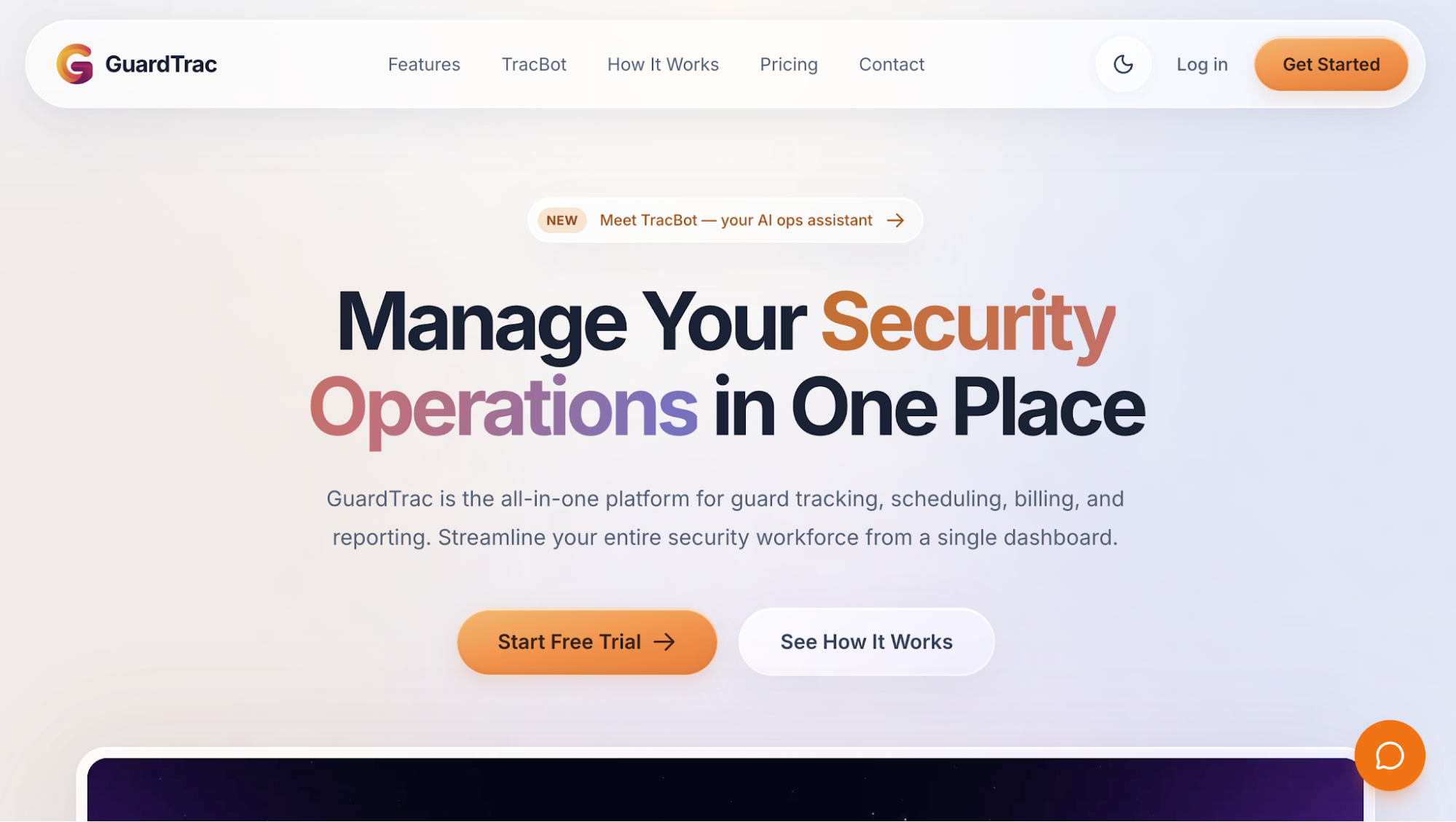 GuardTrac is an all-in-one security guard management software platform that connects field coordination with scheduling, patrol verification, and billing. Its dashboard brings on-duty personnel, missed work, and recent incidents into view for multiple client sites.
Key Features
- Live Dispatch Map: Monitor guard locations through GPS updates approximately every 30 seconds. Status indicators show who’s clocked in, on break, moving, stationary, or reporting delayed location data. Select a map marker for officer details.
- Dispatch communication: Assign tasks to field officers through in-app messaging. Office staff can post site instructions as post orders, which personnel read and acknowledge on their phones.
- SOS response: Review emergency alerts with location history. Dispatchers acknowledge requests for help, add response notes, and record the outcome.
- Missed task follow-up: Identify overdue checkpoints, patrol tours, or assigned duties. Office personnel claim each outstanding item, record findings, and create follow-up tasks without deleting the original missed entry.
- Patrol and incident records: Verify guard tour activity through QR codes, near-field communication (NFC) tags, or GPS checkpoints. Officers document incidents with photos, timestamps, and location details through the mobile app.
- Scheduling and attendance: Arrange recurring shifts, broadcast open shifts, and approve staffing requests. Geofenced clock-ins help verify attendance at the correct property.
- Client reporting: Choose which portal pages each customer can access, including incidents and checkpoint activity. Send branded PDF summaries daily, weekly, biweekly, or monthly.
- Payroll and billing: Review approved timesheets and overtime flags before payroll preparation. Export CSV or ADP Workforce Now import files and manage location-based invoices.
GuardTrac Pro adds the Dispatch Operations console, GPS checkpoints, automated report emails, and payroll preparation features. Its TracBot AI answers questions about company records.
From Dispatch Assignments to Client Answers
At security firms with small office teams, scheduling guards and answering incident questions often fall to the same people. A property manager might question whether an officer completed a required parking-lot patrol. The office can examine checkpoint activity and follow-up notes before responding.
That record gives account managers evidence to discuss when a customer disputes the service, rather than relying on handwritten logs or message histories.
2. GuardMetrics
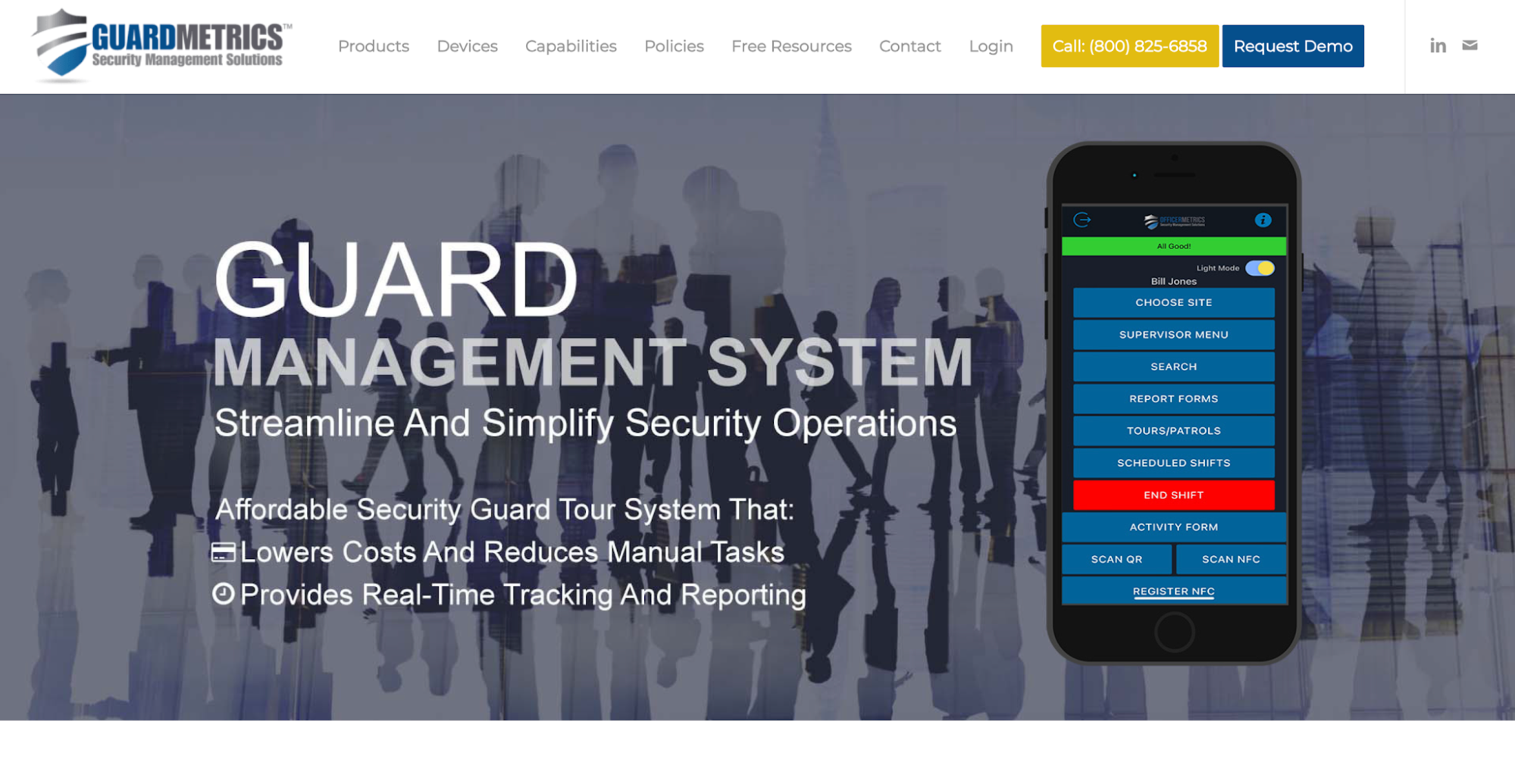 Image source: guardmetrics.com
GuardMetrics combines security dispatch call management with mobile tour tracking. Its desktop workspace records incoming service requests and routes responses back to the same queue.
Operators can keep calls open while officers investigate, then close them when the necessary follow-up is complete.
Key Features
- Call management: Log alarms, complaints, and service requests. Mark dispatch calls In Progress or Closed.
- Officer communication: Send instructions through mobile devices. Replies and operational updates return to the call queue alongside the operator’s notes.
- Supervisor access: Authorized site supervisors use the Dispatch Log to inspect outstanding requests.
- Incident documentation: Prepare reports on an officer’s behalf, subject to permissions for searching and editing records.
- Patrol verification: Record checkpoints through QR codes, NFC tags, or radio-frequency identification (RFID) tags.
Consider a resident complaint that requires an officer to investigate a parking area. Dispatchers can review the field response within the original call before deciding whether further action is necessary.
For properties with weak reception, the app stores patrol activity offline and uploads it after reconnection. GuardMetrics also offers visitor management for companies responsible for access at the premises.
3. OctopusPro
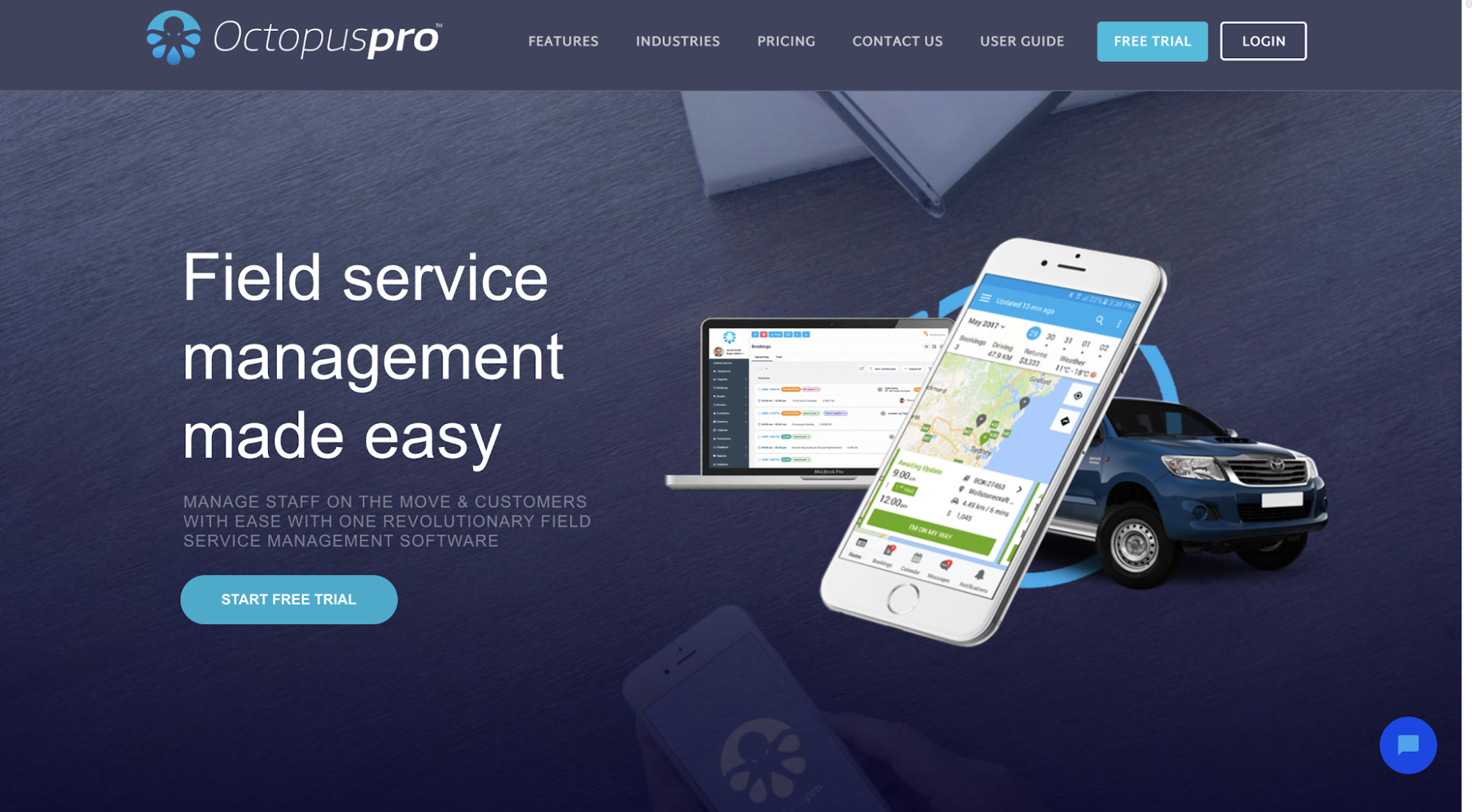 Image source: octopuspro.com
OctopusPro is a field-service management platform that also handles security bookings and mobile assignments.
Administrators use its dispatch board to coordinate customer requests, available personnel, and recurring site visits.
Its booking workflow covers both administrator-led assignments and automated job offers.
Key Features
- Scheduling board: Review upcoming bookings and unassigned work through daily, weekly, or monthly calendars. Drag-and-drop controls help administrators assign shifts and rearrange jobs.
- Assignment methods: Select personnel manually or send offers to eligible workers. With automated dispatch enabled, the first eligible person to accept receives the booking.
- Mobile notifications: Officers receive requests through app alerts, email, or text messages. They can accept, decline, or suggest alternative times when permitted.
- Availability management: Match assignments with working hours and service areas before offering jobs. The client’s location helps determine which workers fall within the relevant service area.
- Booking administration: Track service progress alongside customer information, property details, quotes, invoices, and payments.
OctopusPro’s first-to-accept workflow is particularly relevant when several mobile officers qualify for the same service request. Administrators can send the offer without making individual phone calls, while workers use mobile access to respond.
4. Belfry
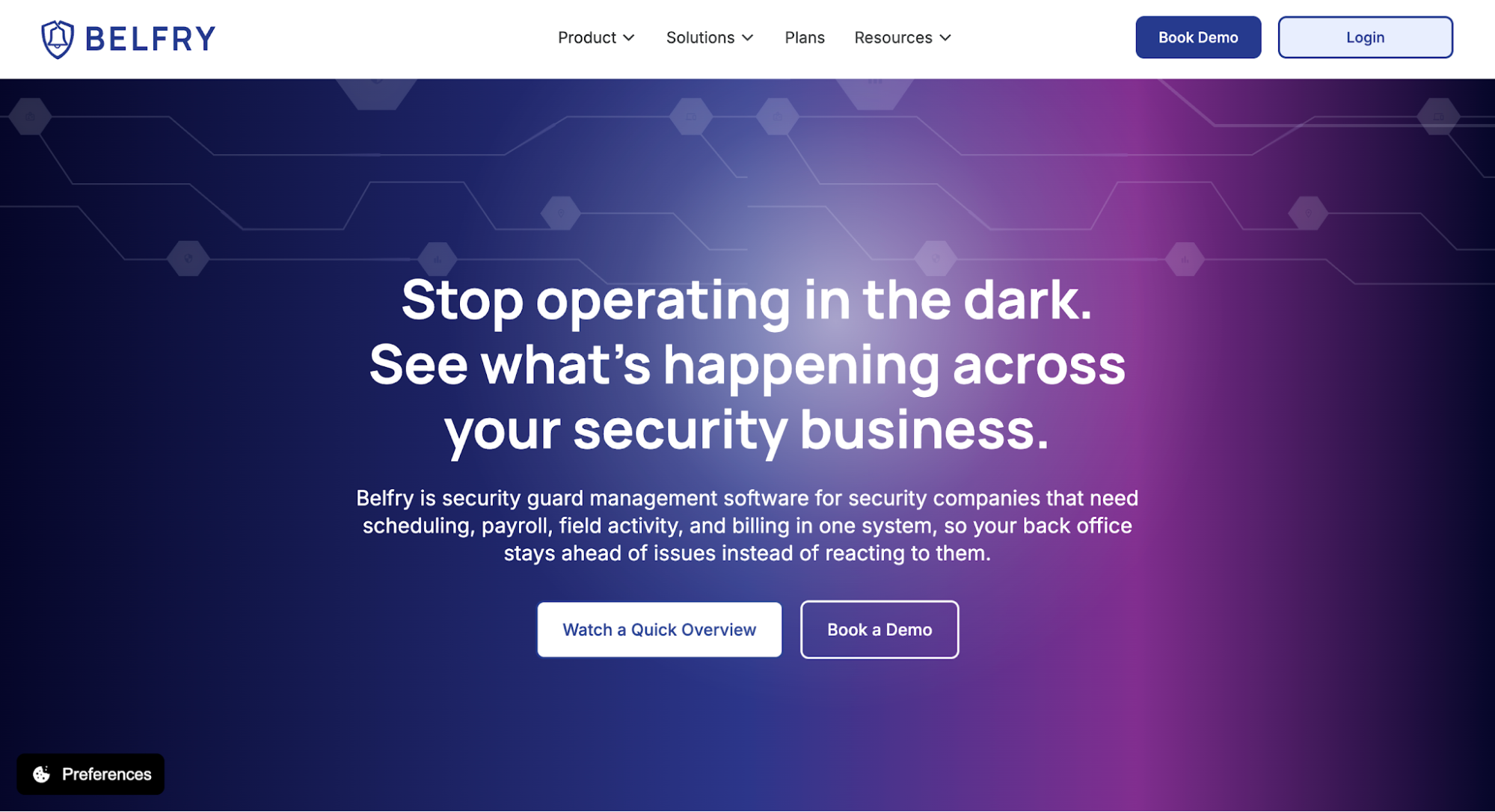 Image source: belfrysoftware.com
Belfry combines security guard management with live dispatch and workforce administration for contract security providers.
Its live GPS dashboard helps operators find nearby personnel when an alarm or service request requires another officer.
Key Features
- Officer dispatch: Use GPS tracking to check locations, select a nearby responder, and monitor the assignment. Dispatchers can also review response times and outcomes after the call.
- Alerts and messaging: Receive automated alerts about operational anomalies. Two-way mobile chat connects field personnel with the office.
- Patrol verification: Create recurring or occasional routes with NFC tags and geofenced checkpoints. Officers submit incidents with supporting evidence.
- Workforce scheduling: Match personnel to shifts according to certifications, training, and site requirements. GPS-verified timecards flag attendance discrepancies.
- Client portal: Share shift activity, incidents, and completed documents with property managers for client communication.
Belfry also processes payroll, including direct deposits and tax filing. Billing tools handle invoices and electronic payments, with contract-level profitability reports for reviewing site performance.
For companies managing several contracts, the financial tools provide a way to examine labor costs and billing alongside their workforce records.
5. Guard Owl
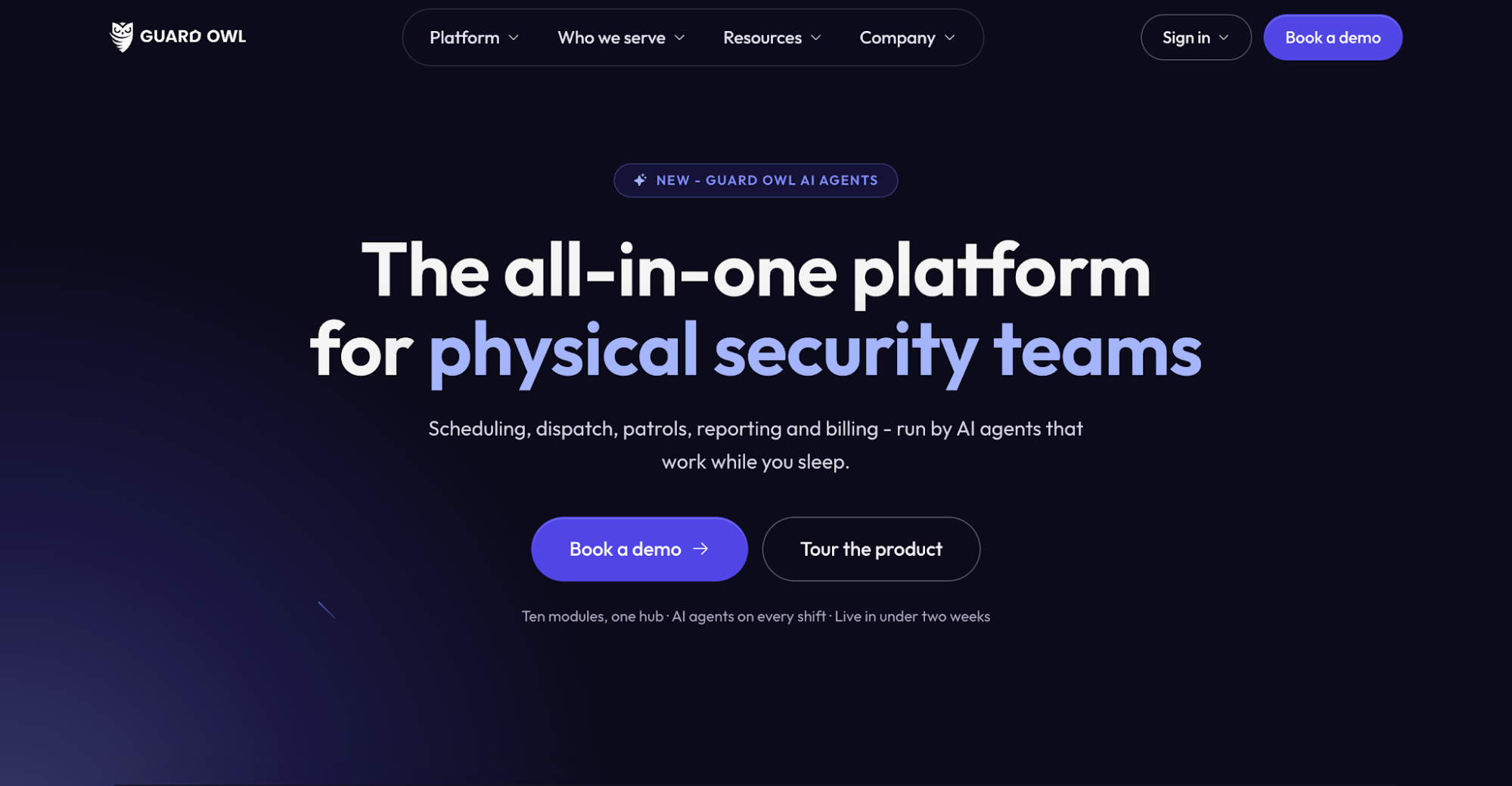 Image source: guardowlco.com
Guard Owl is an AI-assisted security guard management system with a live ticket board for coordinating incidents across different properties. It connects security dispatch with staffing records, giving operators information about active calls and uncovered posts.
Key Features
- Dispatch board: Manage open tickets and change their status by dragging cards between columns. The platform logs dispatch decisions and status changes.
- Live operations map: View on-duty officers, mobile units, and patrol routes. Assign personnel to alarms or property checks from the same workspace.
- Coverage alerts: Identify missed clock-ins and vacant posts. Ranked shift offers consider qualifications, distance, and rest requirements.
- Field communication: Send messages from the dispatch board. Conversations become part of the associated shift records.
- Incident documentation: Submit reports with photos or voice input. Guard Owl describes AI features for grammar correction, translation, and report formatting.
Guard Owl also includes timesheets, billing, and a client portal. These functions connect field assignments with administrative records for companies managing contract security services.
6. Silvertrac
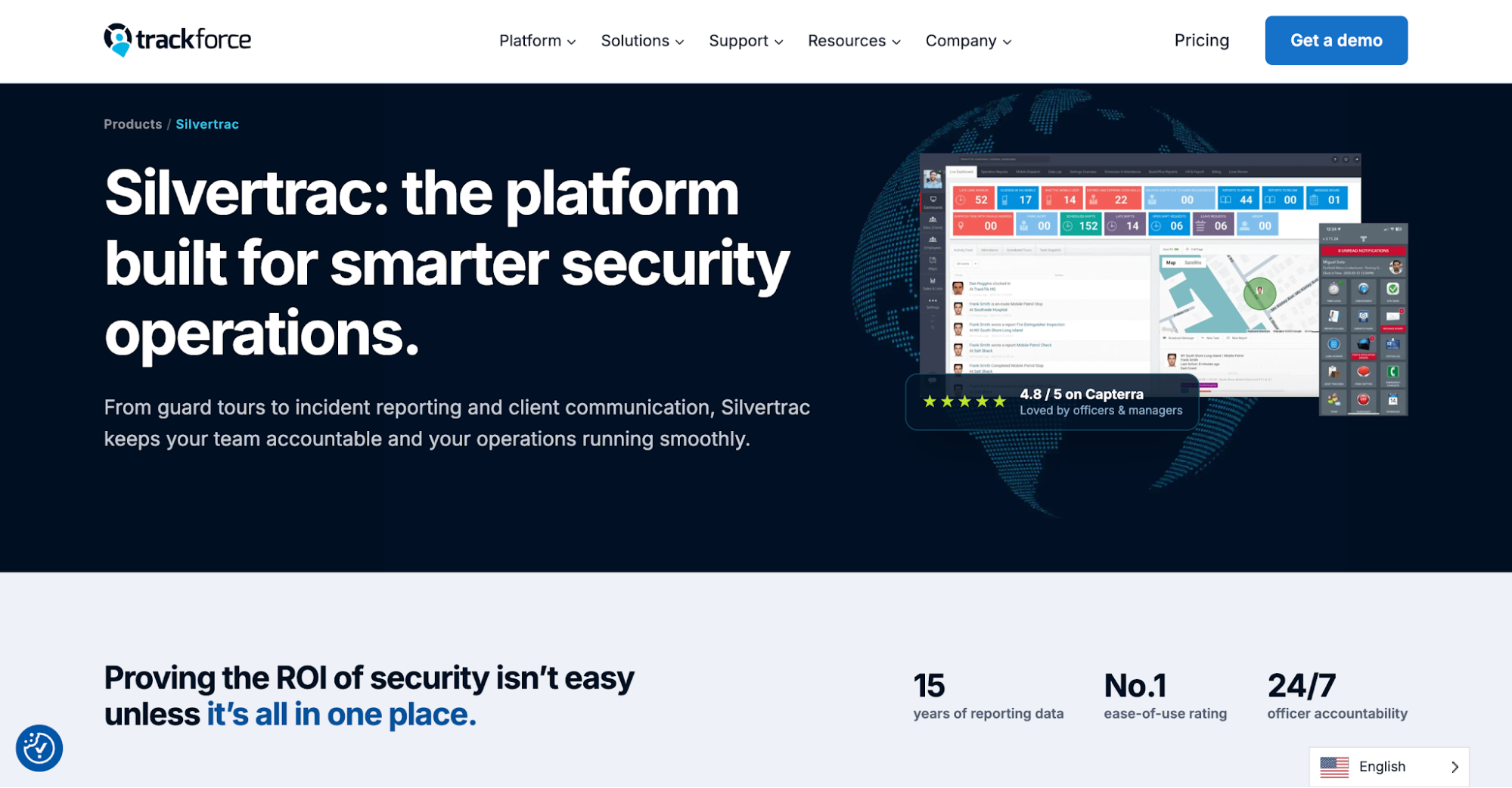 Image source: trackforce.com
Silvertrac, a Trackforce product, handles mobile patrol dispatch through location-based assignments and field communication. Supervisors can send officers to specific properties or assign additional duties during their rounds.
Key Features
- Task assignments: Send instructions to personnel or locations. Mobile notifications alert recipients about new work.
- Field messaging: Exchange updates through a two-way message board. Shift handovers include site-specific instructions and emergency contacts.
- GPS monitoring: Review patrol routes and officer movements. Geofencing alerts flag activity outside the assigned virtual perimeter.
- Checkpoint verification: Configure site tours with required stops and instructions. Officers scan QR codes, barcodes, or NFC tags, with NFC available on Android.
- Incident documentation: Capture timestamped notes, photos, and audio recordings. The platform also generates Daily Activity Reports from field submissions.
Silvertrac’s client portal shares summaries of patrol visits and incidents. These records help account managers answer questions about completed rounds or additional duties at a property.
7. THERMS
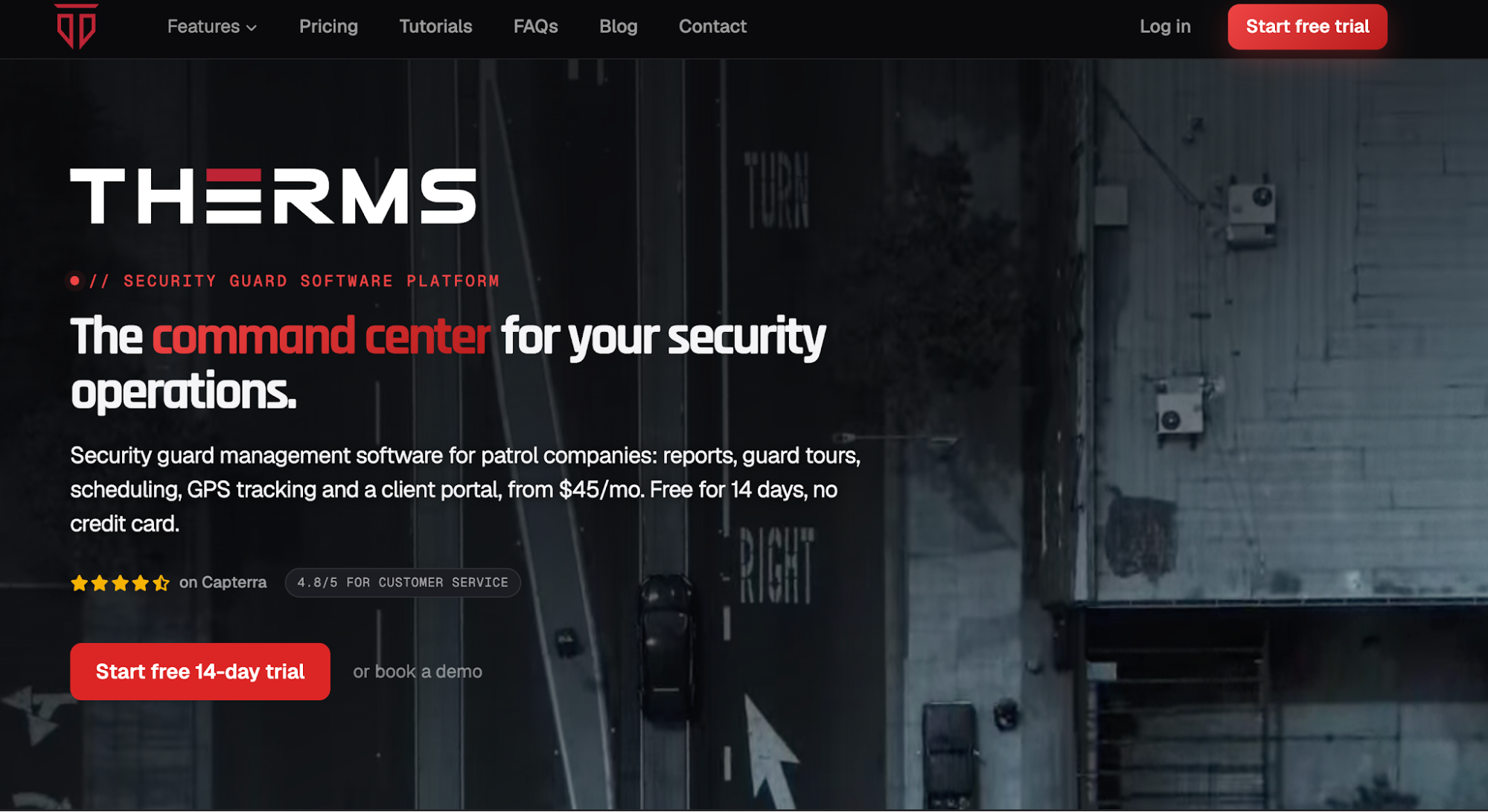 Image source: therms.io
THERMS gives dispatchers real-time visibility of incidents and on-duty personnel through a central console. Its tracking history features also let supervisors examine activity from previous shifts.
Key Features
- Event management: Create a call with location, category, and details. Assign a nearby officer and follow its status in the queue.
- Live map: Inspect each officer’s GPS location, movement indicators, and geofence boundaries. Priority-colored markers show reported events.
- Event search: Use the command palette for quick access to calls, locations, and users.
- GPS playback: Review recorded movements on an adjustable timeline. Geo-gap detection marks periods without location updates.
- Operations review: Use event charts to identify patterns among properties, then export PDF summaries.
THERMS also offers scheduling, guard tours, and a client portal.
When a customer questions a patrol route, supervisors can select the relevant shift and replay the recorded movements. A flagged tracking gap also tells them when the system lacks location data.
That distinction matters during an investigation. GPS records show reported positions, but they don’t prove whether an officer completed every assigned duty.
How to Evaluate Dispatch Software When a Response Goes Wrong
An access alarm comes in from a warehouse. The nearest officer hasn’t acknowledged the assignment, and another is handling a separate call. Meanwhile, the property manager wants to know whether anyone has responded.
This situation provides a practical way to evaluate security guard dispatch software when the initial response doesn’t go as planned.
Check Officer Availability
Start with the on-duty roster to identify available security personnel. The system should show existing assignments and the time of their latest GPS updates.
Check whether the map distinguishes recent positions from older location data. A marker showing an officer nearby doesn’t necessarily mean they’re still there.
A nearby responder may already be occupied or lack the required qualifications. Check whether assignment rules restrict guards from accepting posts they aren’t authorized to cover.
The operator should be able to compare availability and site requirements before selecting a replacement.
Handle Unanswered Assignments
Leave the first notification unanswered. Check whether the system records when it sent the request and flags the missing acknowledgment.
Next, use its communication tools to contact another available person. The operator should be able to reassign the call without losing the original details or notification history.
After reassignment, inspect the call record. It should show the first unanswered notification and when the replacement took responsibility.
Try leaving the replacement request unanswered, too. Does an escalation rule alert a supervisor, or does the operator need to intervene manually?
Document the Incident Response
During the test, ensure guards acknowledge assignments before traveling to the warehouse. Test real-time incident reporting with arrival details and findings from the assigned site. Have the responder attach photos and notes explaining the situation.
Ask the officer to describe what they checked and whether the alarm requires further investigation. This gives supervisors information they can compare with the submitted evidence.
Check whether timestamps and messages remain attached to the original event. Missing GPS updates shouldn’t count as confirmed arrival, and an incomplete account shouldn’t appear resolved.
Confirm Resolution and Update the Client
Ask a supervisor to compare the assignment history with evidence from the responding security officers.
The responder may have found a damaged lock that needs repair. Record that outstanding issue instead of treating the warehouse as secure.
Check whether the supervisor can distinguish the completed investigation from the repair that remains outstanding. The call history should explain why those actions have different statuses.
The property manager needs to know who attended, what they found, and whether further action remains. An accurate account helps maintain client trust when the customer asks whether the entrance is secure.
Use actual dispatch roles and site procedures during the trial. Have a newcomer attempt reassignment to assess whether the interface is user-friendly.
Watch where the process stalls or requires additional help. Note any manual processes, such as searching chat histories or calling officers for missing details.
Connect Security Guard Dispatch to Client Answers With GuardTrac
An incident may be resolved before an account manager hears a question about the invoice. Without accessible field records, explaining the billed hours becomes difficult.
GuardTrac links dispatch activity with the information security teams need after a shift. Its GPS time tracking records help verify attendance, while patrol entries and incident documentation show what personnel recorded on-site.
Managers can use custom reports for customer updates and compare approved time records with invoice questions. When someone disputes a charge, the office can review the recorded hours alongside the work documented at that property.
Keeping these records together can simplify operations and save time when customers challenge an invoice.
FAQs About Security Guard Dispatch Software
What software do dispatchers use?
Security dispatchers use software to assign officers, monitor locations, and coordinate responses. GuardTrac is our top pick for combining field communication, patrol records, scheduling, and client reporting in one platform.
Can security guard dispatch software replace two-way radios?
Not completely. Mobile alerts and in-app messages improve communication during routine assignments, but they depend on network connectivity. Two-way radios remain useful for immediate contact during outages or when officers can’t receive mobile notifications.
How much does security guard dispatch software cost?
Pricing varies by workforce size and security-specific features, including basic scheduling and payroll integration. Providers may charge per user, offer monthly subscription plans, or provide custom quotes. Request a quote confirming whether all the features you need, including overtime rules, come with the listed subscription.
What should security companies prepare before switching dispatch systems?
Gather officer rosters, site contacts, post instructions, and recurring tasks. Document designated zones for GPS clock-ins and certification tracking requirements. Confirm import options and access to historical incident logs before switching.
Put it into practice
Bring your security operations together.
Manage guards, schedules, patrols and reporting in one place. Try GuardTrac with your own team and sites.
- Guard tracking
- Shift scheduling
- Client reporting
14-day free trial. No credit card required.