6 Best Security Guard Tracking Software Options in 2026
Compare the 6 best security guard tracking software: 1. GuardTrac 2. TrackTik 3. Novagems 4. GuardsPro 5. GuardMetrics 6. Guard Owl.
A client asks whether a guard checked the loading bay. The answer shouldn’t require searching through messages and patrol logs.
For security guard companies covering multiple sites, these questions come with the job. Security guard tracking software helps managers confirm attendance and completed rounds using field records.
But which platform fits your operation? This guide compares six options for the security industry, from dedicated patrol tools to systems covering staffing and billing. You’ll learn what each offers and how to test one before buying.
TL;DR
Here are the six best security guard tracking software platforms worth considering for your security company.
- GuardTrac
- TrackTik
- Novagems
- GuardsPro
- GuardMetrics
- Guard Owl
What Is Security Guard Tracking Software?
Tracking tools replace paper logs with digital records of field activity and reduce reliance on routine radio check-ins. Security guards submit updates through a mobile app, and managers review them from a dashboard. These records cover three areas:
- Site attendance: Real-time GPS tracking shows on-duty locations, while geofenced clock-ins help confirm staff are at their assigned properties.
- Patrol completion: QR codes, near-field communication (NFC) tags, radio-frequency identification (RFID) tags, and GPS checkpoints record visits to required patrol points.
- Shift activity: Incident reports capture photos, notes, and timestamps from the field.
GPS helps track outdoor routes. Indoors, a physical checkpoint scan records a visit to a specific patrol point, such as a stairwell or loading dock.
A basic guard tour system concentrates on patrol verification. Broader security guard management software also connects field records with scheduling, dispatch, payroll preparation, billing, and client updates.
Why Guard Tracking Matters for Contract Security Companies
A missed round at a commercial property can lead to a service complaint. For a security company managing several posts, an incomplete log makes it harder to investigate that complaint.
Here’s what those activity records help different teams do:
- Guard accountability: Supervisors compare checkpoint visits with assigned tasks. That gives them specific gaps to discuss with the officer before the shift ends.
- Client trust: Verified patrol reports show when required areas were checked. Account managers share that evidence when a property manager questions a visit.
- Operational oversight: Real-time visibility helps dispatchers confirm which posts have coverage. When a shift goes uncovered, they contact available personnel.
- Officer safety: When someone working alone requests help, their last available GPS location helps the supervisor direct assistance.
- Administrative accuracy: Payroll teams compare time entries with approved shifts to investigate missing hours and possible time theft before preparing wages or invoices.
6 Best Security Guard Tracking Software Platforms in 2026
Some platforms specialize in patrol verification, while others also handle staffing, payroll, and billing. Here are six options worth considering based on how your security operation runs.
1. GuardTrac
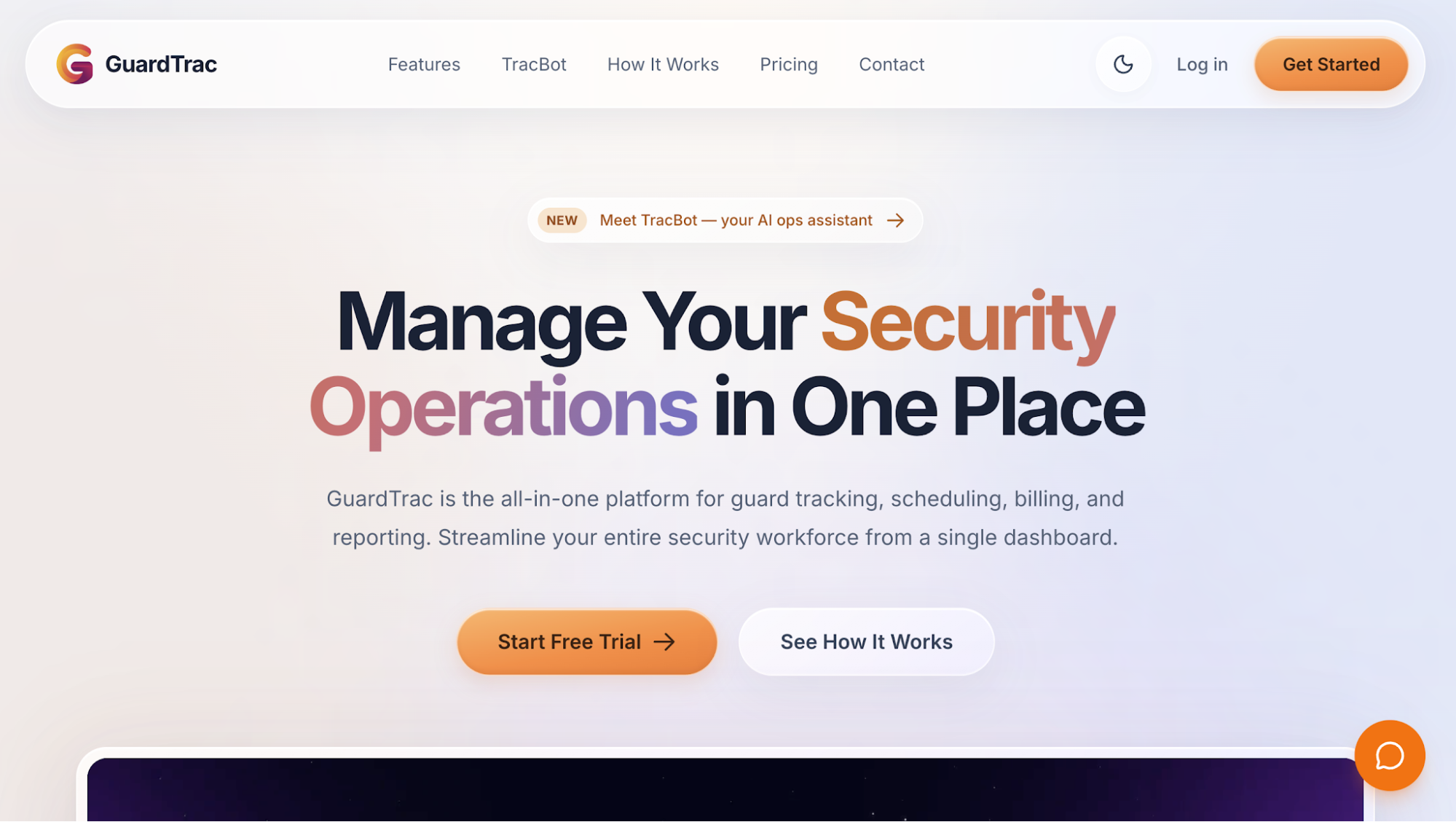 GuardTrac is an all-in-one security guard management platform for private security firms serving multiple client locations. It combines GPS tracking, workforce scheduling, incident reporting, payroll preparation, and billing in one dashboard.
Instead of checking WhatsApp for shift changes and paper logs for patrol activity, managers review both in GuardTrac. The platform also includes TracBot AI, which answers questions about your own operational records. For example, supervisors can ask which checkpoints officers missed at a particular property.
Key Features
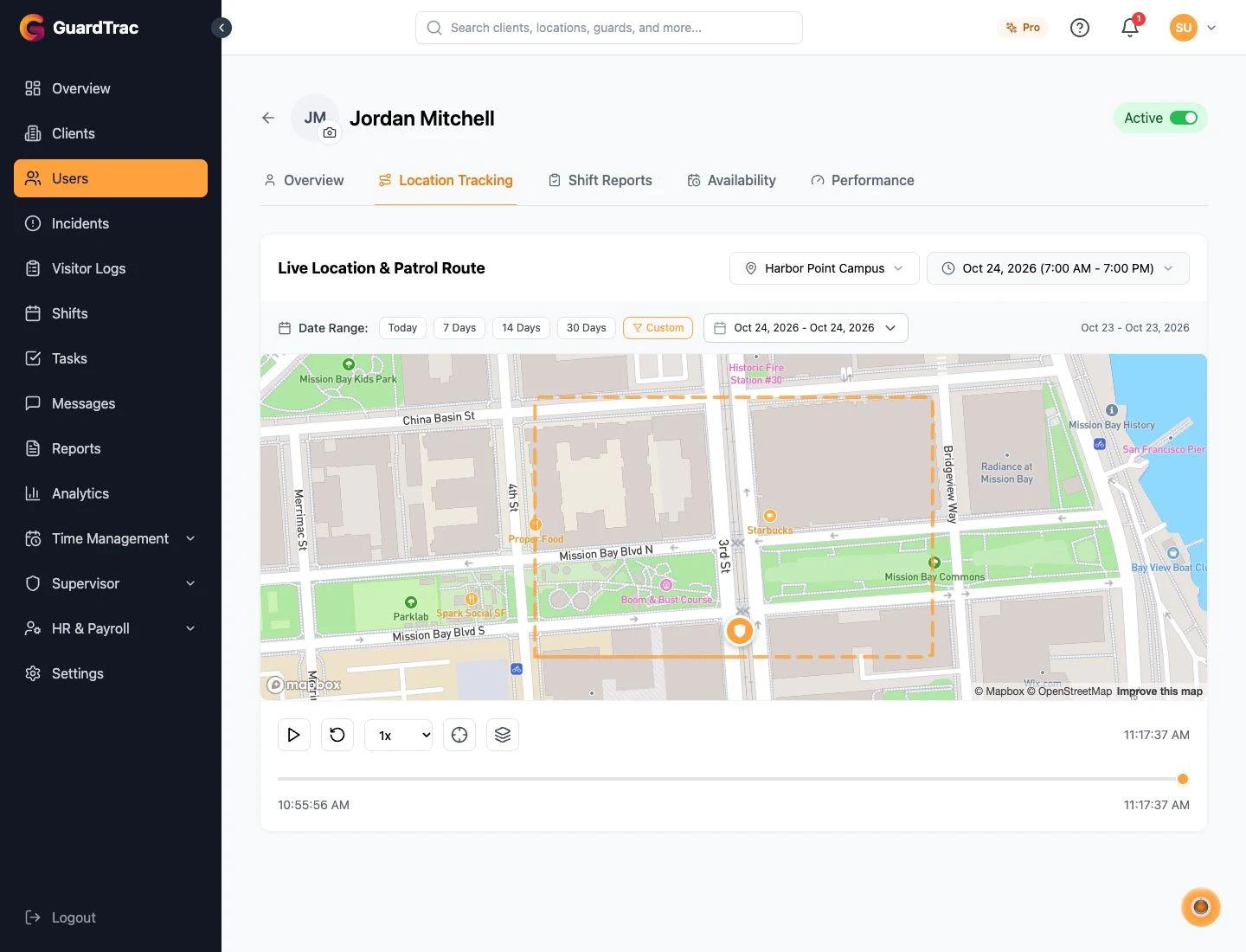
- GPS tracking and geofencing: View on-duty personnel locations and patrol routes from the operations dashboard. Geofenced clock-ins verify site attendance, while tracking history helps managers review previous location records.
- Guard tour verification: Set up QR codes, NFC tags, or GPS checkpoints along patrol routes. Officers scan checkpoints where required, and supervisors review completed or missed visits.
- Mobile incident reporting: Field staff document incidents with photos, timestamps, and location details. They can also access site-specific post orders, use in-app messaging, and send SOS alerts when they need help.
- Shift management: Create recurring or overnight assignments, broadcast open shifts, and approve staffing requests. The system also records guard acknowledgments to help schedulers confirm assignments.
- Custom reporting: Create digital forms with required fields, images, videos, and signatures. Supervisors review submissions, while branded PDFs, scheduled emails, and a client portal handle custom reports and recurring client communication.
- Payroll and billing: Review time tracking records and approved timesheets before preparing payroll batches. Export pay data as CSV files or ADP Workforce Now import files, and manage invoices by location.
Why GuardTrac Fits Multi-Site Security Firms
GuardTrac suits contract security providers with small office teams responsible for several properties. It’s particularly useful when client disputes, payroll corrections, or frequent staffing changes require information from different departments.
For owners juggling four or five applications, the platform brings those records into one place. Account managers can retrieve patrol evidence while payroll staff review worked hours without collecting separate documents from the field team.
Some capabilities, including TracBot AI, GPS checkpoints, and automated client emails, are available in the Pro plan.
2. TrackTik
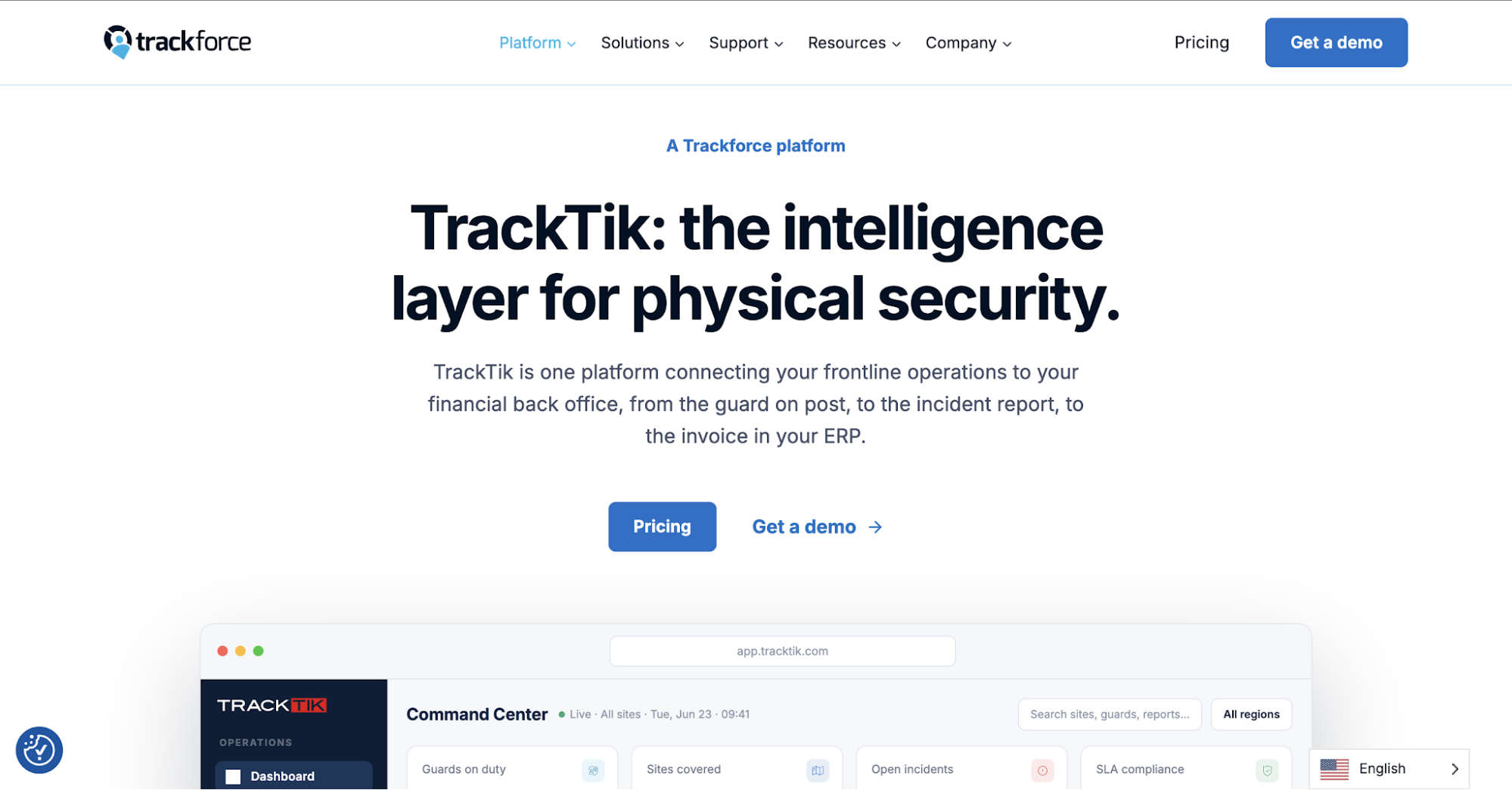 Image source: trackforce.com
TrackTik is Trackforce’s workforce management platform for security providers handling multiple contracts. Its connected system brings field and office records together, from patrol documentation to financial administration.
Key Features
- GPS tracking and patrol verification: Review security personnel locations alongside checkpoint scans. Supervisors compare completed patrol tours with site requirements to identify missed stops.
- Mobile incident reporting: Guided forms let officers submit detailed reports from their mobile devices while on patrol. They attach timestamped photos, videos, audio recordings, and GPS details to document incidents.
- Customizable reporting: Create inspection forms and set recurring submissions according to contract requirements. Email or text notifications alert designated staff when an issue requires follow-up.
- Workforce management: Organize shift assignments and monitor attendance alongside field activity. Managers compare worked hours with scheduled coverage when preparing payroll.
- Financial administration: Connect timekeeping with billing and invoicing. This reduces duplicate entry when the office prepares customer charges.
TrackTik addresses operations where different contracts call for distinct inspection forms and work-hour reviews.
3. Novagems
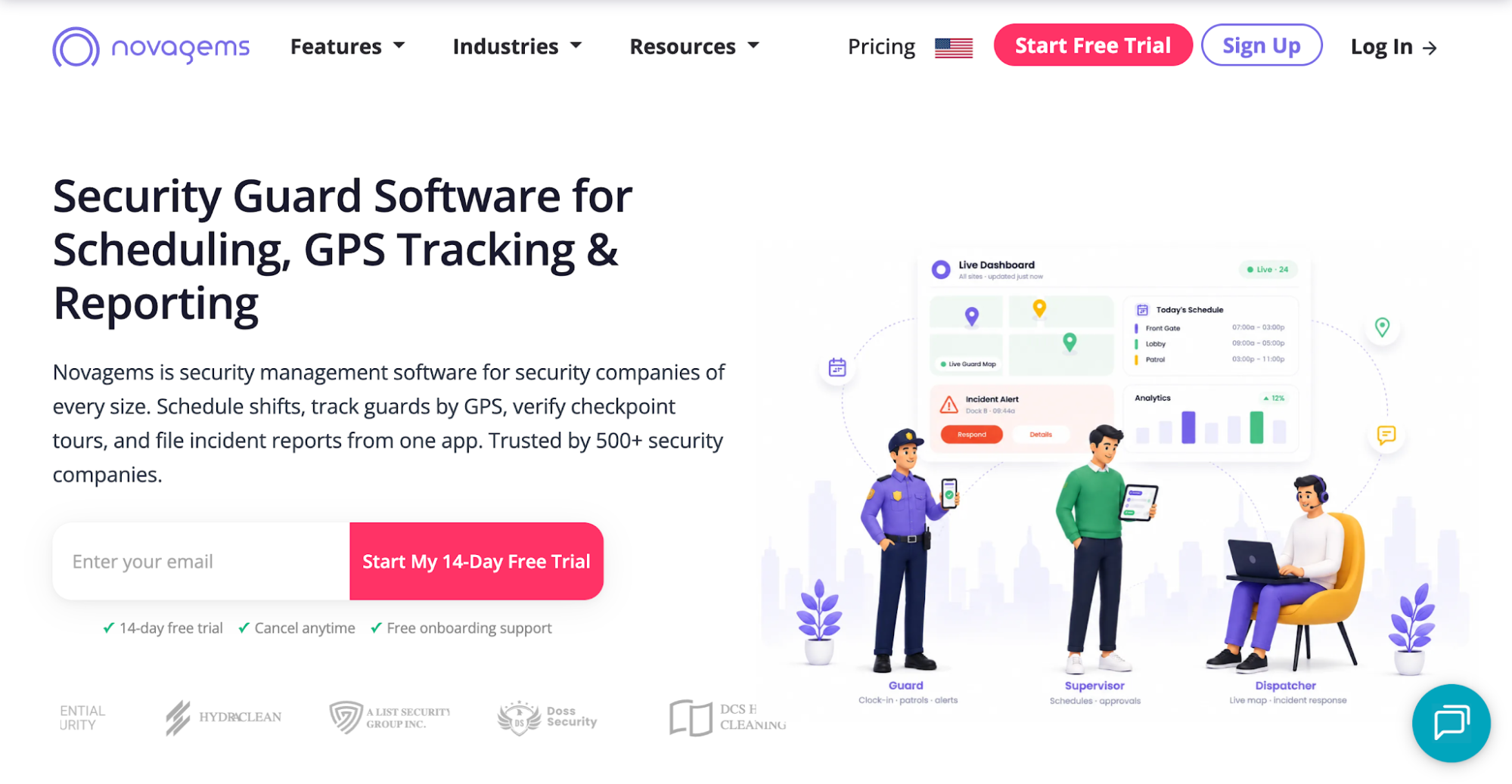 Image source: novagems.com
Novagems combines location monitoring with shift scheduling and attendance management. Its security guard app lets officers check assignments and clock in from their phones.
Key Features
- GPS tracking and geofencing: Real-time tracking shows on-duty personnel on a map. A geofence, or virtual perimeter, restricts clock-ins to the assigned client site.
- Checkpoint verification: Officers scan QR codes or NFC tags along their patrol routes. Supervisors review the records to identify completed and missed checkpoints.
- Shift and task management: Assign duties to specific properties and monitor their completion. Attendance alerts flag late arrivals and missed punches for follow-up.
- Mobile incident reporting: Field personnel document incidents through the app. The office reads submissions before the shift ends.
- GPS time tracking and payroll: Location-verified clock-ins help administrators confirm where employees started their shifts. The system also records breaks, calculates overtime, and exports timesheet data for payroll processing.
Novagems is geared toward teams that frequently change assignments and follow up on attendance exceptions.
4. GuardsPro
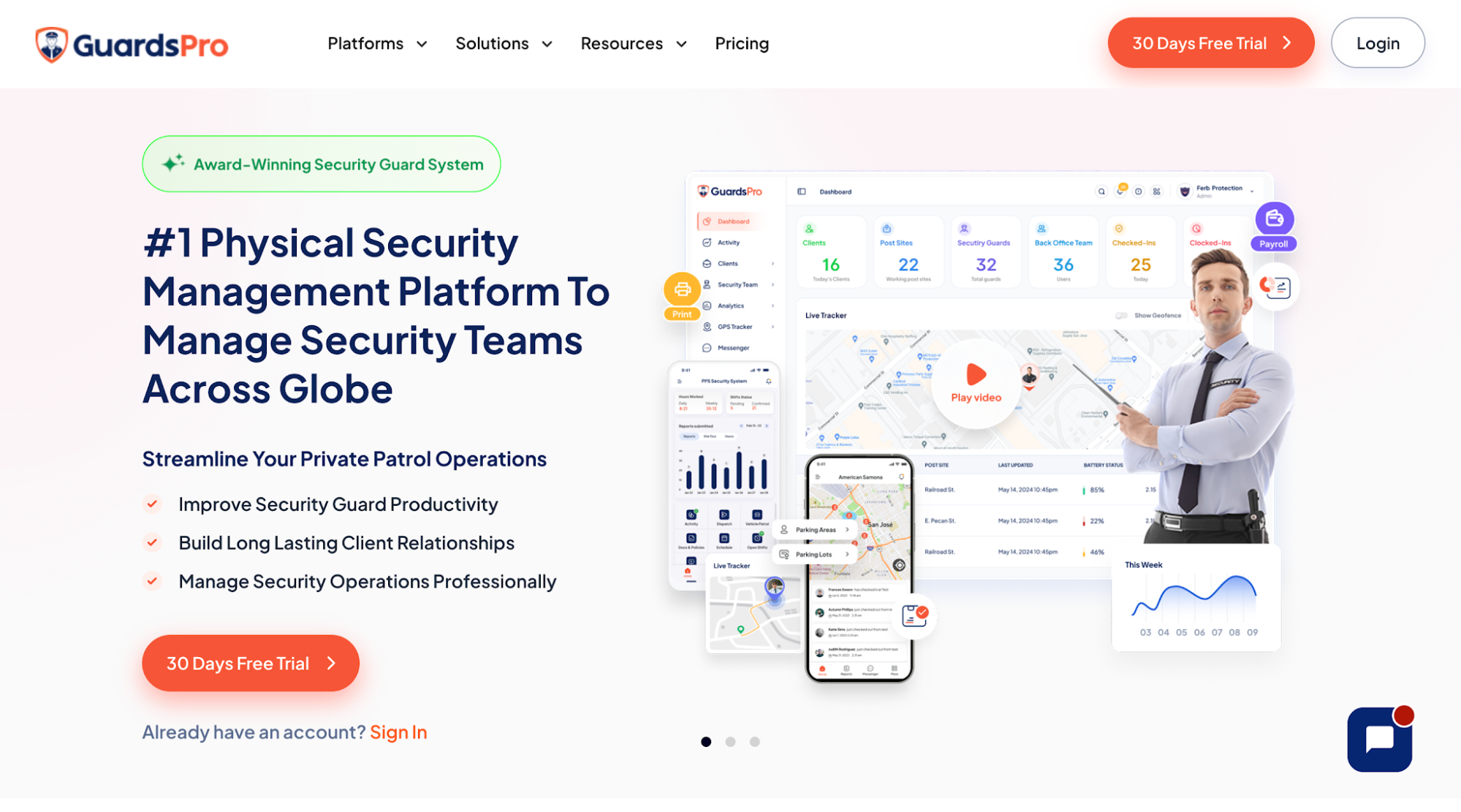 Image source: guardspro.com
GuardsPro is a security guard management system that covers patrol activity, workforce scheduling, and administrative tasks. Its security guard app lets officers share field updates, while office staff handles staffing changes, payroll records, and invoices.
Key Features
- Live GPS tracking: Check on-duty guard locations and review movement history on a map. Managers set a virtual perimeter around each property and receive alerts about inactivity or unauthorized movement.
- Patrol verification: Create site tours with QR codes, NFC tags, or virtual checkpoints. Officers scan each required point, giving managers evidence of completed and missed stops.
- Incident reporting and dispatch: Officers document incidents through mobile forms, while back-office staff assign dispatch calls to available personnel. An in-app panic button also lets field staff request emergency assistance.
- Scheduling and attendance: Managers use shift templates to assign shifts at different properties. Officers request exchanges, while notifications show who has clocked in and which assignments remain open.
- Payroll and invoicing: Export payroll records in formats compatible with QuickBooks Online, Gusto, ADP Workforce Now, or Paychex.
- Visitor management: Officers register guests and vehicles when they arrive at a property. Entry and exit records help supervisors check who visited during a particular shift.
The mobile app also distributes company policy documents and post orders for acknowledgment. Property managers check site updates and GPS history through the customer portal.
5. GuardMetrics
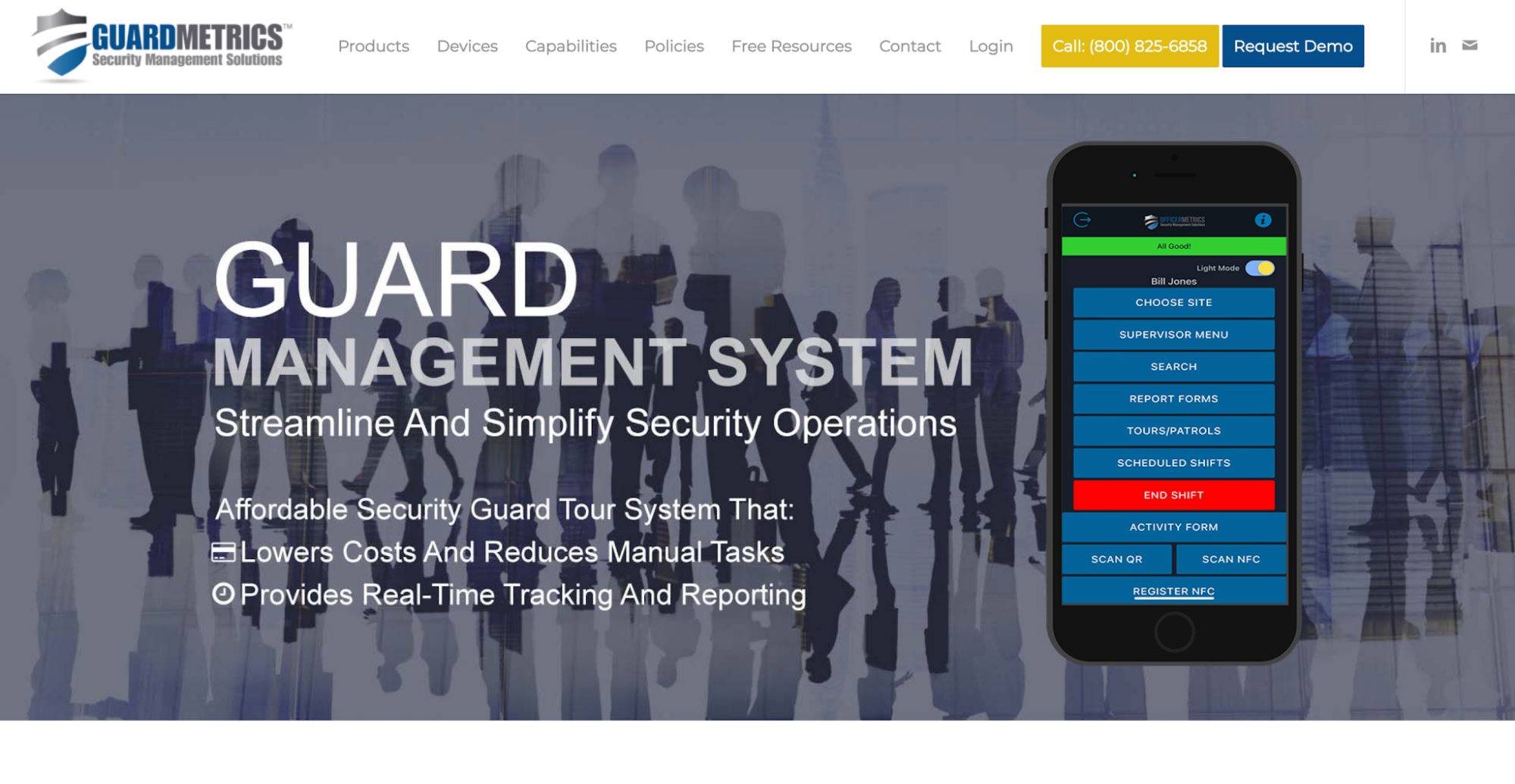 Image source: guardmetrics.com
GuardMetrics emphasizes checkpoint evidence and mobile documentation for security patrols. Security teams use it to match field submissions with required patrol points.
Key Features
- Checkpoint verification: Officers scan QR codes, NFC tags, or RFID tags at required patrol points. Each scan creates a timestamped entry for comparison with the assigned route.
- Offline patrol activity: The security guard app lets personnel record their rounds when reception drops. It keeps entries for synchronization when service returns.
- Mobile incident reporting: Security officers document what happened and attach photos, notes, and location details. Timestamps help supervisors identify when an incident occurred and review the accompanying evidence.
- Supervisor review and dispatch: Managers use the administrative dashboard to check checkpoint scans and field submissions. They follow up on incomplete entries, while dispatch functions help coordinate personnel.
- Client documentation: Supervisors generate reports on daily activities, incidents, and completed rounds for each client site. They email branded documents to property managers who need proof of completed work.
- Timekeeping: Office staff review recorded hours against expected coverage before preparing payroll or checking billable time. That gives payroll and billing teams a starting point for resolving mismatched hours.
GuardMetrics concentrates on tour tracking and field documentation, particularly for contracts that require checkpoint evidence at properties with inconsistent mobile reception.
6. Guard Owl
 Image source: guardowlco.com
Guard Owl combines GPS monitoring with AI-assisted coordination for teams covering several posts. Random prompts ask officers to confirm they are active during their shifts.
Key Features
- Live GPS monitoring: An operations map uses real-time tracking to show on-duty officers and mobile units. Geofenced clock-ins help confirm attendance at each client site, while location history records where personnel traveled.
- Patrol tracking and alerts: Supervisors monitor mobile patrol routes and check visits through QR checkpoints. Idle and off-route alerts notify them when someone stops moving or travels outside an assigned route.
- Scheduling and AI coordination: Managers review availability and approve coverage requests when scheduling shifts. Its AI features assist with certain staffing and dispatch follow-ups.
- Incident reporting and communication: Field personnel submit incident details and photos through the mobile app. Supervisors use team chats or broadcasts to share instructions and request acknowledgments.
- GPS time tracking and billing: Geofenced clock-ins record attendance for timesheet preparation. Office staff review worked hours and use contract rates to prepare invoices.
Property managers can check site activity through the client portal, while office teams review margins and personnel performance in analytics. Dispatchers managing several properties can use patrol alerts and staffing records to investigate missed rounds or sudden coverage gaps.
How to Choose the Right Guard Tracking Software
To find the best security guard software for your firm, test routine shifts and unexpected problems. Run a short trial at one property before buying security guard tracking software.
Include an officer, dispatcher, account manager, and payroll representative. Each should test their own tasks.
- Choose a representative site - Pick a property with several checkpoints, scheduled shifts, and regular client updates. A quiet location might not reveal the problems your team frequently encounters.
- Run a normal shift - Have schedulers assign guards and ask officers to clock in, complete patrols, and submit updates. Find out which mobile tasks caused difficulties.
- Test an exception - Simulate a late arrival or missed checkpoint. Watch how dispatch identifies the problem, contacts the officer, and records the outcome. If the app includes a message board, check whether urgent updates also trigger direct alerts.
- Check the office handoff - Ask supervisors to review patrol records and account managers to prepare a client update. Payroll staff should verify hours used to pay guards, review overtime rules, and check the records against billable time.
- Calculate the total expense - Include subscription fees, setup, training, additional applications, and the staff hours required to complete these tasks.
Compare site performance with your usual process: missed visits, attendance corrections, and time spent completing office handoffs. Use these operational efficiency measures to support better decision-making.
Track Patrol Activity and Address Client Disputes With GuardTrac
 A patrol dispute can put more than one shift under scrutiny. The property manager wants to know whether your firm investigated the complaint and what action followed.
When you’re scheduling guards for several properties, an issue at one post site can involve dispatchers, supervisors, and account managers. Each person has a part to handle, but they also need the full account of what happened.
GuardTrac helps you manage guards while keeping assignments, patrol evidence, and incident documentation in one platform. Office staff can use those records to maintain compliance with each property’s reporting requirements.
Having that information together helps simplify operations when complaints reach the office. More importantly, it gives your firm a documented account of how it responded when the service fell short.
FAQs About Security Guard Tracking Software
Does GPS guard tracking work inside buildings?
GPS signals can weaken indoors, so the software might not show an officer’s exact location. QR or NFC checkpoint scans help confirm visits to designated zones, such as stairwells and loading bays.
Can security guard tracking software work offline?
Some platforms save patrol scans and incident notes on the device without an internet connection. They upload those records once connectivity returns, so supervisors generally aren’t notified instantly about new activity.
Is guard tracking limited to scheduled shifts?
Not always. Some platforms let managers restrict guards’ location tracking to active shifts, while others offer different monitoring settings. Check when tracking starts and stops, especially when officers use personal phones.
Put it into practice
Bring your security operations together.
Manage guards, schedules, patrols and reporting in one place. Try GuardTrac with your own team and sites.
- Guard tracking
- Shift scheduling
- Client reporting
14-day free trial. No credit card required.