Silvertrac Alternative: 6 Best Options in 2026
Silvertrac Alternative: 6 Best Options in 2026: 1. GuardTrac 2. THERMS 3. GuardsPro 4. Belfry 5. GuardMetrics 6. Novagems.
A client asks who covered a post. The patrol record is in Silvertrac, but the schedule and working hours are somewhere else. Now you’ve got to check three places to answer one question.
Silvertrac handles guard tours, incident reports, and dispatch well. But a security company serving multiple clients has more to manage than patrol activity alone.
Unlike in-house teams serving one company at their own sites, contract security firms answer to different customers. Each contract comes with staffing requirements, payroll reviews, invoices, and proof of service.
So which Silvertrac alternative is worth considering? We’ll compare the six best platforms, their key features, and the security teams they’re best suited for to help you narrow your search.
TL;DR
These are the top Silvertrac alternatives in 2026, based on the work each platform is suited to handle:
- GuardTrac for scheduling, patrol verification, payroll preparation, and billing.
- THERMS for patrol management, custom field reporting, and live dispatch monitoring.
- GuardsPro for flexible shift management and mobile field records.
- Belfry for staffing, embedded payroll processing, and HR administration.
- GuardMetrics for patrol verification and detailed site documentation.
- Novagems for mobile scheduling and GPS-based workforce tracking.
Why Security Companies Look for Silvertrac Alternatives
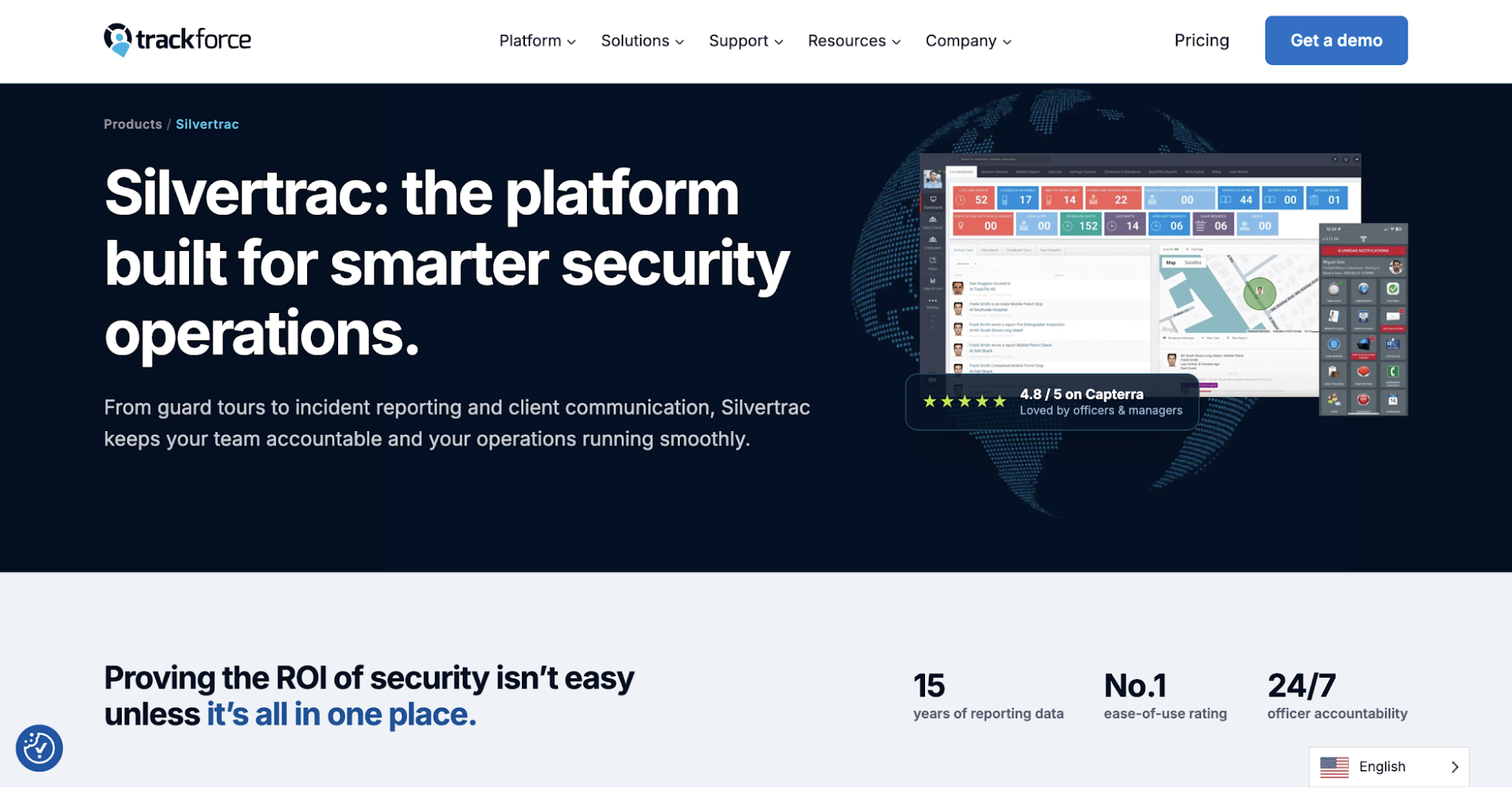 Image source: trackforce.com/products/silvertrac
Silvertrac’s core features cover patrol tracking, incident reporting, automated daily activity reports, and a client portal. But security operators often want security guard management software that also handles staffing and administrative work.
Here are some reasons they consider switching:
- Limited scheduling: Silvertrac offers task reminders but lacks comprehensive guard scheduling. Dispatchers need another way to plan recurring shifts, fill vacant posts, and handle last-minute call-offs.
- Separate payroll and billing: Silvertrac’s optional time clock lets managers review GPS clock-ins, correct hours, and export approved timecards. However, calculating pay and preparing customer invoices still require other tools.
- Report customization: Silvertrac supports branded reports, automated emails, and supervisor verification. Some operators want greater flexibility over report layouts and approval workflows to meet individual contract requirements.
- Technical support concerns: Some customer reviews mention delayed responses, although Silvertrac also receives positive service ratings. Test the help desk during a trial to find out how quickly it handles your requests.
These are worth considering when comparing the six alternatives below, especially when your team handles several client contracts.
6 Silvertrac Alternatives for Security Guard Management in 2026
Small companies with a few posts often prioritize filling vacant shifts, while larger enterprises coordinate attendance and payroll between branches. The right Silvertrac alternative depends on which responsibilities you want to handle in one platform.
1. GuardTrac for All-in-One Security Operations
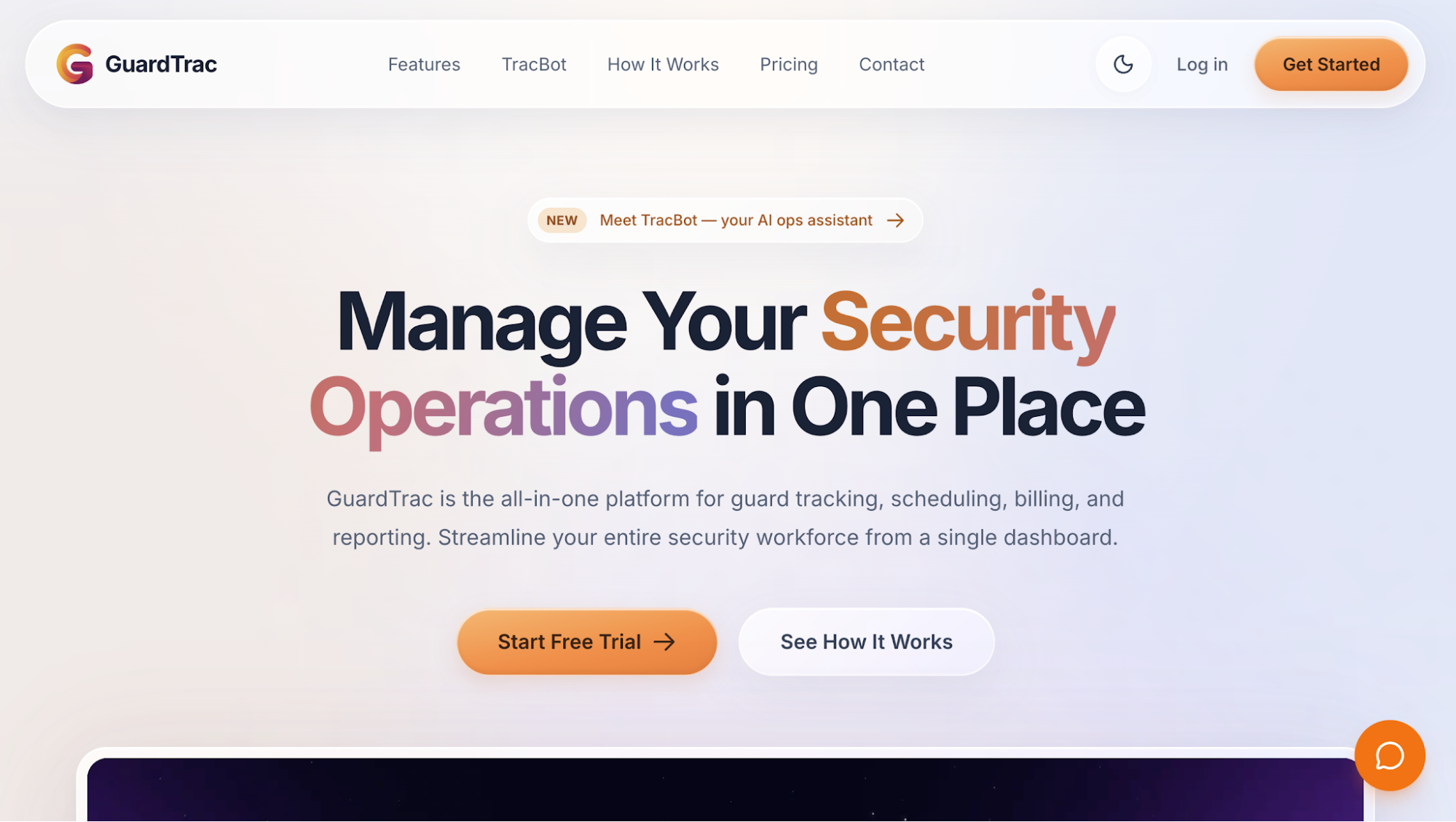 GuardTrac is security guard management software for private contract firms serving multiple properties. It connects coverage planning with patrol verification and back-office administration in one system, while accommodating each site’s staffing and reporting requirements.
For example, a replacement agrees to cover an overnight post through WhatsApp, but the manually prepared timesheet still lists the original officer. Payroll staff now have to verify who actually worked before calculating pay.
GuardTrac keeps shift assignments and clock-in records available in the same workspace for that review.
Key Features
- Guard scheduling: Plan recurring and overnight shifts, assign officers to posts, and review conflicts. When someone calls off, dispatchers can broadcast the opening, approve replacement requests, and confirm assignments before the shift starts.
- GPS tracking and patrols: Geofenced clock-ins help verify on-site attendance. Guards scan QR checkpoints or near-field communication (NFC) tags during patrols, creating timestamped records that supervisors can review for completed and missed stops.
- Incident reporting and communication: The mobile guard app lets officers document incidents with photos, locations, and timestamps. Dispatch can assign follow-up tasks, while field personnel can review site-specific post orders and exchange messages.
- Custom reports and client portal: Create forms with required fields for each property and configure supervisor approval. Customers can access permitted site records through the portal, while scheduled branded PDF summaries are available on the Pro plan.
- Payroll and billing: Review worked hours, overtime, and gross pay before exporting payroll files to your provider. Billing staff can set location-specific rates, prepare invoices, and track their status within the platform.
- TracBot AI: Managers can ask questions about shifts, sites, and field activity using their operational data instead of searching through individual records.
GuardTrac for Client Accountability
A property manager questions whether an overnight patrol took place. Rather than relying on an officer’s recollection, the supervisor can review attendance records and timestamped checkpoint submissions.
These entries show which stops were recorded and where further investigation is necessary. The account manager can share those findings with the customer, particularly when a disputed patrol puts the contract at risk.
2. THERMS for Patrol Management and Field Reporting
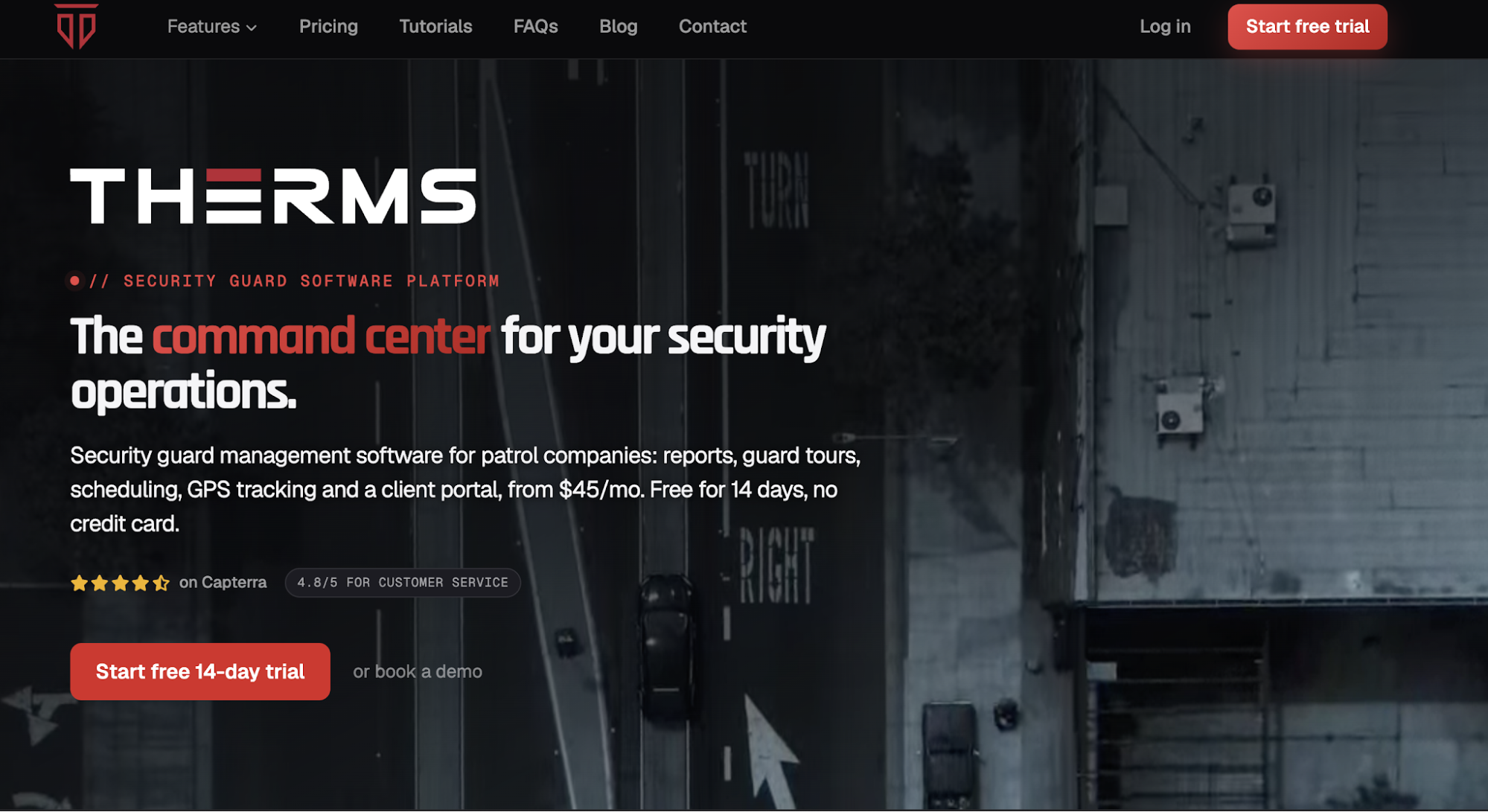 Image source: therms.io
THERMS is a cloud-based security guard management platform for private security and patrol firms. It connects workforce scheduling, mobile reporting, checkpoint tours, and GPS dispatch, giving managers a way to review activity at different client locations.
Key Features
- Scheduling and real-time time tracking: Use a drag-and-drop weekly calendar to arrange assignments, keeping drafts hidden until publication. THERMS compares scheduled hours with actual clock-ins and flags missed shifts, late arrivals, and early departures. Managers can export the records to Excel or CSV for payroll.
- Patrol management: Set recurring routes with designated stops and completion windows. Officers scan QR or NFC checkpoints using their phones, while managers monitor each run as it happens. A route-by-day heatmap also helps identify repeated missed visits.
- Custom reporting: Create forms for incidents and daily activity, with supporting photos and location details. Submissions can go through supervisor approval before delivery as client-ready PDFs. Customers also have a portal with permission-based access to their locations.
- GPS tracking and dispatch: View on-duty officers through a live map and review their location history. Dispatchers can log incoming calls, assign responses, and monitor their status. Internal mail, SMS, and email notifications provide additional ways to communicate with field personnel.
THERMS also offers multi-region settings and role-based permissions. Enterprise-scale firms can evaluate these tools when coordinating patrol teams and managing administrative access across branches.
3. GuardsPro for Flexible Guard Management
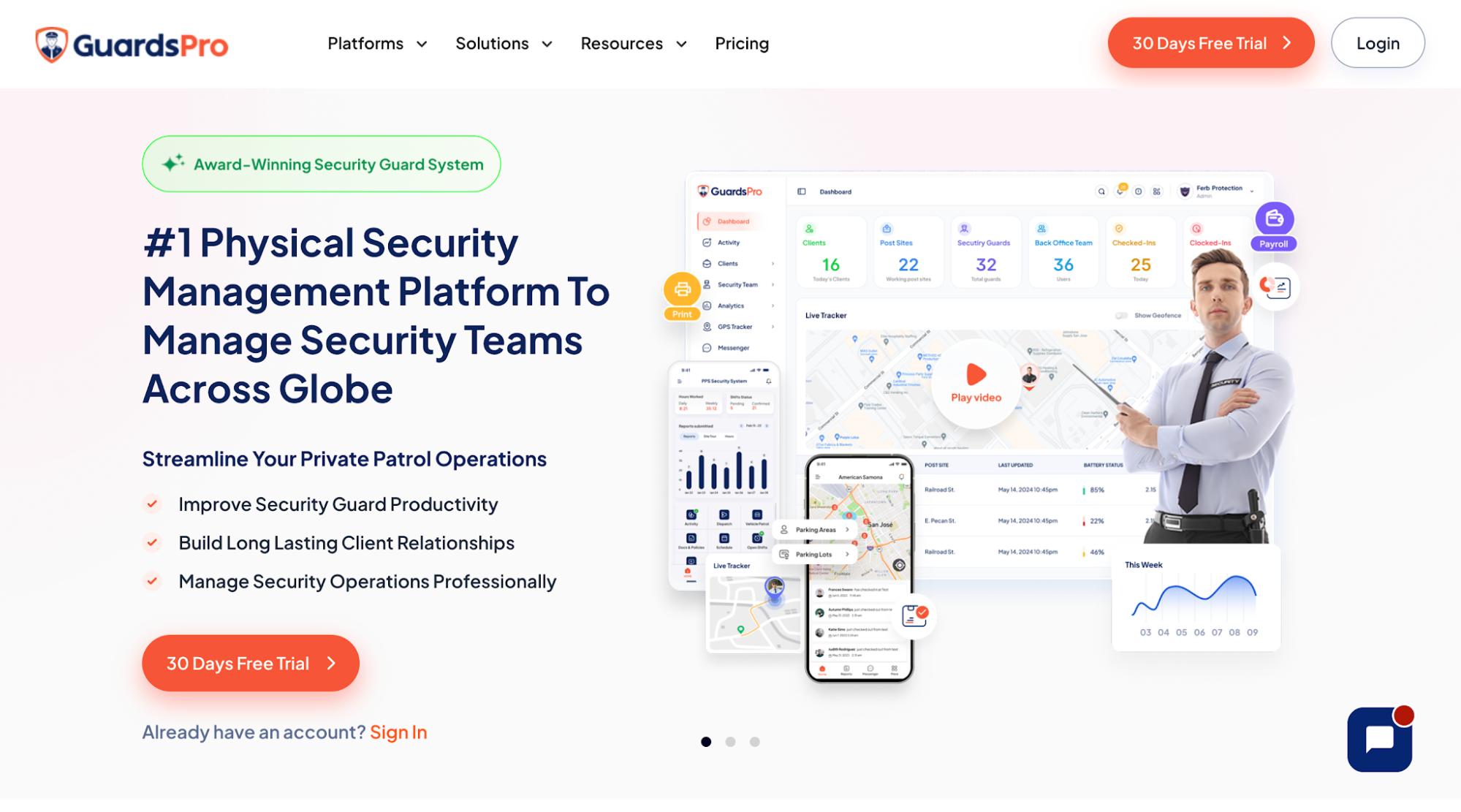 Image source: guardspro.com
GuardsPro offers mobile and back-office tools for private security firms handling frequent staffing changes. Its system connects shift assignments with field records, helping supervisors oversee daily operations at each location.
Key Features
- Shift management: Create reusable templates and offer vacant shifts based on officer availability. Staff can request exchanges or time off through the mobile app, with managers reviewing each request.
- GPS monitoring: Geofencing helps verify whether officers clock in at the assigned site. QR, NFC, and virtual checkpoints provide records of patrol activity for supervisors to review.
- Custom reporting: Managers create forms with mandatory fields to capture specific incident details. Customers receive access to site records through the web portal or client mobile app.
- Payroll and invoicing: Export payroll records to providers such as QuickBooks, ADP, and Gusto. The invoicing module lets office staff issue bills, record payments, and track delivery status.
GuardsPro is worth considering for security teams that frequently adjust shift assignments while maintaining separate site records for each customer.
4. Belfry for Security Guard Management and Payroll
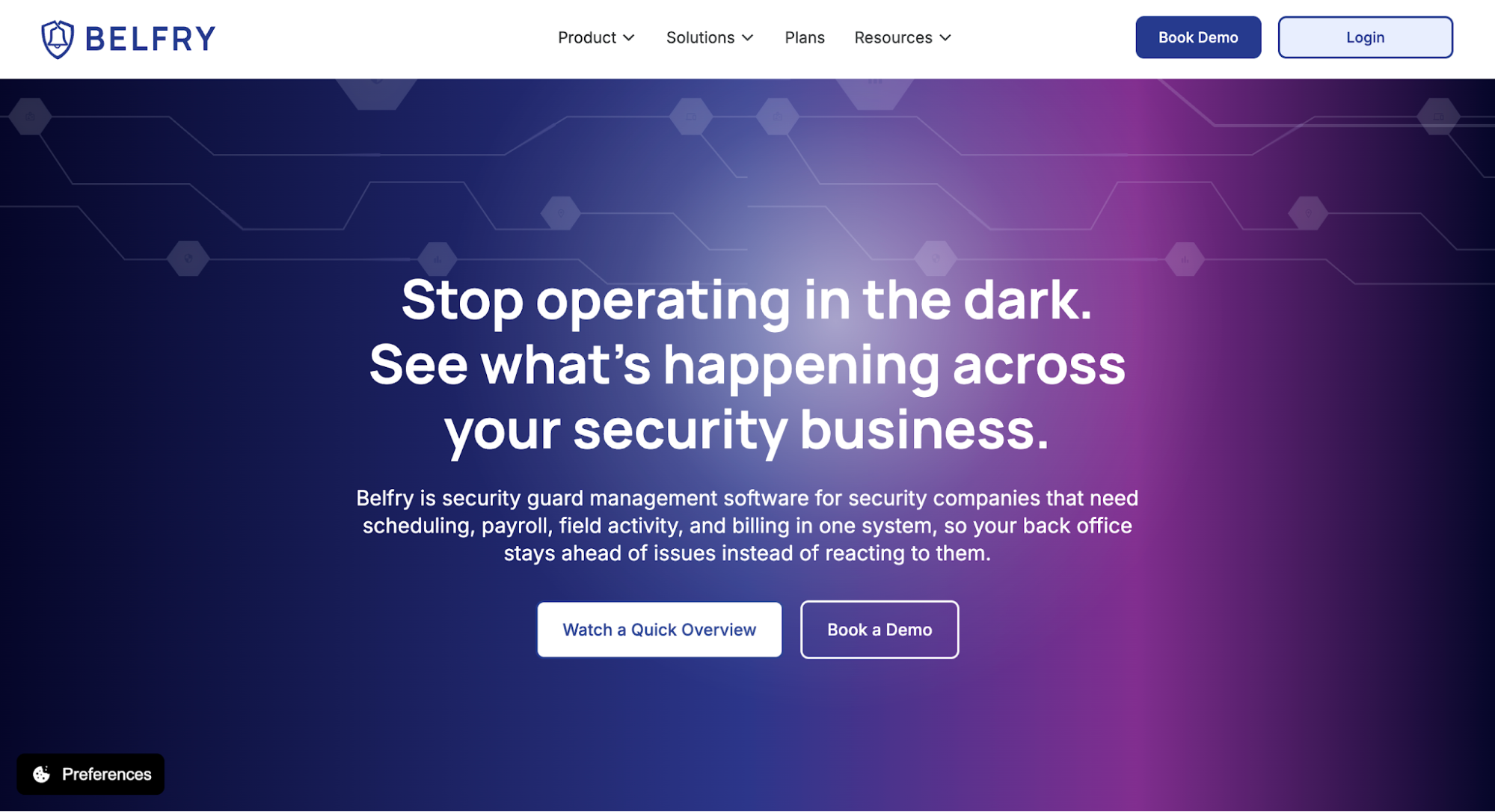 Image source: belfrysoftware.com
Belfry is security guard management software that connects workforce planning with payroll, HR, and billing. Its scheduling tools help managers catch overtime before publishing shifts, rather than discovering unexpected labor costs afterward.
Key Features
- Guard scheduling: When a shift opens, Belfry suggests available officers based on certifications, site experience, and pay rates. Overtime warnings help managers review assignments before publishing.
- Timekeeping and payroll: Published shifts generate timecards that the platform checks against geofenced clock-ins. Office staff review missing punches before Belfry processes wages, direct deposits, and tax filings.
- Field oversight: GPS and NFC checkpoint records help supervisors verify patrol activity. Officers submit incident updates through the app, while customers review site information through dedicated portals.
- Client billing: Set contract rates and billing frequencies, then issue invoices and accept Automated Clearing House (ACH) transfers or credit card payments. Finance staff can also review unpaid balances.
Belfry also offers employee onboarding, certification tracking, and time-off management. These HR features make it a practical option for U.S. security firms handling payroll and personnel administration internally.
5. GuardMetrics for Patrol Tracking and Incident Reporting
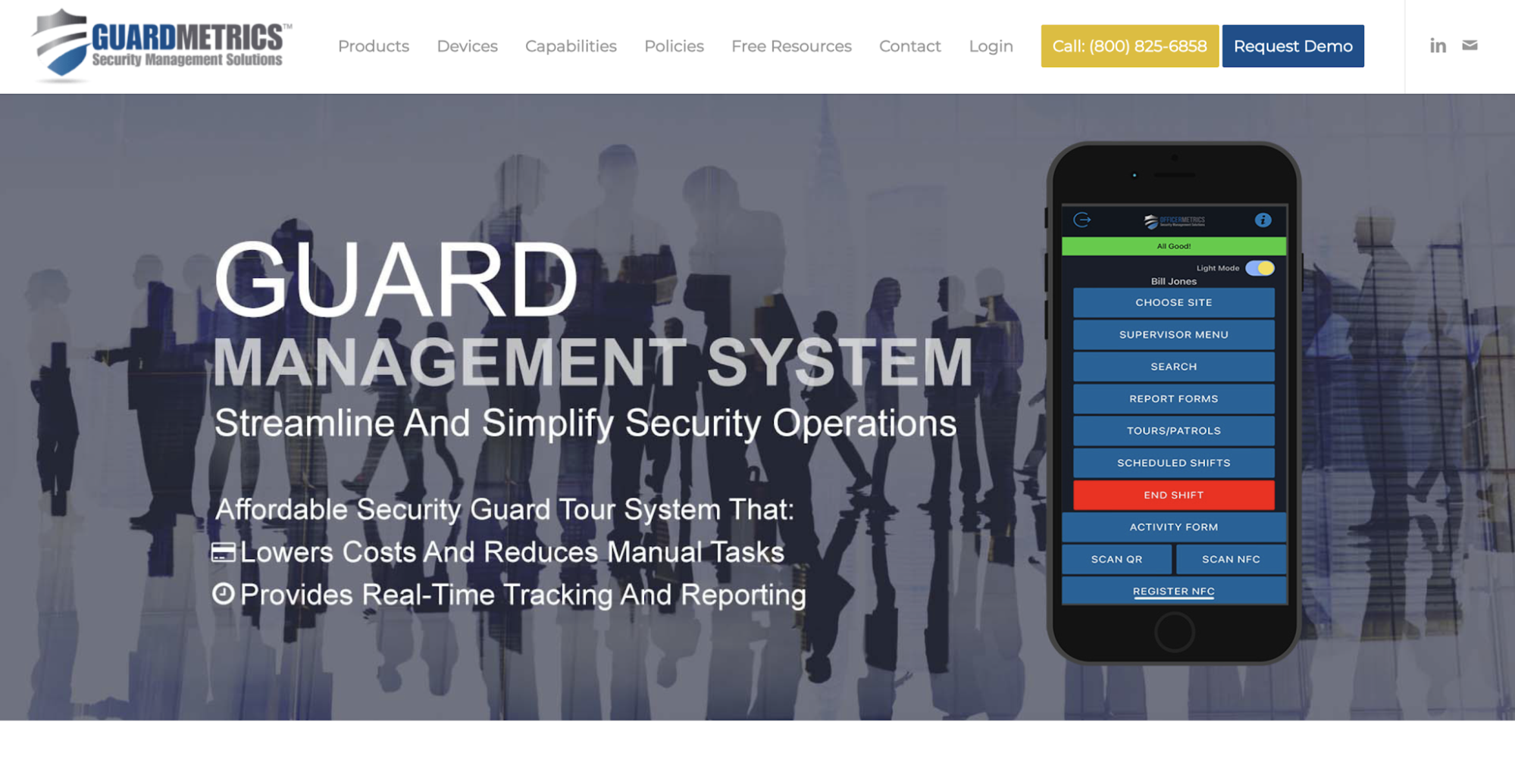 Image source: guardmetrics.com
GuardMetrics provides security management software for mobile field documentation and supervisor oversight. Its guard tour features help security teams verify completed rounds and investigate missed activity at different posts.
Key Features
- Checkpoint verification: Officers scan QR codes, radio-frequency identification (RFID) tags, or NFC checkpoints during patrols. Supervisors review these records to identify missed visits rather than relying on handwritten logs.
- Incident documentation: Field personnel submit daily activity logs and incident details through mobile devices. Managers can retrieve historical records and share branded reports when customers ask about specific events.
- Scheduling and dispatch: Coordinate assignments through an operations calendar and route incoming alarm calls, complaints, or service requests to the appropriate personnel.
- Timekeeping: Review attendance against assigned hours to spot discrepancies. GuardMetrics also offers payroll and billing reconciliation capabilities, depending on the enabled configuration.
For patrol operations with different site requirements, GuardMetrics also provides post orders and credential tracking. Supervisors can check instructions and officer qualifications when reviewing assignments.
6. Novagems for GPS Tracking and Mobile Scheduling
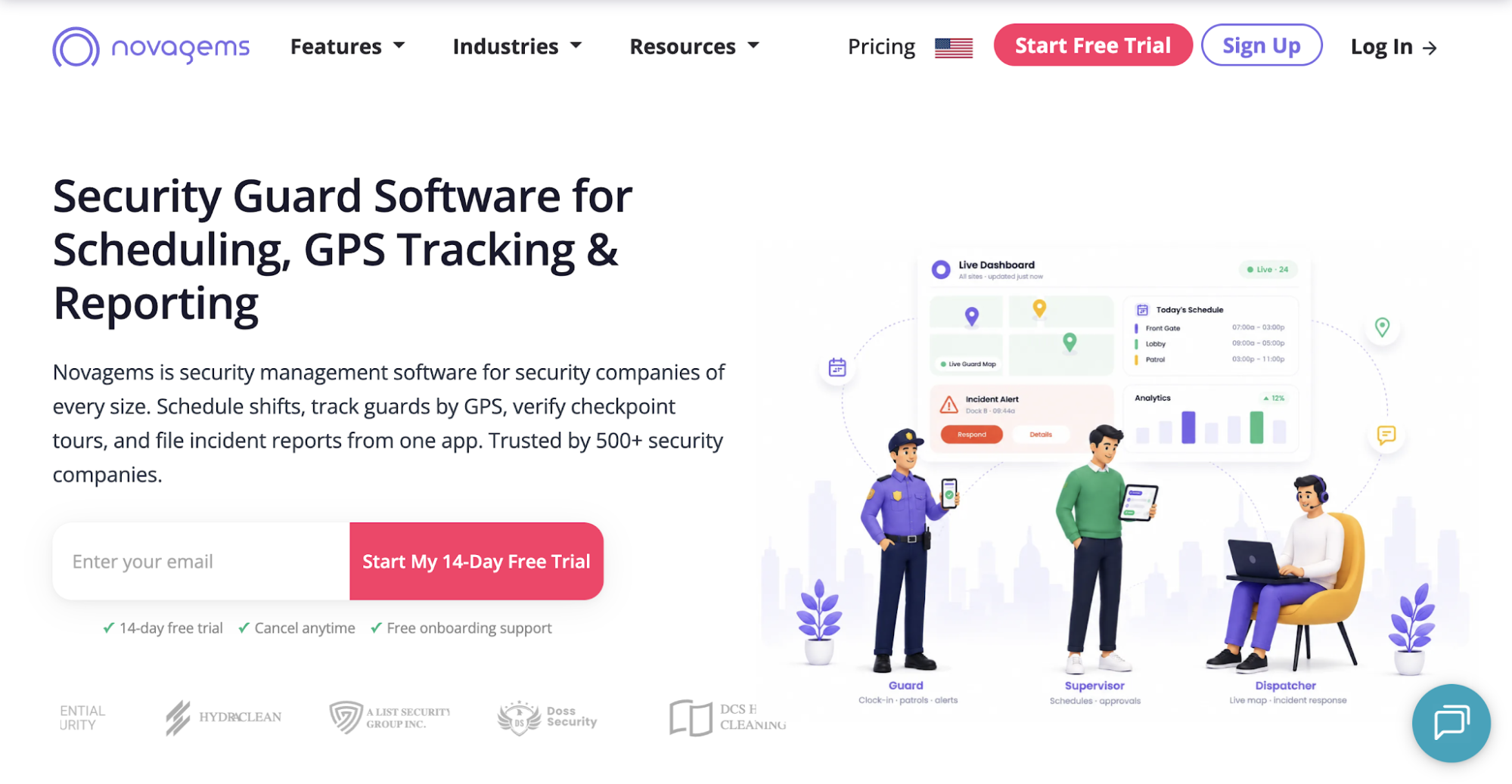 Image source: novagems.com
Novagems combines shift planning, attendance verification, and field documentation through its mobile security management platform. It suits teams handling rotating schedules and patrol assignments at multiple properties.
Key Features
- Shift scheduling: Use a drag-and-drop calendar to assign personnel and create recurring shifts. Officers confirm assignments through the app, while conflict alerts help managers catch overlapping work hours.
- Location verification: Geofencing restricts clock-ins to designated sites. Live location monitoring and selfie verification give supervisors additional evidence that officers arrived at their assigned posts.
- Patrol tracking and incident reporting: Supervisors receive alerts when officers miss checkpoints or deviate from assigned routes. Field personnel document incidents with photos or videos, while scheduled summaries give customers a record of completed site activity.
- Payroll records: Calculate regular, overtime, and holiday pay using configured rates. Managers can export timesheets to their payroll provider instead of manually preparing each employee’s hours.
Novagems also monitors license and certification expiration dates, helping supervisors check personnel qualifications before assigning shifts. Its mobile scheduling tools suit smaller security firms handling rotating shifts at several properties.
Manage More of Your Security Operations With GuardTrac
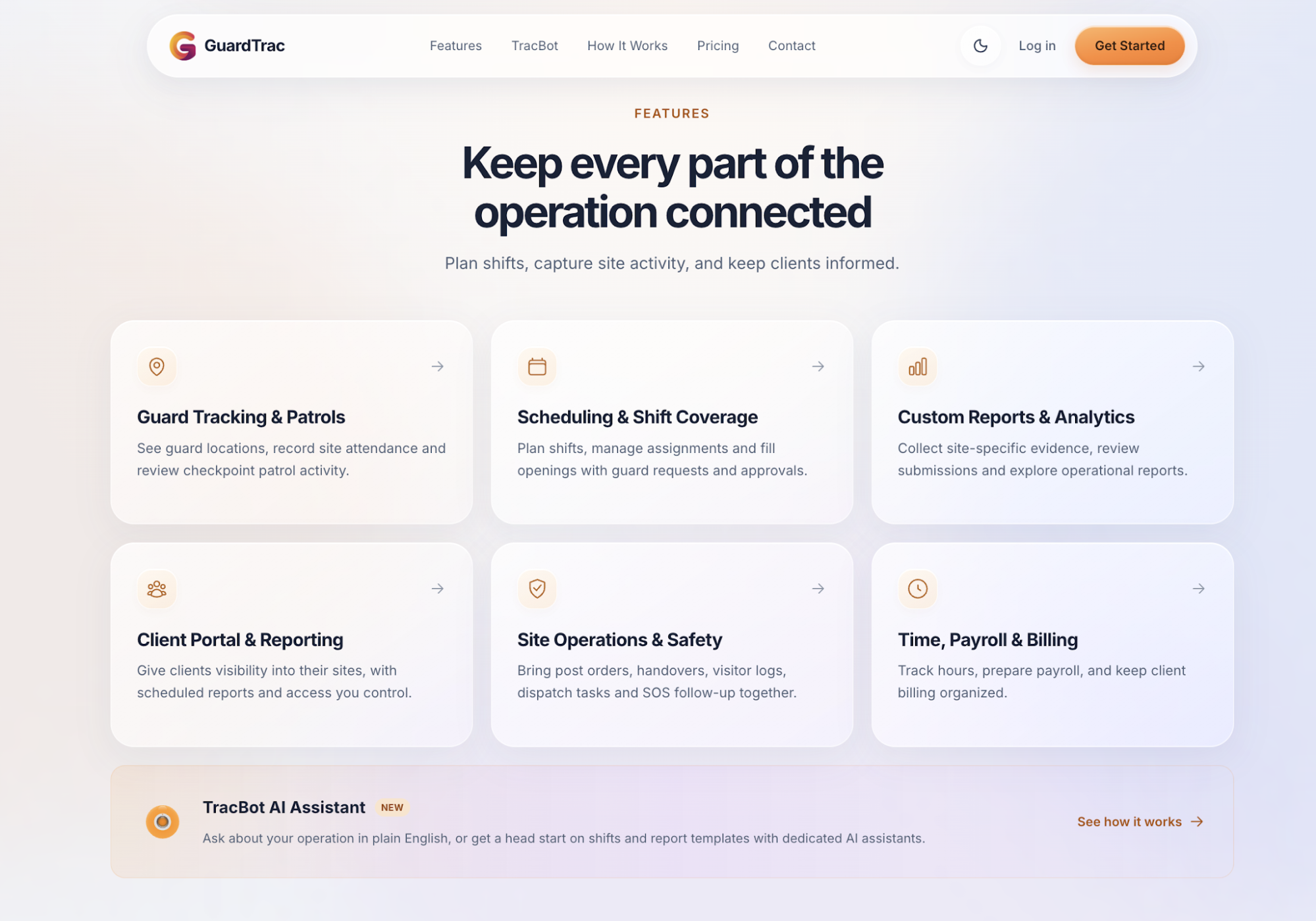 Silvertrac handles frontline activity well, but staffing and administrative work don’t end when a patrol finishes. Security firms still have employee hours to review and customer invoices to prepare. GuardTrac handles these responsibilities alongside field documentation.
When a post opens, dispatchers can broadcast the available shift, approve replacement requests, and check officer acknowledgments. Geofenced clock-ins record attendance at the assigned property, while checkpoint submissions document which patrol stops were completed.
The back office can review regular hours, overtime, and gross pay before exporting payroll files. Billing personnel use location-specific rates to prepare invoices and track their status within GuardTrac.
Property managers receive access to permitted site information through the client portal. Account managers choose which pages customers can view and arrange scheduled branded reports, so routine updates don’t require manually preparing every email.
Even with two or three sites, switching between separate applications adds work for dispatch and administrative staff. GuardTrac gives your business one place to handle coverage, field documentation, and billing.
Before a full implementation, test the platform at one property using your actual contract requirements. Review the results, then decide whether to introduce it at other locations.
FAQs About Silvertrac Alternatives
Are Silvertrac alternatives suitable for small security companies?
Yes. Small security companies can choose a platform based on their guard count, number of client sites, and staffing requirements. A security firm managing a few properties doesn’t necessarily require enterprise software. Before purchasing, confirm whether the subscription covers your officers, locations, and essential workflows.
Can you transfer existing Silvertrac records to another platform?
It depends on which records Silvertrac allows you to export and what the replacement vendor can import. Before you deploy a new solution, test the transfer of site details, checkpoint routes, and incident history. Verify whether dates and attachments remain intact, and identify any information that requires manual entry. Keep copies of records that won’t transfer.
Do Silvertrac alternatives require special hardware or internet access?
Not always. Some mobile apps scan checkpoints through smartphones, allowing you to print QR codes instead of purchasing dedicated scanners. Ask whether your preferred platform requires proprietary hardware. For offline functionality, try clocking in or scanning a checkpoint without reception. Find out whether the application saves those records and uploads them once connectivity returns.
How much do Silvertrac alternatives cost?
Pricing varies between providers. Some publish transparent pricing online, while others use quote-based plans. During a sales call, request a written breakdown of subscription charges, setup fees, and user or site limits. Ask for a quote with the client portal included and confirm whether automated report delivery costs extra.
Put it into practice
Bring your security operations together.
Manage guards, schedules, patrols and reporting in one place. Try GuardTrac with your own team and sites.
- Guard tracking
- Shift scheduling
- Client reporting
14-day free trial. No credit card required.