Top 6 Security Guard Incident Reporting Software for 2026
Compare 6 security guard incident reporting software: 1. GuardTrac 2. Novagems 3. Guard Owl 4. TrackTik 5. GuardMetrics 6. GuardsConnect.

A completed incident form may still leave clients with questions. They also want to know who was on duty, whether patrols happened, and how personnel responded.
Security guard incident reporting software creates a structured record of the event. Broader platforms also provide attendance and patrol logs for reference.
This guide compares six of the top platforms for documenting incidents, checking field activity, and sharing findings with property owners.
TL;DR
For a quick comparison, here’s what each of the six selected platforms emphasizes:
- GuardTrac: Case histories with access to attendance, patrol, and client-facing records.
- Novagems: Field submissions alongside GPS and checkpoint information.
- Guard Owl: AI-assisted writing, transcription, and translation.
- TrackTik: Guided forms and configurable site requirements.
- GuardMetrics: AI-assisted form creation and approval workflows.
- GuardsConnect: Case assignments, investigation, and documented resolution.
What Basic Incident Reports Often Miss
Security incident reporting software helps guards document events, attach evidence, and submit information for supervisor review. A digital entry is easier to retrieve than a paper form, but it may not capture the response that followed.
Handwritten incident report forms may leave out important names, locations, or actions taken. Group chats make sharing photos and updates convenient, but those details don’t always reach the official record.
Disconnected scheduling, patrol, and dispatch apps create more work. The office has to consult separate sources to confirm site coverage, check scans, and reconstruct the response. Missing information makes investigations harder and leaves clients with unanswered questions.
That’s why security teams need more than a completed form. They need a defensible record that includes the original account, relevant field activity, and documented follow-up.
What to Look for in Security Guard Incident Reporting Software
When comparing platforms, focus on these five capabilities rather than just the forms they offer.
- Mobile reporting and evidence capture: A mobile app should capture incident details: location, people involved, observations, and actions taken. Photos, attachments, and timestamps provide additional evidence.
- Attendance and patrol verification: Shift assignments identify the scheduled officer. GPS-verified clock-ins and checkpoint scans add attendance and patrol evidence.
- Incident review and resolution: Look for assigned responsibilities, status updates, and resolution notes. An audit trail should identify who edited an entry and when.
- Dispatch and follow-up communication: Two-way messaging helps field personnel coordinate with supervisors. Assigned tasks and progress updates show which actions still require attention.
- Client reporting and access: Branded PDFs, scheduled delivery, and a client portal make sharing information easier. Access permissions should restrict customers to records from their authorized locations.
Top 6 Security Incident Reporting Platforms Compared
Here are six of the top platforms in 2026, selected for their incident documentation and security management capabilities.
1. Guardtrac: Case Histories With Access to Attendance, Patrol, and Client-Facing Records
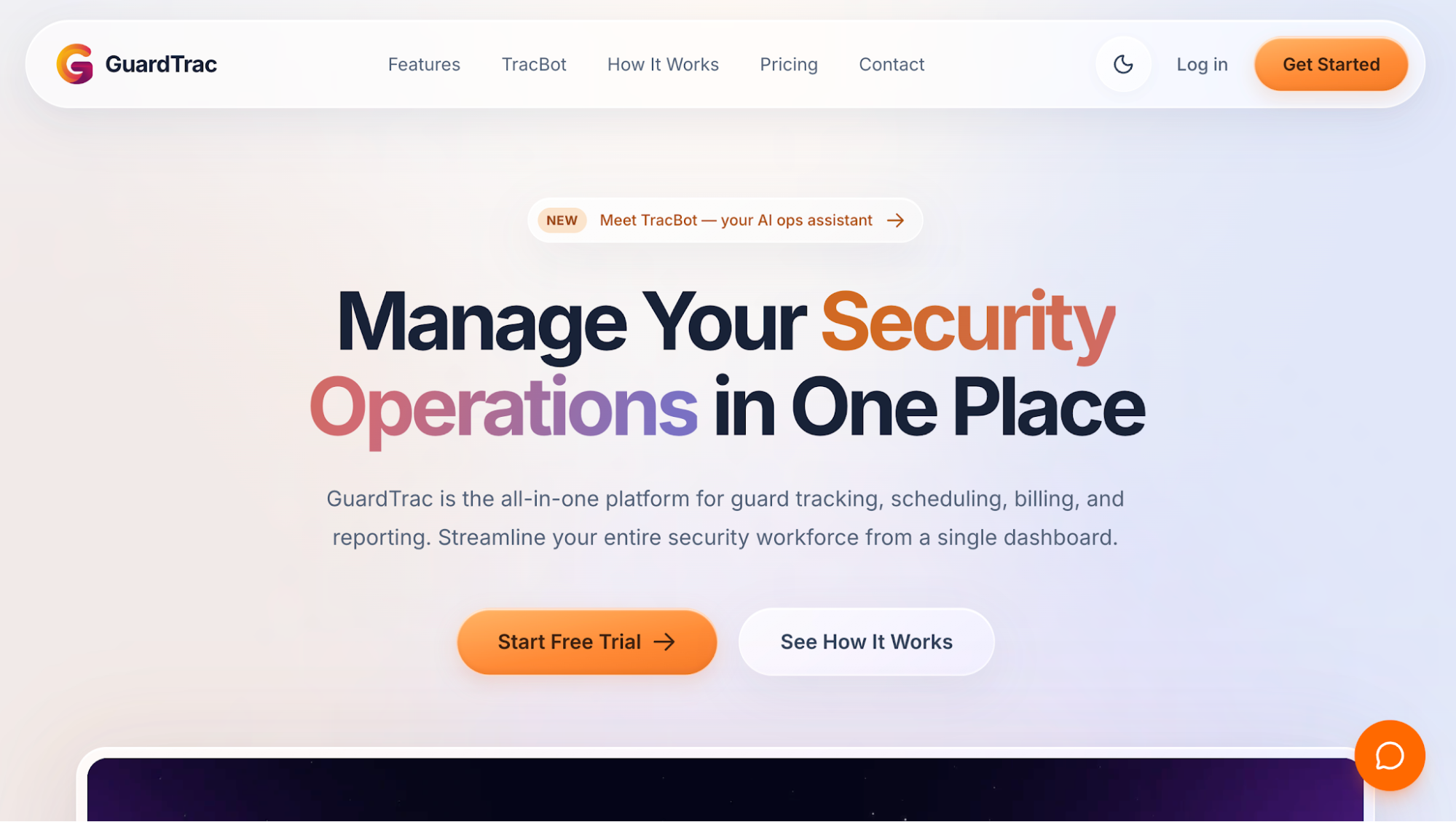 GuardTrac connects incident handling with everyday operations for security guard companies covering multiple locations. Officers document events through the mobile app, while supervisors use the web dashboard to review cases and manage follow-up.
Key Features
- Guards submit incidents by entering a title, description, and priority level, then attaching photos. The platform records incident and submission timestamps to help supervisors establish when events occurred.
- New cases start as Open. Authorized personnel change them to In Review and enter resolution notes when closing a case. They can reopen it if necessary.
- Each incident maintains a detailed history of edits, assignments, priority changes, and attachments. The log identifies who made each update, helping managers distinguish the original account from later corrections.
- Site assignments show who was scheduled; GPS/geofenced clock-ins help confirm attendance. QR codes, near-field communication (NFC) tags, and GPS checkpoints provide separate patrol records for reviewing completed activity.
- Dispatch messaging lets field personnel communicate with the office, while assigned tasks help coordinate follow-up. SOS alerts have their own acknowledgment and resolution workflow for emergencies.
- Authorized clients can view selected cases, shifts, checkpoint activity, and location records in their portal. Companies can also schedule branded PDF summaries daily, weekly, biweekly, or monthly.
Incident Management and Client Accountability
Contract disputes and proof-of-service requests often require more than the officer’s original statement. GuardTrac lets managers examine the incident history alongside available attendance and patrol records before explaining what happened.
For companies still using paper logs, WhatsApp scheduling, and several disconnected tools, this brings the relevant documentation into one place. Managers can review what personnel recorded, who handled the follow-up, and which site activities took place.
2. Novagems: Field Submissions Alongside GPS and Checkpoint Information
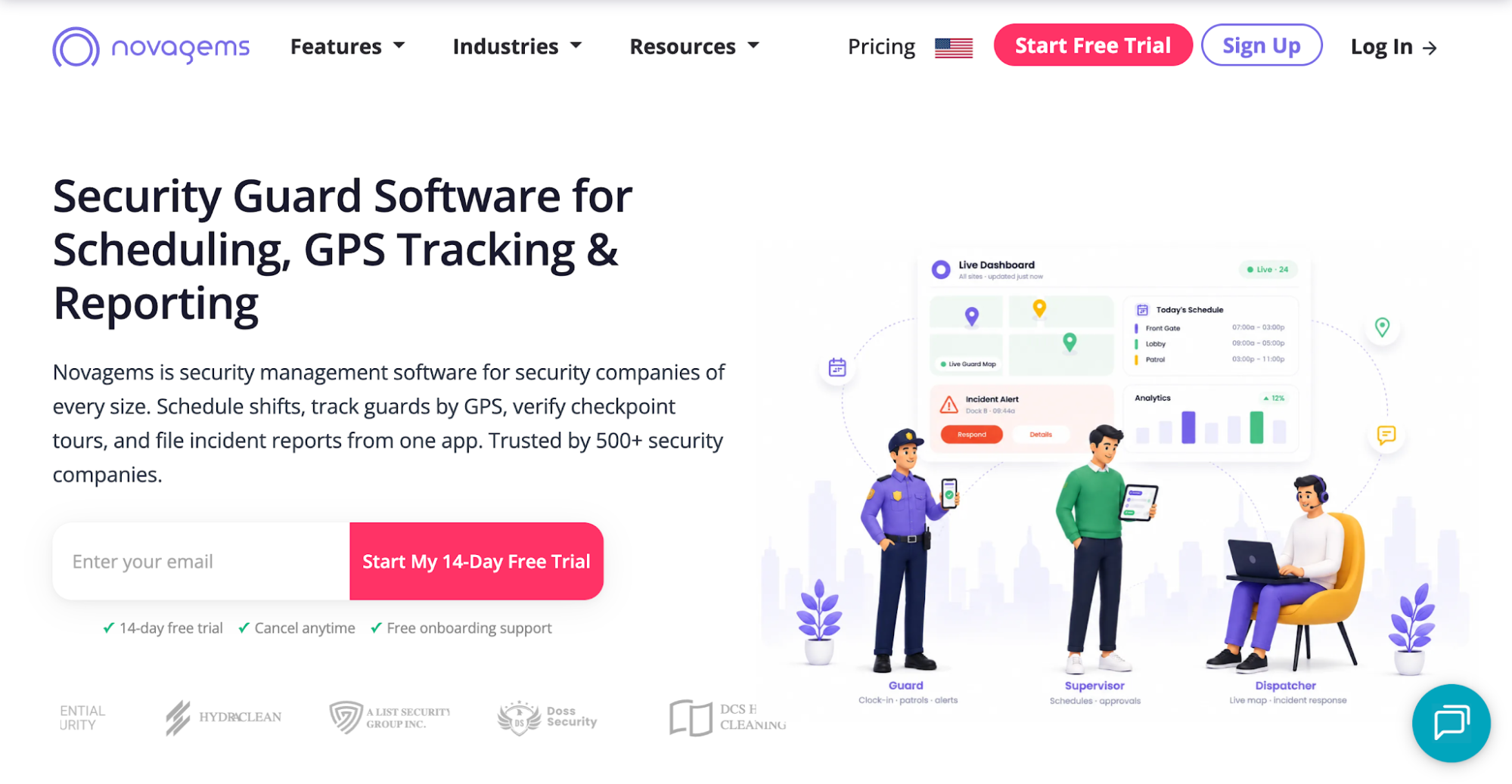 Image source: novagems.com
Novagems combines incident documentation with workforce tracking and operational reporting. Its dashboard gives supervisors access to field submissions, attendance information, and patrol records when reviewing security events.
Key Features
- Administrators customize incident forms to capture what occurred, where it happened, who was involved, and how personnel responded. This helps maintain consistent records across different locations.
- Guards submit details through the mobile app, attaching photos, GPS information, and timestamps to document events from the field.
- Searchable incident logs let authorized personnel retrieve entries by site, guard, date, or category to investigate an event.
- Patrol summaries include GPS routes and checkpoint scans, allowing management to examine recorded activity alongside incident submissions.
- Branded client reports combine case entries and patrol information for delivery to customers, reducing manual preparation.
If a client questions a reported break-in, supervisors can compare the officer’s account with recorded patrol activity from that shift.
3. Guard Owl: AI-Assisted Writing, Transcription, and Translation
 Image source: guardowlco.com
Guard Owl uses artificial intelligence to help guards turn rough notes and spoken accounts into organized incident reports. Its incident reporting system assists with transcription, formatting, translation, and categorization.
Key Features
- A security officer can dictate what happened instead of typing a full account. Guard Owl transcribes the recording and organizes the observations into a readable narrative.
- Personnel can submit notes in their preferred language, which the software translates into English for client communication.
- AI categorizes incidents such as trespassing, property damage, and medical emergencies. Administrators configure rules that route submissions to the appropriate recipients.
- Photos, videos, and GPS information accompany timestamped records, giving reviewers evidence to examine alongside the written account.
- The platform prepares branded PDF reports and distributes them through email or the client portal, reducing manual formatting and forwarding.
AI-assisted writing helps officers prepare reports from brief field notes, but it doesn’t verify what happened. Someone familiar with the event should review the final wording, especially after translation, before sending it to a customer.
4. TrackTik: Guided Forms and Configurable Site Requirements
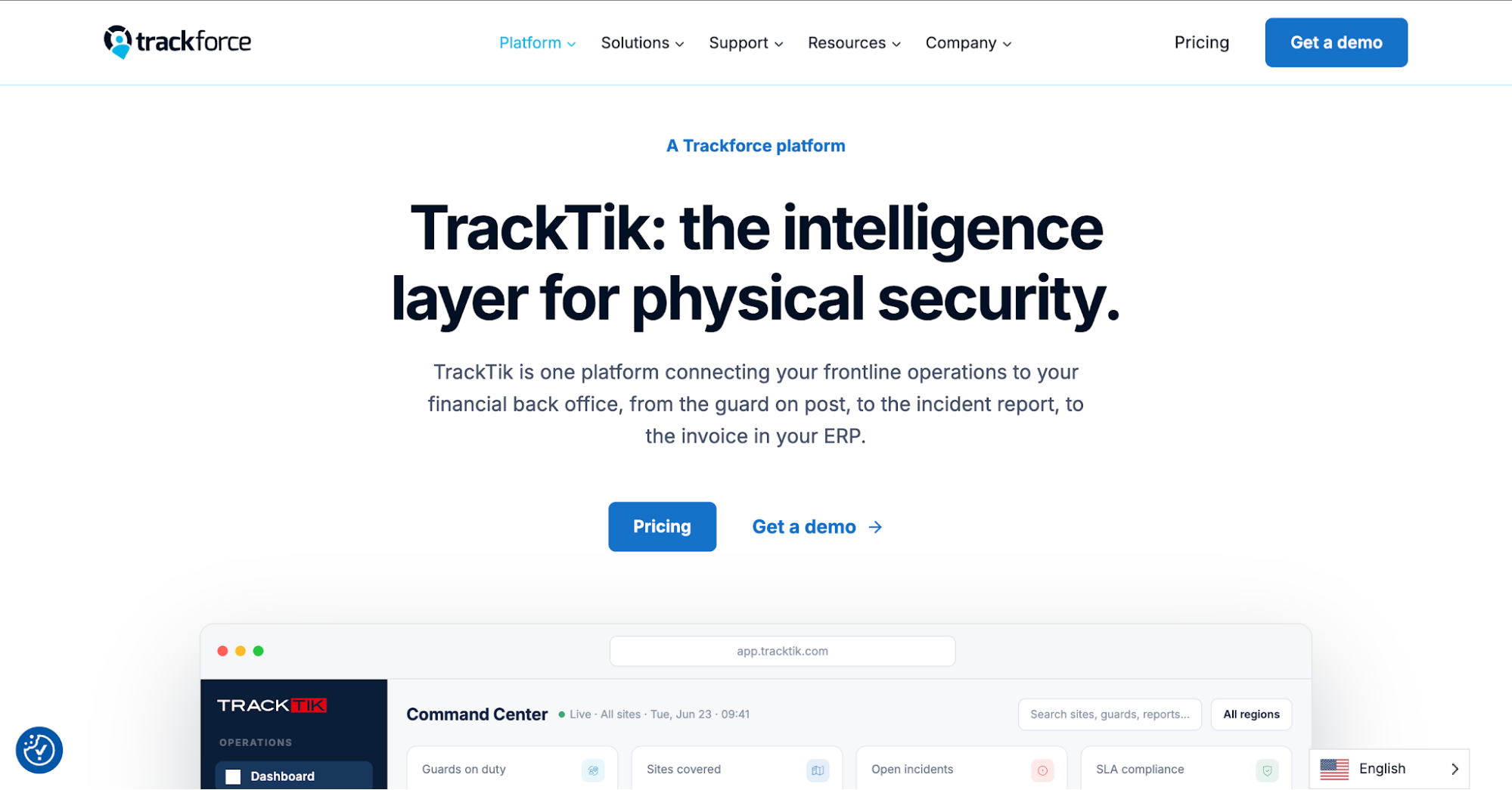 Image source: trackforce.com
TrackTik provides guided forms that let guards document incidents during patrols. The software collects field evidence through mobile reporting tools and allows companies to configure forms around individual site requirements.
Key Features
- Officers follow prompts on mobile devices when completing incident forms. The guided process helps capture required information without relying entirely on free-form descriptions.
- Each submission can include timestamped photos, videos, audio recordings, written statements, and GPS locations. Supervisors can examine the attachments alongside the original account.
- Administrators configure reporting templates according to client contracts and site procedures. The prompts direct officers to the fields required for that assignment.
- Email and text notifications inform relevant personnel about submitted records. Configured escalation rules also send updates to clients or third parties when necessary.
- The platform stores completed records digitally, allowing authorized users to retrieve historical submissions and share information with relevant stakeholders.
- Guard tour and checkpoint records provide additional patrol context when management reviews a reported event.
TrackTik’s guided forms help security companies follow consistent documentation procedures at different locations. Supervisors can also compare submissions against contract-specific requirements to identify missing information before sharing the records.
5. GuardMetrics: AI-Assisted Form Creation and Approval Workflows.
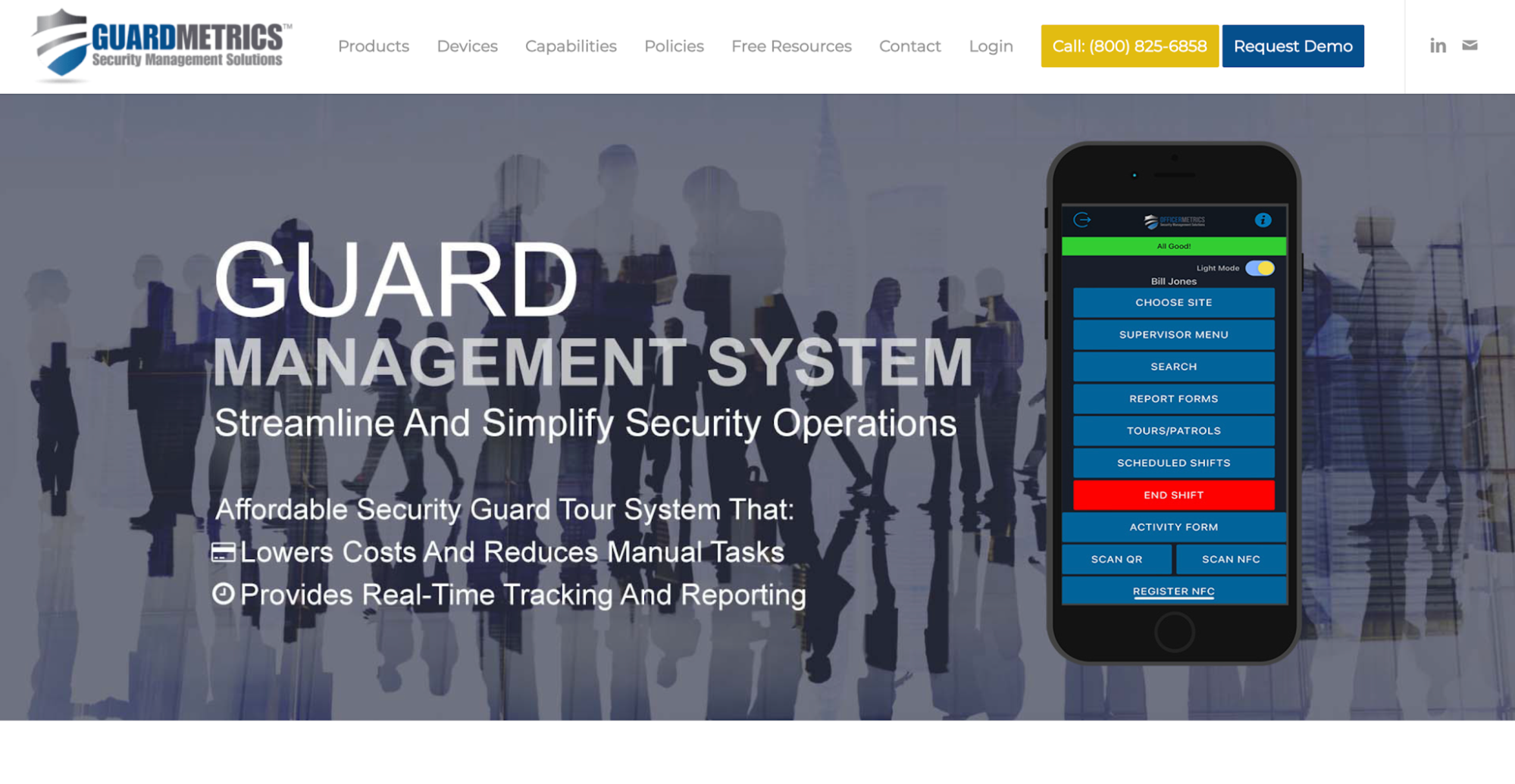 Image source: guardmetrics.com
GuardMetrics provides security guard reporting software with customizable forms, AI-assisted writing, and supervisor review tools. Companies can set different requirements for each location, so officers collect the information relevant to that site’s incidents.
Key Features
- Administrators upload an existing paper form or describe the fields they need. The AI builder creates a digital draft that managers review before assigning it to a site.
- Officers document incidents through mobile forms with written observations, photos, and signatures. Companies can configure fields for events involving theft, property damage, or safety concerns.
- AI Refine improves grammar and readability using the officer’s original account. Personnel still check the revised text to confirm it accurately describes what occurred.
- Authorized supervisors search submitted entries and review, edit, or approve them before client delivery when that workflow is enabled.
- Available reporting tools let management examine relevant patrol scans and field activity during an investigation. Access depends on the site’s permissions and enabled features.
GuardMetrics is useful when clients require different incident report forms. Managers can adapt the fields and review submissions before delivery.
6. GuardsConnect: Case Assignments, Investigation, and Documented Resolution
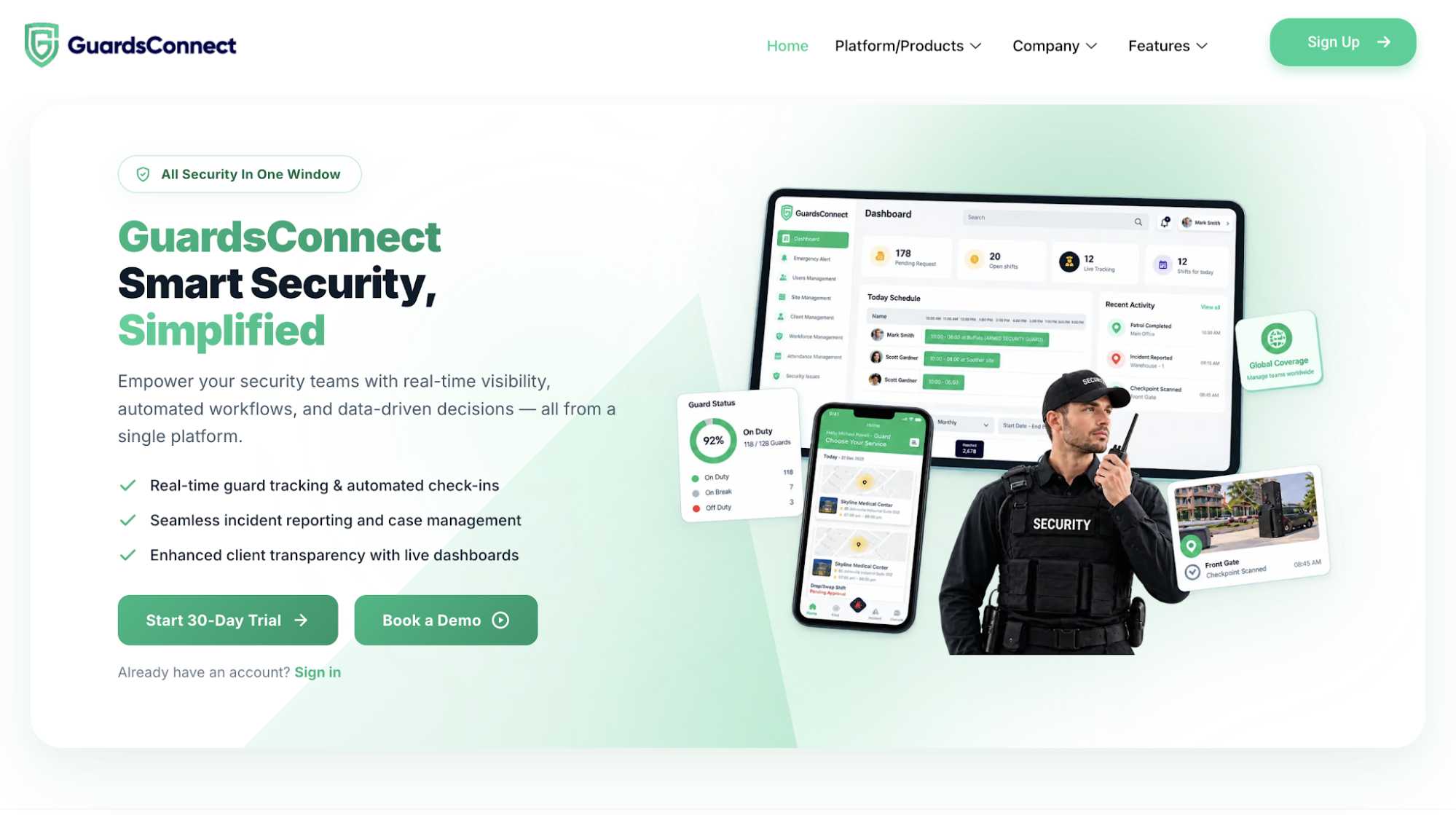 Image source: guardsconnect.com
GuardsConnect handles incident documentation through a case management workflow covering submission, investigation, and resolution. Its system lets the office track who holds an assignment and when personnel document the outcome.
Key Features
- Guards record events with timestamps and specific property locations, such as parking lots, lobbies, or loading docks. This helps investigators identify the exact area involved.
- Personnel attach photos, videos, or audio recordings to document property damage, unauthorized access, or a suspected threat. These files give reviewers evidence beyond the written account.
- Administrators review incoming submissions and assign cases to a guard, supervisor, or manager. Each assignment identifies who’s responsible for investigating the incident.
- The assigned person documents findings and actions taken before marking the case resolved. This creates a record of how personnel handled the matter.
- Guard action logs record movements and responses during incidents, helping supervisors examine what field personnel did while handling an event.
GuardsConnect also offers client-facing dashboards for reviewing relevant property activity. The documented findings give the office a basis for security reporting updates when an investigation remains open or reaches resolution.
What to Check Before Choosing Incident Reporting Software
Before signing a contract, check how the vendor handles setup, record access, training, and pricing for security operations at multiple sites.
Start with your clients’ reporting requirements. Ask whether customizable reports come with the plan and what it costs to convert existing forms into digital versions. Confirm who grants site access and removes permissions when personnel leave.
Next, ask how long the provider stores incident data, including case histories, photos, and attachments. Your back office may need these for insurance claims, liability disputes, or property owner requests. Confirm export formats and any retrieval fees.
Find out who trains field personnel to submit incidents and office administrators to review them. Ask whether the subscription includes onboarding or charges separately for it.
Finally, request a quote for your expected users and locations. Ask for transparency about storage, integrations, and plan restrictions to determine the total cost.
Show Clients How Incidents Were Handled With GuardTrac
A property manager at one of the residential communities you serve asks how a critical incident was resolved. Your security firm needs to explain who reviewed the case, what actions followed, and why personnel closed it.
GuardTrac lets you examine status changes, resolution notes, and available attendance and patrol records when preparing that response. With security guard incident reporting software, you have documented information to reference instead of relying on someone’s memory of the event.
FAQs About Security Guard Incident Reporting Software
What’s the difference between an incident report and a daily activity report?
An incident report has one job: document a specific event, including who was involved, what happened, and how personnel responded. Daily activity reports summarize patrol rounds, routine checks, and other work completed during an entire shift.
Can security guards submit incident reports offline?
Offline reporting depends on the software provider. Some apps let guards save incident details without internet access, but supervisors won’t receive them in real time. Check whether the app uploads saved entries automatically or requires manual submission when connectivity returns.
How long should security companies keep incident reports?
There’s no universal retention period. Local laws, insurance requirements, and client contracts determine how long records should remain available. An open investigation or legal claim may require longer retention, so use an efficient filing system to retrieve older records.
Put it into practice
Bring your security operations together.
Manage guards, schedules, patrols and reporting in one place. Try GuardTrac with your own team and sites.
- Guard tracking
- Shift scheduling
- Client reporting
14-day free trial. No credit card required.