Top 7 Security Guard Reporting Software Tools in 2026
Top 7 Security Guard Reporting Software in 2026: 1. GuardTrac 2. Silvertrac 3. OfficerReports 4. GuardsPro 5. THERMS 6. Guard Owl 7. TARGPatrol.
Your guard’s report says the patrol was completed. Then a property manager asks which areas were covered, and your supervisor has to search other records to confirm it.
That’s manageable at one site. But when security guard companies cover multiple locations, even routine client questions can take up a supervisor’s day.
Security guard reporting software helps teams verify patrols, review incidents, and share documentation without searching separate records. This guide compares the top seven platforms and explains what to look for before choosing one.
TL;DR
Here are the best security guard reporting software tools:
- GuardTrac
- Silvertrac
- OfficerReports
- GuardsPro
- THERMS
- Guard Owl
- TARGPatrol
What Can You Verify From a Security Guard Report?
A daily activity log tells you what an officer recorded during a shift. Digital reporting is more useful when managers compare those entries with other site records.
A security guard contract requires three perimeter patrols, but the log only says “all rounds completed.” Guard tour tracking lets the office compare checkpoint scans with the assigned route to identify missed stops.
Incidents require different evidence. Photos in detailed incident reports show the damage an officer documented, while timestamps show when the report was submitted. Those details help explain the incident to a property manager without relying on a secondhand account.
That documentation also matters when customers question contracted security services or dispute invoices. Without it, managers rely on staff recollections rather than recorded activity.
For security teams managing patrols at several sites, a checkpoint scan confirms a recorded visit, not a full inspection. Supervisors still have to investigate anything those records don’t explain.
Essential Features to Look for in Security Guard Reporting Software
Compare these features to understand how each platform handles field documentation, supervisor reviews, and client updates.
- Mobile field reporting: Mobile apps let officers submit notes and photos from a guard’s phone. This means replacing manual processes that require retyping handwritten forms.
- Evidence capture: Photos document property damage more precisely than descriptions alone. Look for timestamps, location data, and video or audio attachments.
- Patrol verification: GPS and checkpoint scans record which stops an officer visited. Look for missed-round alerts and ways to investigate gaps.
- Custom templates: A warehouse inspection requires different details than a visitor log. Required fields help officers capture what each contract calls for.
- Supervisor review and permissions: Check whether compliance tools retain approval histories. Access settings should restrict guards to records from their assigned properties.
- Client access: Portal permissions keep each customer’s information separate, especially when enterprise security companies serve multiple sites. Scheduled PDFs reduce manual forwarding.
- Scheduling and billing: Managers assign guards to posts and compare clock-ins with scheduled hours. This helps resolve disputes over time tracking and billed coverage.
7 Best Security Guard Reporting Software Platforms in 2026
Choosing the best security guard reporting software depends on the records each contract requires. Security platforms emphasize different aspects of patrol verification, incident documentation, and client reporting.
1. GuardTrac
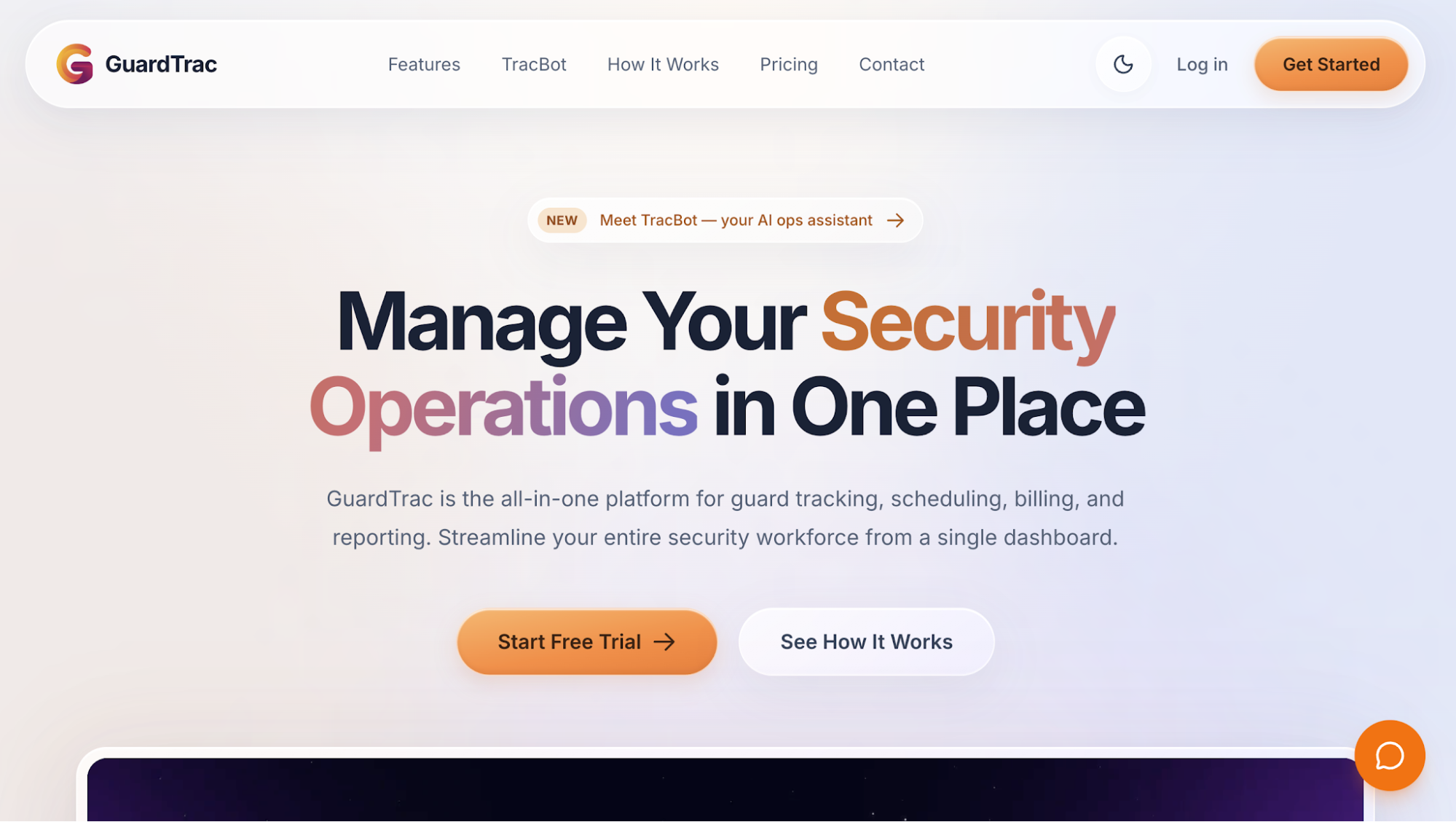 GuardTrac is an all-in-one security guard management platform connecting field reporting, patrol tracking, scheduling, and billing. Managers overseeing daily security operations can review site activity alongside workforce records without switching between separate tools.
This helps when clients question completed patrols or dispute billed hours. Paper daily activity reports, WhatsApp shift changes, and separate time records make those questions harder to answer.
GuardTrac improves operational efficiency during disputes by letting managers compare patrol reports, shift assignments, and time records together.
Key Features
- Mobile reporting: Officers submit reports with photos, timestamps, and GPS location. Custom incident report forms support required fields, video attachments, and signatures.
- Patrol verification: Geofenced clock-ins record where officers begin their shifts. QR and NFC scans document checkpoint visits, helping managers identify missed stops and investigate patrol complaints.
- Supervisor review: Configurable approval settings let managers inspect submissions before sharing them. In-app communication tools help clarify missing details, while handover notes document unresolved issues for the next shift.
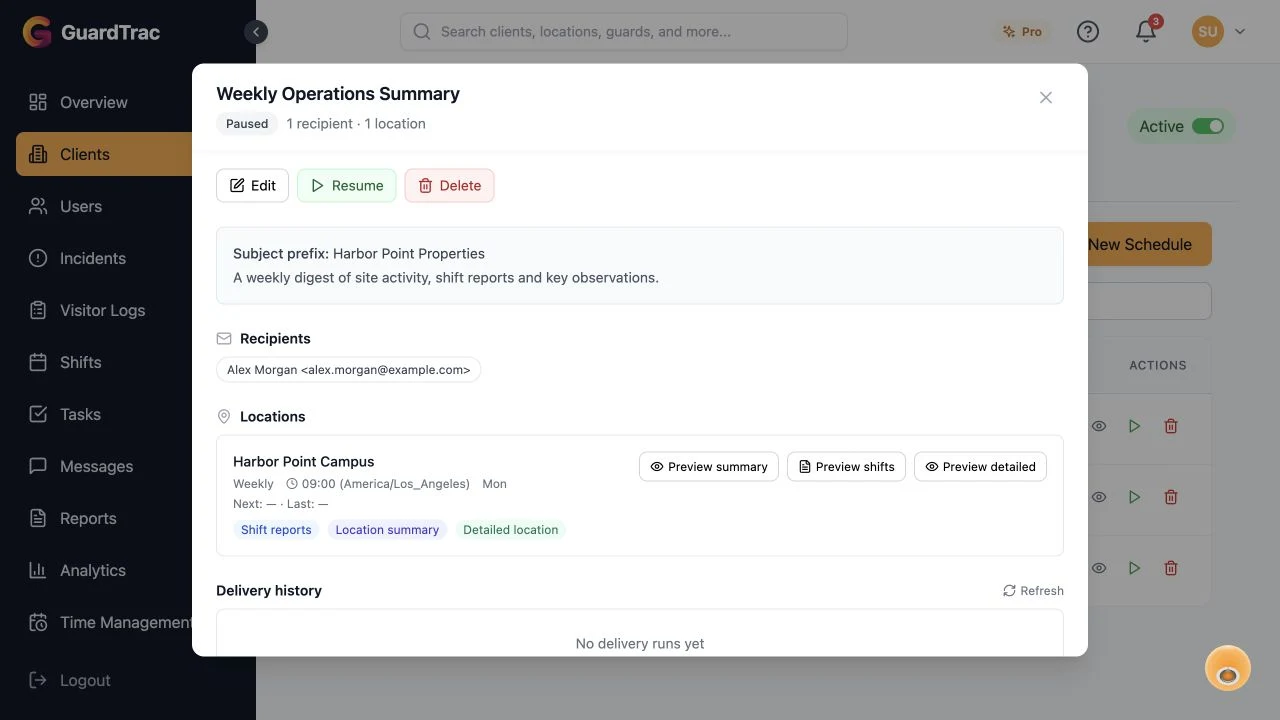
- Client reporting: Portal permissions determine which pages customers access, including incidents, checkpoints, and other site activity. Branded PDF exports are available, while Pro offers scheduled daily, weekly, biweekly, or monthly report delivery.
- Scheduling and billing: Teams that manage guards at several properties can broadcast open shifts, review requests, and coordinate shift swapping. GPS time tracking provides attendance records for comparison with assigned shifts. Administrators review hours and gross pay before export to catch incorrect time entries. They also manage location billing rates and invoices.
- TracBot AI: Available on Pro, TracBot uses your operational data to answer questions about missed checkpoints, shift activity, and incidents. Managers can retrieve recorded information without opening individual reports.
Example of How GuardTrac Handles Incident Follow-Up
An officer reports a damaged gate, but the property manager wants to know whether anyone checked the area afterward. The office reviews the detailed incident documentation and handover notes to find out what happened next.
When incident response continues into another shift, managers can check outstanding tasks and patrol history for recorded follow-up. Attendance records also help establish who was on duty when the customer questions site coverage.
The office can then share approved documentation through the client portal. Those records help the business explain its actions when a service complaint puts a contract at risk.
2. Silvertrac
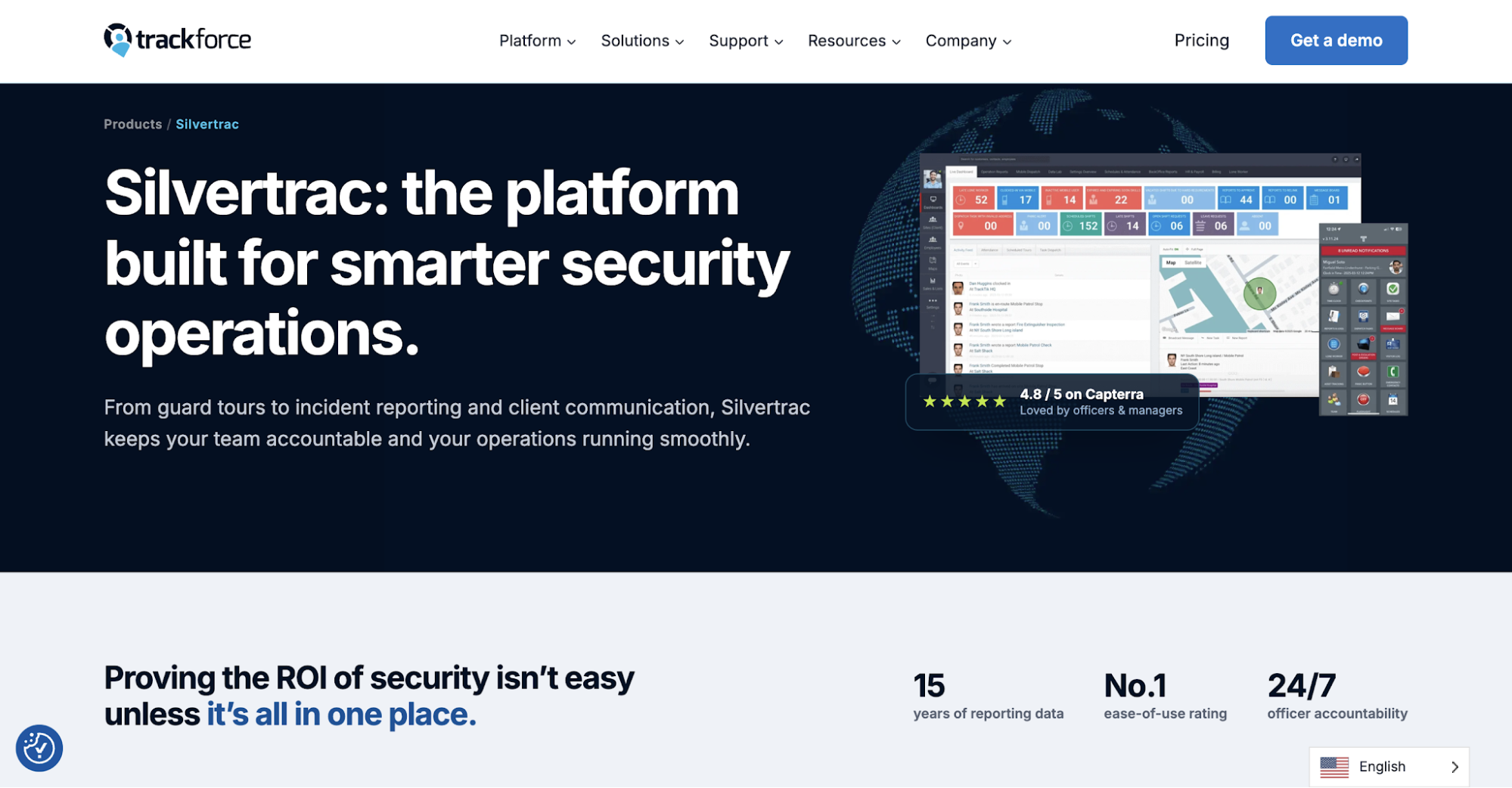 Image source: trackforce.com/products/silvertrac
Silvertrac combines security guard tracking software with field reporting and dispatch task management. Its checkpoint records and automated summaries show what officers documented during a shift.
Key Features
- Incident reporting: Officers attach timestamped photos, audio, or written descriptions. The evidence helps investigate property damage, parking violations, and other site issues.
- Patrol verification: Checkpoints include instructions for each stop. GPS and geofencing offer real-time visibility into routes and flag off-course activity.
- Automated daily summaries: Silvertrac compiles entries into Daily Activity Reports (DARs), so the office doesn’t have to assemble individual submissions.
- Dispatch coordination: Assign tasks by location or officer. An in-app message board shares updates, while pass-downs provide post orders and emergency contacts.
- Client access: Property managers view summaries through the portal. Checkpoint timelines show which areas officers recorded visiting.
Automated DARs make it easier to provide a complete shift summary when customers ask about routine site activity.
3. OfficerReports
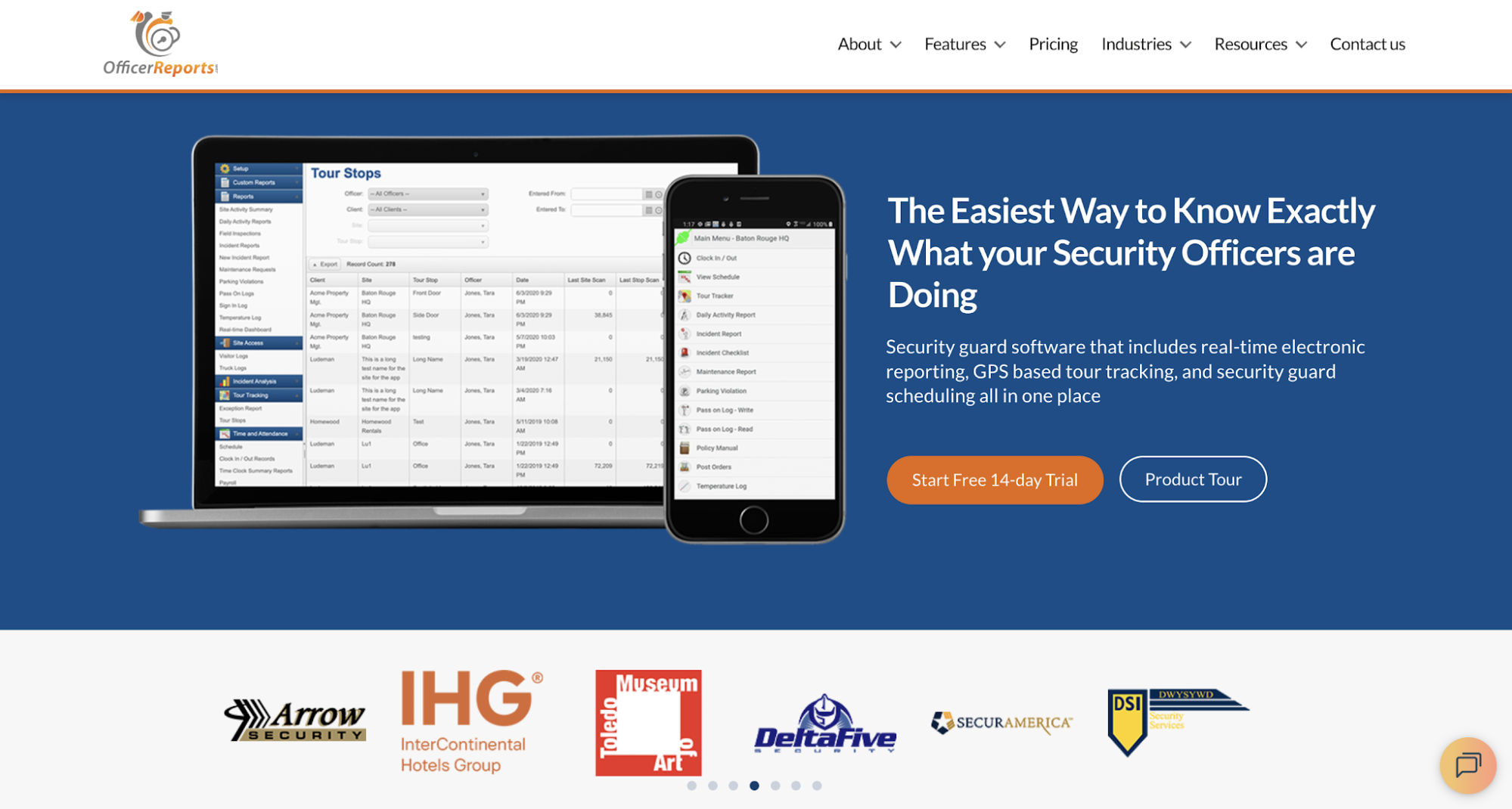 Image source: officerreports.com
OfficerReports combines electronic documentation, GPS patrol tracking, and workforce scheduling. Its reporting process includes a review stage before customers receive submissions.
Key Features
- Electronic reporting: Security officers complete daily logs, incident checklists, and visitor records through the app. Pass-on notes explain unfinished duties to incoming personnel.
- Patrol tracking: GPS records tour activity and verifies clock-in locations. Attendance alerts identify late arrivals or missed shifts.
- Supervisor approval: Managers inspect field submissions and request corrections before release.
- Client delivery: Authorized recipients access documentation online or receive incident details by email, without printing and scanning paperwork.
- Scheduling and payroll: When scheduling guards, the office compares assigned shifts with attendance records. Payroll exports reduce manual data entry.
- Field inspections: Management records site visits, officer performance, and customer feedback separately from frontline logs.
Those inspection findings provide another source of evidence when a property manager questions whether site procedures were followed.
4. GuardsPro
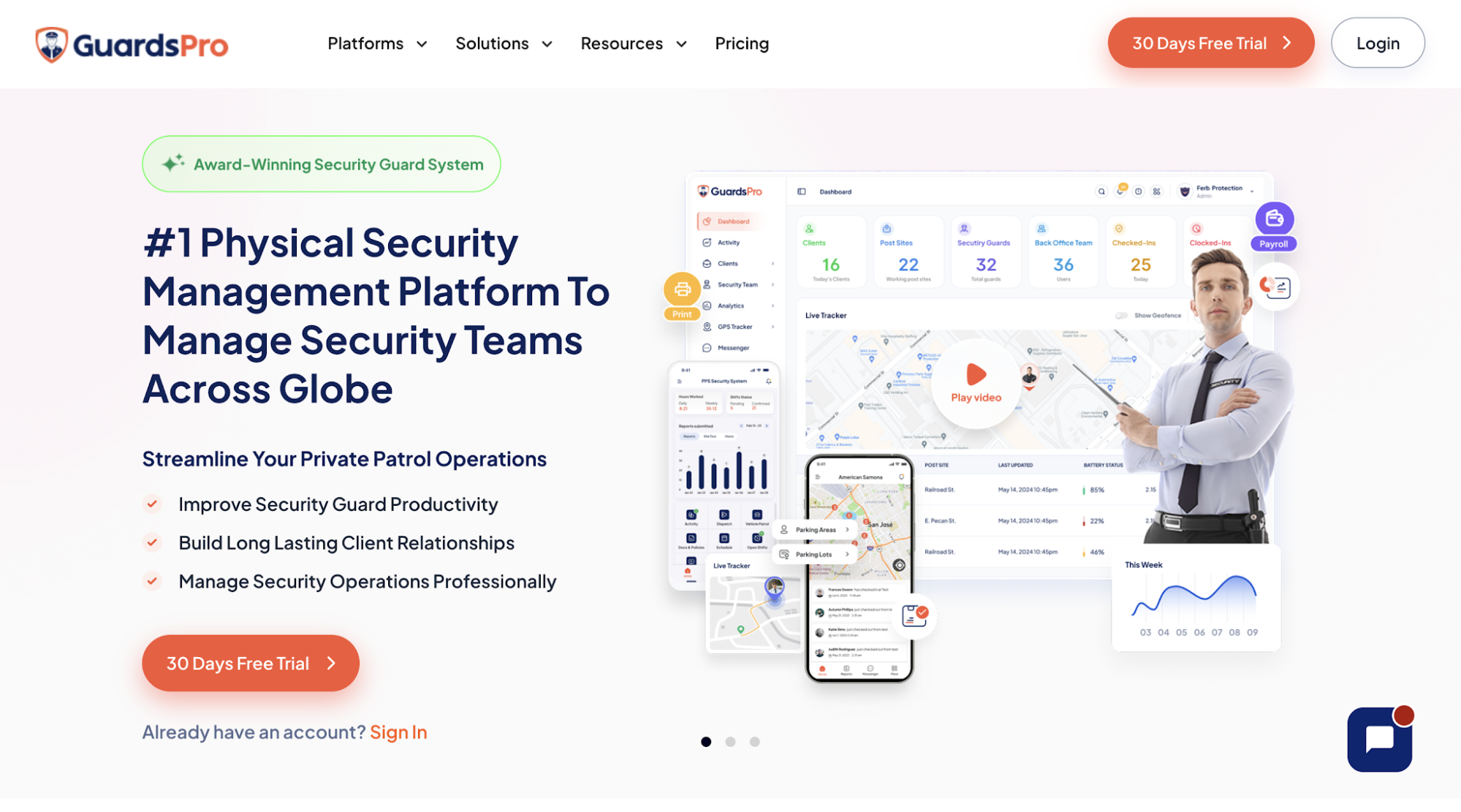 Image source: guardspro.com
GuardsPro is a security guard management system with custom field documentation, patrol tours, and workforce records. Managers set different reporting requirements for each property.
Key Features
- Custom reporting: Back-office teams build templates with required fields. A warehouse might log arriving vehicles, while a residential property records visitors.
- Mobile documentation: The app saves unfinished drafts after interruptions. Passdown logs tell the next shift about outstanding issues.
- Patrol verification: Its guard tour system records QR, NFC, and virtual checkpoint visits. Real-time location tracking shows personnel on a map, while geofence alerts flag activity outside authorized areas.
- Office monitoring: Dashboard notifications display clock-ins and confirmations for assigned guard shifts, helping managers identify uncovered posts.
- Client access: Customers review reports and tour history through a web portal or mobile app.
- Workforce administration: Time-clock data helps prepare payroll exports for supported providers. Separate tools handle invoices and payment status.
GuardsPro’s reporting options give each site its own documentation requirements, while the back office retains access to attendance and patrol records. This helps managers investigate discrepancies without relying solely on field submissions.
5. THERMS
 Image source: therms.io
THERMS is security reporting software that organizes field submissions, daily logs, and incident follow-up. Configurable workflows determine how documents pass from officers to customers.
Key Features
- Custom templates: A drag-and-drop editor creates single-entry incident forms and multi-entry logs for several observations.
- Daily activity logs: Timestamped entries identify who submitted an observation and where, helping reconstruct an overnight shift.
- Supervisor approval: Managers review incident reports through configurable approval stages before release.
- Incident tracking: Active, Pending, and Closed statuses distinguish unresolved matters from completed ones. Filters locate issues by property and date.
- Client delivery: Approved professional reports reach subscribed recipients as PDFs, automatically or on a schedule. Portal permissions limit access to authorized records.
- Operational records: Patrol and shift information adds context to incomplete logs. Selected records can be exported to Excel or CSV.
THERMS separates report approval from incident resolution. A property manager might receive the approved account of a broken gate while repairs remain outstanding.
6. Guard Owl
 Image source: guardowlco.com
Guard Owl is security guard software with an emphasis on AI-assisted incident documentation. It prepares customer-facing accounts from spoken or typed notes.
Key Features
- Voice and multilingual input: Security personnel dictate or type observations in their preferred language. The app transcribes notes and translates entries into English.
- AI-assisted writing: Guard Owl corrects grammar, organizes descriptions into templates, and categorizes incidents using configured rules. Officers attach photos, videos, and GPS information as evidence.
- Patrol verification: QR scans document mobile patrol rounds. GPS and geofencing help investigate activity outside assigned areas.
- Dispatch coordination: Configurable rules route incident submissions to selected recipients. In-app messages let officers request assistance.
- Client communication: Branded PDFs reach customers by email or portal access, avoiding the need to interpret rough field notes.
- Scheduling and billing: Verified clock-in hours feed timesheets for export to a payroll system. The platform uses recorded time and contract rates to prepare invoices.
AI can improve how an incident account reads, but someone still has to verify names, times, and what actually happened. Teams should also check how report approvals work before enabling automatic delivery to customers.
7. TARGPatrol
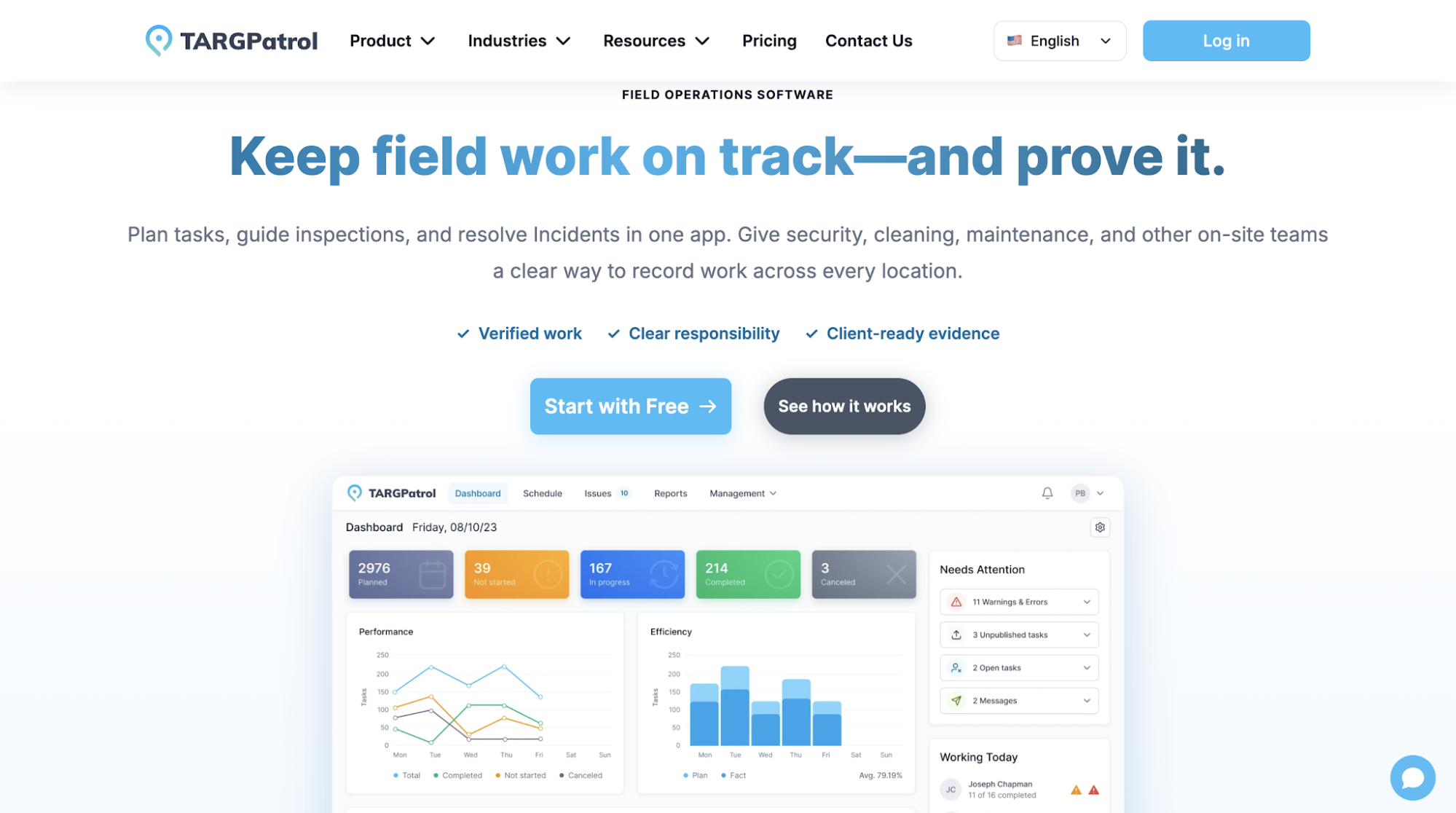 Image source: targpatrol.com
TARGPatrol manages scheduled work for security patrols, cleaning crews, and maintenance personnel. It records assigned tasks and inspection findings by location.
Key Features
- Task documentation: Work orders specify what to inspect. Personnel submit findings through mobile devices, rather than only marking an assignment complete.
- Checkpoint verification: QR and GPS Point check-ins record visits with timestamps. Optional route tracking captures GPS history only while the app is open.
- Incident management: Staff record priority, assign follow-up responsibility, and add comments or attachments as the issue progresses.
- Activity reviews: Location and user views compare planned tasks with recorded check-ins to identify missed assignments.
- Custom report views: Managers select columns, filters, and totals. Saved views preserve recurring layouts.
- Exports and delivery: Supported plans provide PDF and Excel exports, plus scheduled email distribution.
Security firms with security guards at fixed posts should check whether TARGPatrol handles their staffing and billing requirements.
Back Up Your Patrol Reports With GuardTrac
 A property manager spots a missing checkpoint on an overnight patrol and asks whether the rear entrance was left unattended. The officer had responded to an alarm elsewhere, but the daily log never explained the interruption.
When those details sit in paper logs or separate messages, managers make phone calls to officers who’ve finished their shifts. The customer is left waiting for an explanation.
GuardTrac puts incident details and checkpoint history in the same workspace. The office can investigate the interruption and share an approved account instead of forwarding an incomplete log.
Sometimes the review confirms a missed duty. Acknowledging the gap and documenting the response matters for client retention, especially when customers revisit complaints before renewing contracts.
FAQs About Security Guard Reporting Software
What’s the difference between a daily activity report and an incident report?
A daily activity report documents routine duties, such as patrols and visitor checks. An incident report explains an event that raised security concerns, including the officer’s response and outstanding issues.
What should a security guard include in an incident report?
Record the time, exact location, people involved, and events in chronological order. Detailed reports distinguish firsthand observations from witness statements and explain the officer’s actions, with photos when available. In high-risk environments, also identify immediate hazards and whom the officer notified.
Can you export security guard reports when switching software?
Many security software platforms offer PDF or CSV exports, although formats vary. Check whether your security management platform includes attachments, timestamps, and historical records. Confirm whether the replacement platform or existing systems used for archiving can import those file
Put it into practice
Bring your security operations together.
Manage guards, schedules, patrols and reporting in one place. Try GuardTrac with your own team and sites.
- Guard tracking
- Shift scheduling
- Client reporting
14-day free trial. No credit card required.