7 Best Security Guard Timekeeping Software in 2026
Compare security guard timekeeping software: 1. GuardTrac 2. TrackTik 3. ShiftFlow 4. Novagems 5. Guard Owl 6. Deputy 7. GuardsPro. Find your fit.
A full guard schedule tells you who should be working, not who actually clocked in. When guards cover multiple client sites, manually checking attendance and correcting timesheets can be difficult.
Security guard timekeeping software keeps clock-in records and working hours together, making it easier to review missed punches and correct mistakes. But platforms differ in how supervisors review, approve, and use those records.
This guide compares the seven best options for security companies, so you can find a system that fits how your team manages attendance.
TL;DR
Here are seven of the best security guard timekeeping software platforms to try in 2026:
- GuardTrac
- TrackTik
- ShiftFlow
- Novagems
- Guard Owl
- Deputy
- GuardsPro
How Security Guard Timekeeping Software Works
Security guard timekeeping software helps officers track time and prepares attendance records for payroll review. Where scheduling is included, managers assign personnel to client sites and set expected hours.
At the assigned site, an officer uses a mobile app to clock in. The system saves a timestamp and GPS location, while geofencing may reject punches outside the designated boundary.
During the shift, personnel log breaks. Where patrol and reporting tools are included, they can scan checkpoints and submit incident reports. These activities document specific events but don’t prove continuous site coverage.
After clock-out, supervisors correct missed entries, review hours against overtime rules, and approve timesheets. Payroll uses these approved figures to prepare pay data, while billing applies contract rates and terms to invoices. Payable and billable hours may differ.
For companies managing multiple locations, these records help trace discrepancies to specific assignments, clock-ins, or corrections.
Top 7 Security Guard Timekeeping Software Platforms
Here are seven of the best security guard timekeeping software platforms for companies managing contracted posts across multiple sites.
1. GuardTrac
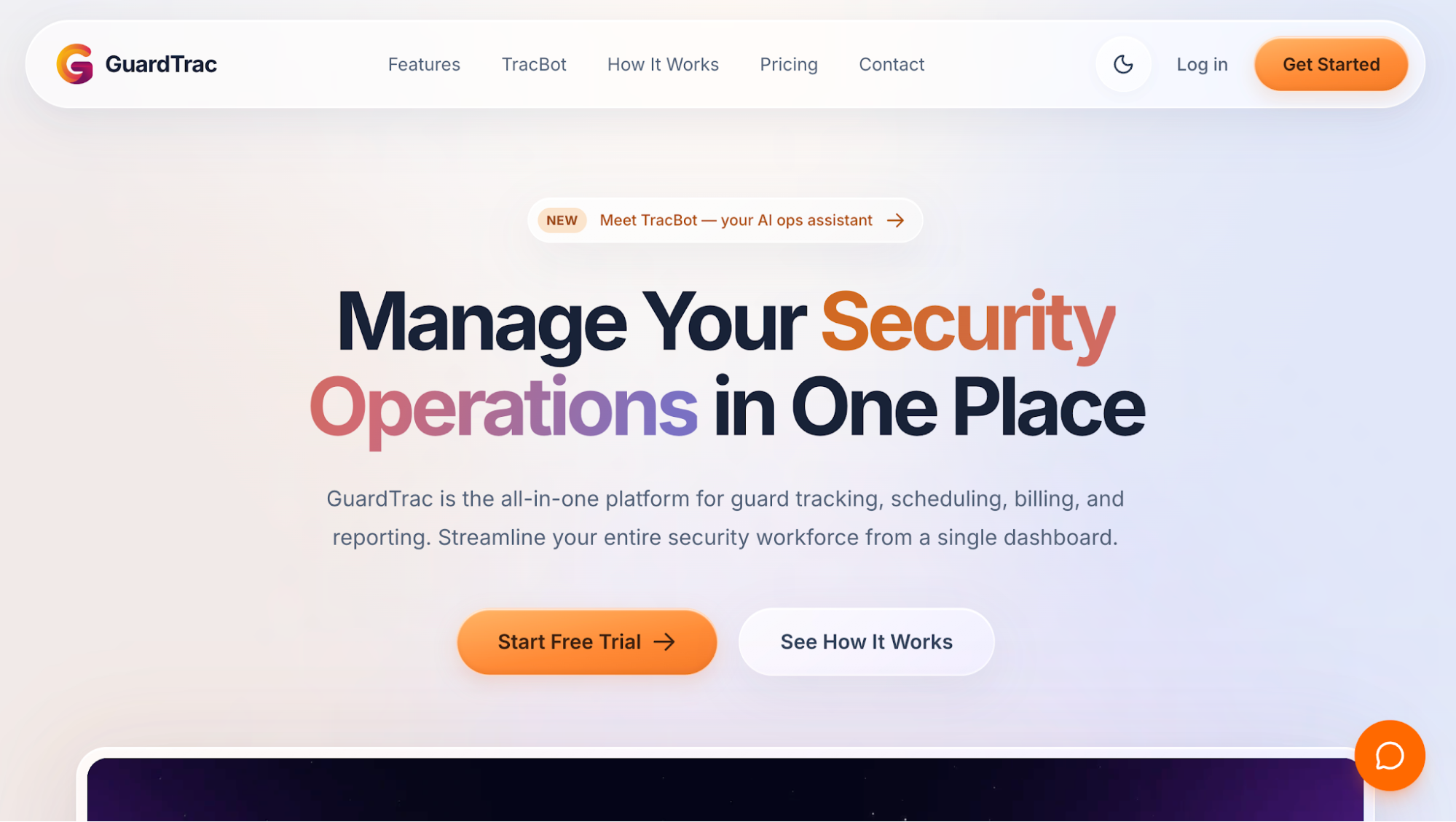 GuardTrac is all-in-one security guard management software that connects attendance and patrol records with payroll preparation and customer billing.
It’s designed for private contractors dealing with manual timesheets, paper patrol logs, and client disputes over billed hours.
Key Features
- GPS time tracking: Officers clock in and out through the mobile app. GuardTrac records GPS coordinates and timestamps; geofencing checks whether each punch comes from the assigned site.
- Breaks and corrections: Location-based rules determine whether meal and rest breaks count as paid hours. The audit history shows who corrected an entry and why.
- Timesheet approvals: Personnel creates and signs timesheets for supervisor review. The system labels submissions pending, in review, approved, or rejected, then locks approved entries for payroll.
- Payroll preparation: Administrators review regular hours, daily or weekly overtime, holiday premiums, and paid leave. They select weekly, biweekly, semimonthly, or monthly pay periods.
- Payroll exports: Administrators check draft batches and gross pay before producing CSV or ADP Workforce Now Pay Data Import files.
- Scheduling and patrol verification: Dispatchers assign shifts and manage shift coverage. Officers scan QR or near-field communication (NFC) checkpoints during security patrols; Pro adds GPS checkpoints. Officers can also submit incident reports through the app.
- Client billing and reporting: Office staff set location rates and issue invoices. The client portal shares site information, while Pro delivers scheduled branded activity reports.
GuardTrac’s Essentials plan includes attendance tracking, timesheets, and QR/NFC checkpoint tours. Companies requiring payroll management, GPS patrol checkpoints, and automated report delivery can choose Pro.
Who GuardTrac Is For
GuardTrac suits private security firms with 25–150 officers assigned to several properties. It’s a practical choice for companies replacing paper records and group chats with a system that connects field attendance to back-office operations.
When a customer questions an invoice or a timesheet requires correction, the office has the relevant records available for review.
2. TrackTik
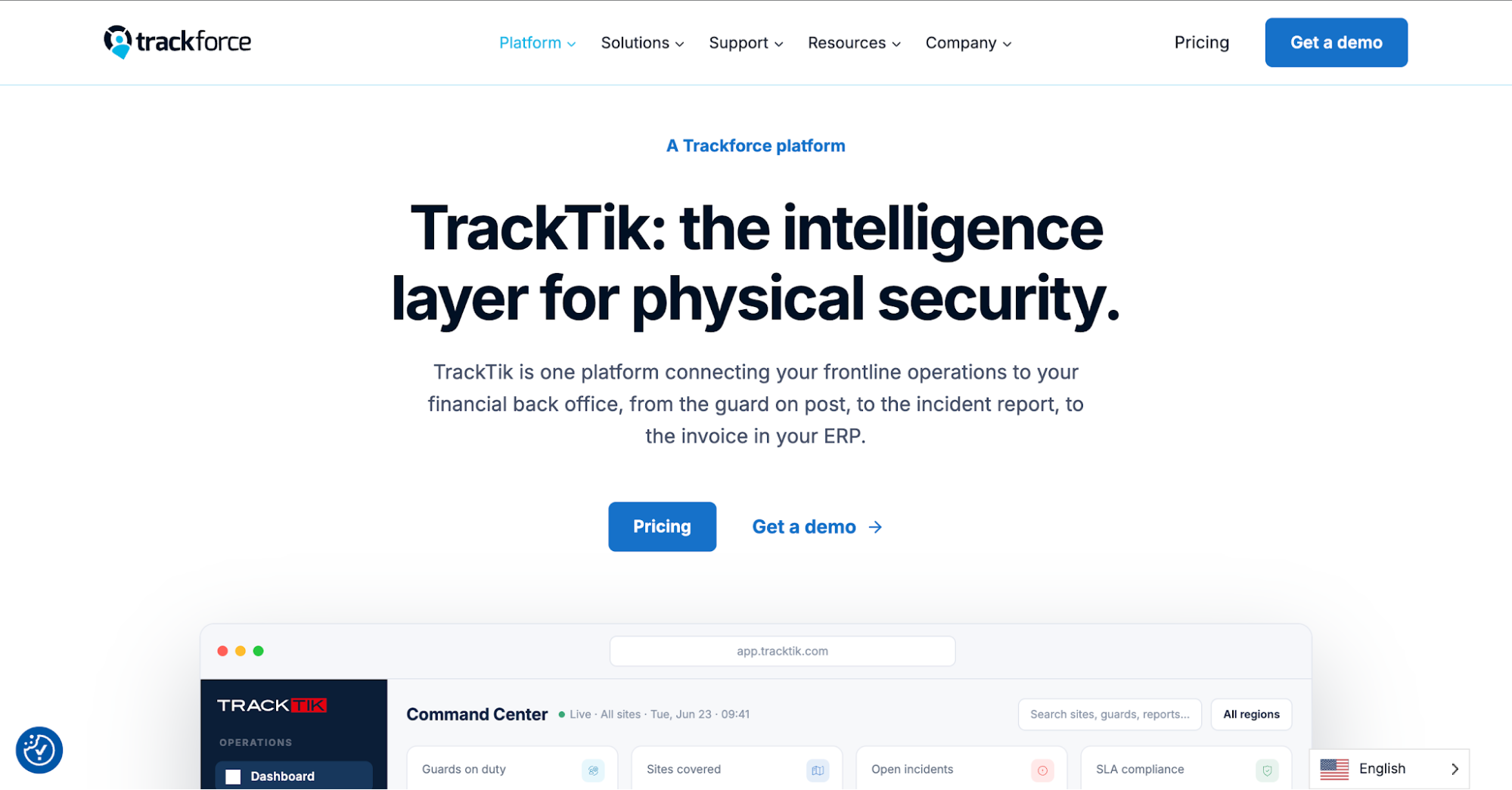 Image source: trackforce.com
TrackTik, part of Trackforce, connects employee attendance with payroll and contract-based invoicing. It compares recorded hours with roster assignments before the office prepares financial data.
The platform also offers location tracking, giving supervisors a view of officers on duty at their assigned properties.
Key Features
- Mobile time clock: Officers clock in, out, and record breaks through the Guard Tour app or web browser. GPS and geofencing verify punch locations.
- Shift management: TrackTik flags late arrivals and absences. Supervisors review open shifts and unconfirmed assignments to address staffing issues.
- Patrol verification: The guard tour system records checkpoint scans using GPS, NFC, or QR codes. Personnel also submit incident details from the field.
- Payroll preparation: Configurable break and overtime rules help administrators calculate payable hours. Automatic clock-out closes entries after a specified period of inactivity.
- Client reporting: Customers access site activity through the portal or receive updates by email. They can examine submissions by officer, shift, or account.
For contract security providers with detailed billing agreements, TrackTik also generates invoices according to contract terms. Its payroll integration and accounting connections link workforce records with existing financial systems.
3. ShiftFlow
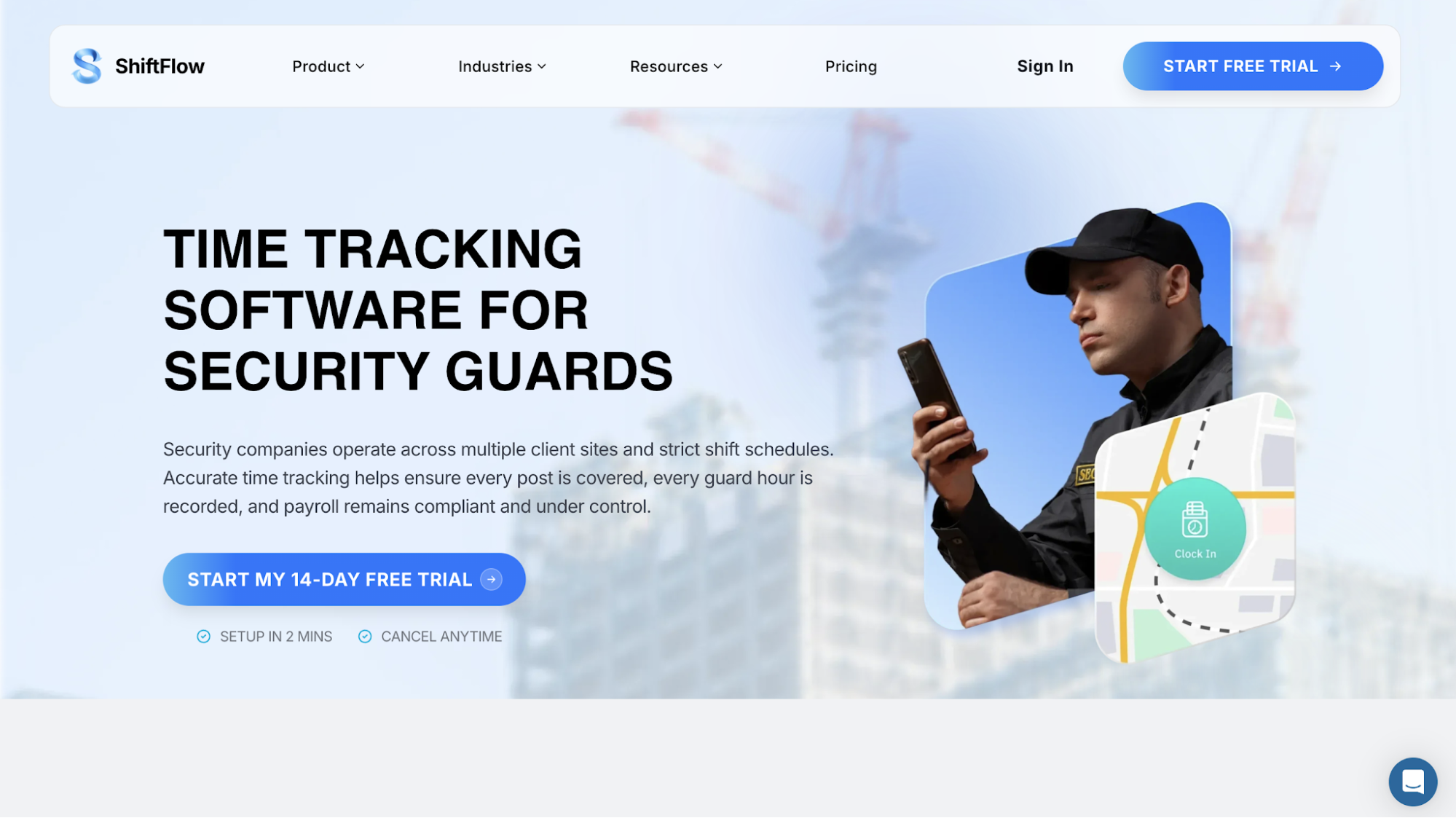 Image source: shiftflow.app
ShiftFlow is a workforce timekeeping platform used in several industries, including private security. It connects attendance with planned assignments and organizes recorded hours into timesheets for supervisor approval.
Its schedule-aware tracking also helps businesses identify missing or inconsistent entries before payroll.
Key Features
- GPS clock-ins and geofencing: Employees register attendance through their phones, with optional location verification against approved workplaces.
- Shift management: Supervisors manage rotating rosters, overnight assignments, and staffing changes. The dashboard provides real-time visibility into attendance and coverage gaps.
- Breaks and overtime: Workers record meal and rest periods. Configured pay rules calculate working hours and overtime, helping administrators review labor costs.
- Time corrections: Users edit inaccurate entries or make bulk adjustments. A change history preserves the details of those edits and approvals.
- Timesheet approvals: Managers review recorded hours before approving submissions for payroll export or connection to accounting tools.
ShiftFlow also organizes worked and billable hours by project or customer account. The summaries provide figures for checking labor charges before invoicing.
Security teams needing dedicated patrol verification or incident management should confirm those functions separately.
4. Novagems
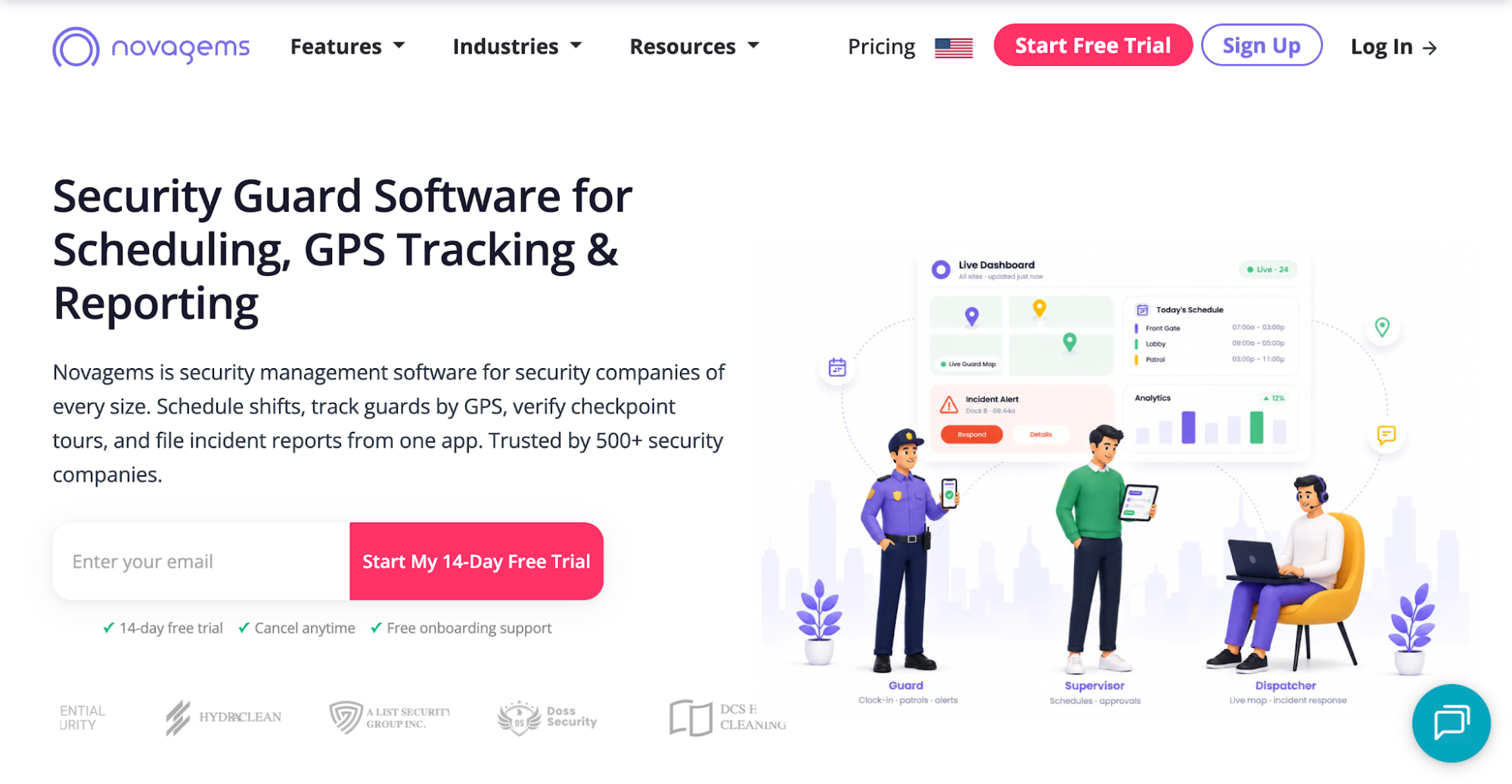 Image source: novagems.com
Novagems combines employee timekeeping with GPS monitoring and patrol management for private security companies. Its centralized dashboard brings attendance information from different client properties into one place.
Key Features
- Mobile clock-ins: Guards register attendance through the app, with geofencing restricting punches to assigned work locations.
- Attendance monitoring: Instant notifications alert supervisors to missed punches and break activity. Real-time location tracking displays on-duty personnel on a map.
- Breaks and overtime: Workers log rest periods, while the platform calculates overtime according to configured rules.
- Timesheets and exports: Recorded hours feed payroll-ready timesheets. Administrators can export the data in bulk for pay processing.
- Patrol management: Scheduling tools assign shifts, while checkpoint tours and mobile incident submissions document activities at each property.
Novagems also organizes attendance and guard activity into site-specific summaries. Account managers can reference these records when customers ask about patrol completion or staffing at their properties.
5. Guard Owl
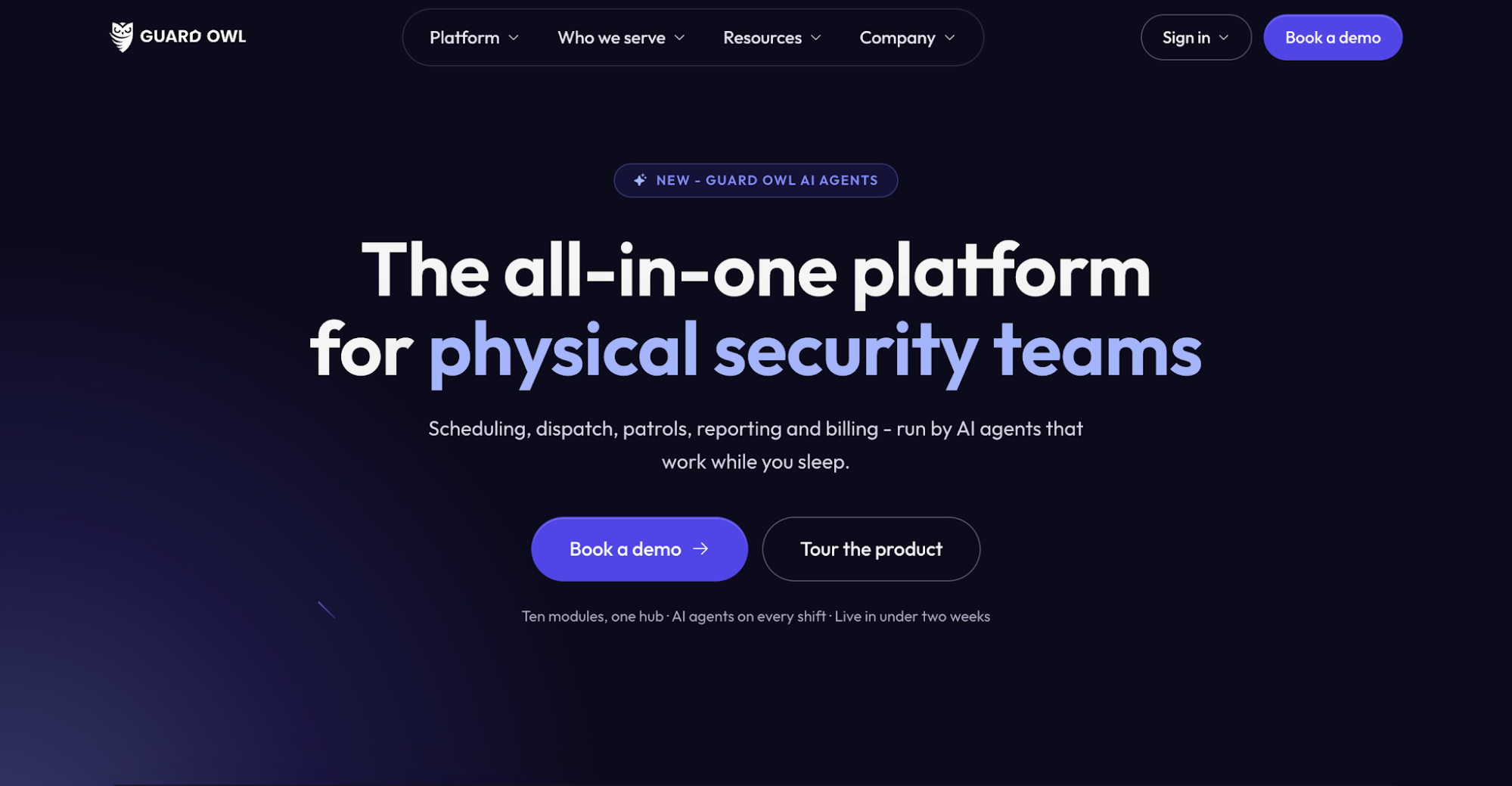 Image source: guardowlco.com
Guard Owl combines geofenced timekeeping with guard scheduling, payroll preparation, and invoicing for private security contractors.
Its AI assistant, Owly, is designed to make phone calls about missed check-ins and help coordinate shift replacement when a post lacks coverage. Guard Owl also advertises AI-powered scheduling that aims to match available, qualified officers with vacant assignments.
Key Features
- Geofenced clock-ins: Officers register attendance within designated site boundaries. Guard Owl organizes working hours by person, location, and date.
- Timesheet reconciliation: The system compares punches with published assignments and flags discrepancies for supervisory review.
- Breaks and overtime: Configurable site and state rules calculate payable hours, including applicable rest periods and overtime.
- Approvals and payroll exports: Administrators review exceptions and approve reconciled timesheets before downloading finalized data as CSV files.
- Audit history: Guard Owl records who changed an entry, when the adjustment occurred, and the reason provided.
- Patrol documentation: Mobile checkpoint tours verify rounds, while incident submissions capture photos and details from the field.
For billing, Guard Owl generates invoices using verified hours and contract rates. Its client portal also gives customers access to relevant site information.
6. Deputy
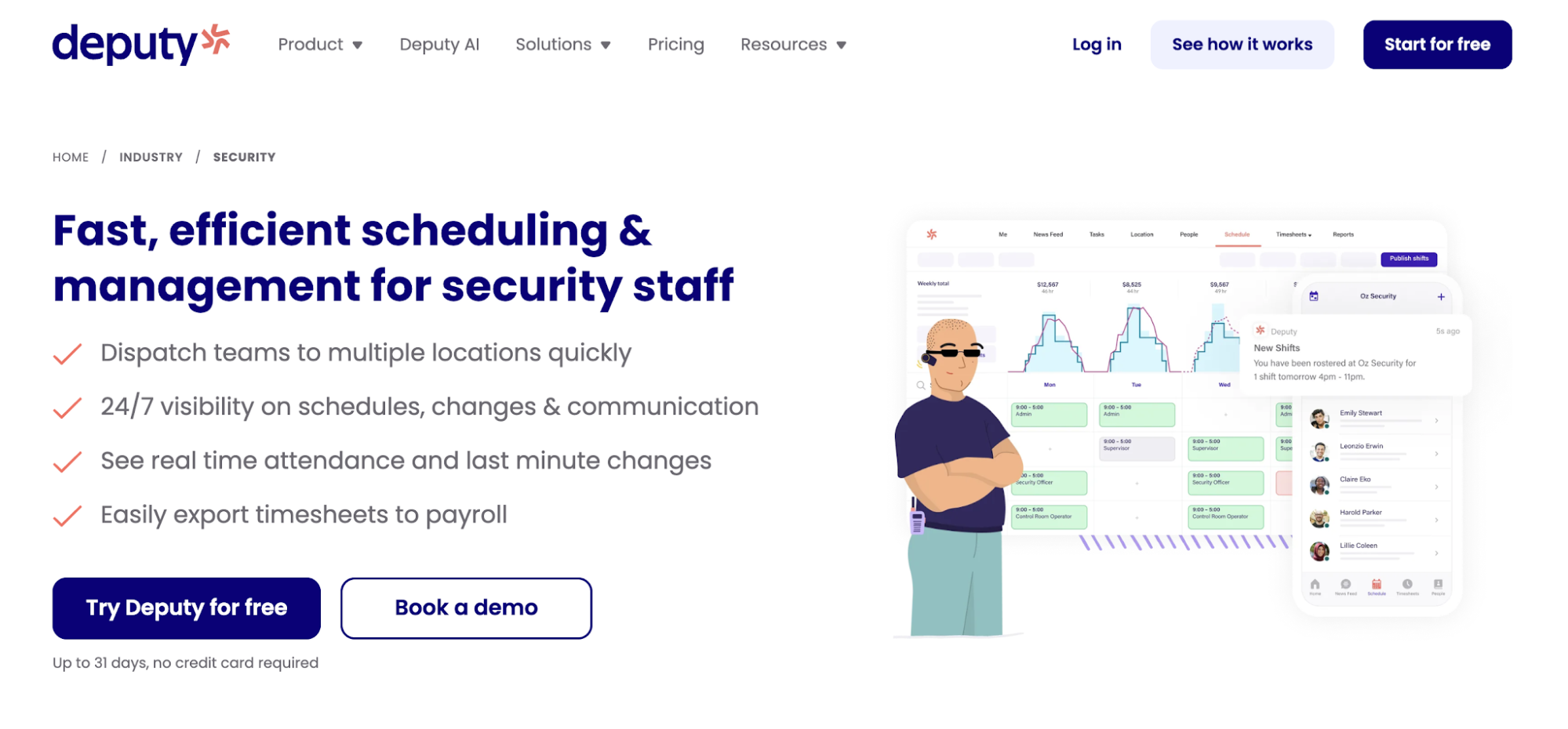 Image source: deputy.com
Deputy provides workforce scheduling software for several industries, including private security. Its time clock connects assigned shifts with recorded attendance, giving administrators the information they need to prepare timesheets for payroll.
Key Features
- GPS time clock: Security personnel clock in and out using mobile devices. Optional geofencing restricts punches to configured work locations.
- Shift management: Supervisors fill vacancies and approve swaps when shift conflicts arise. In-app communication tools share roster updates and shift instructions, while attendance alerts identify late arrivals and unexpected absences.
- Breaks and overtime: Deputy records meal and rest periods, flags missed breaks, and applies configured pay rules when calculating hours.
- Micro-scheduling: Managers divide a shift into smaller assignments for different locations or work areas. Deputy accounts for these segments during timesheet review.
- Payroll preparation: Administrators approve submitted hours before exporting the information to supported payroll systems.
Deputy addresses workforce scheduling, attendance, and wage administration. Security contractors requiring checkpoint tours or incident reporting should verify how they’ll handle those activities with their existing systems.
7. GuardsPro
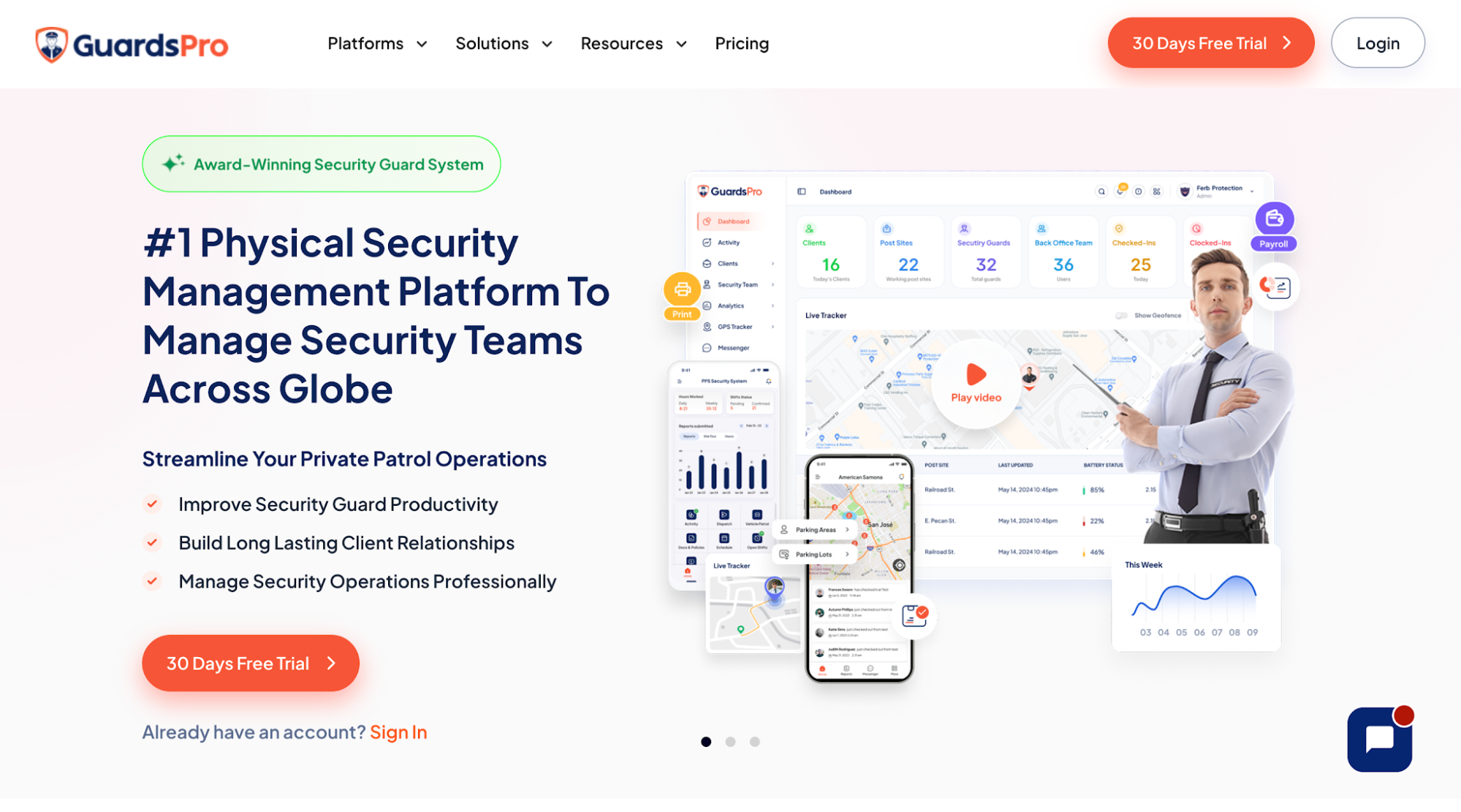 Image source: guardspro.com
GuardsPro is security guard software that connects mobile timekeeping with patrol verification and invoicing. Its attendance reconciliation tools help office administrators investigate discrepancies between assigned shifts and recorded working hours.
Mobile check-ins also reduce routine guard calls to dispatch for attendance confirmation.
Key Features
- Geofenced clock-ins: Administrators establish a virtual perimeter around each post site and restrict punches to that boundary. GPS records where officers register attendance.
- Shift confirmations: Guards acknowledge assignments, request exchanges, and submit leave applications through the app.
- Time cards and breaks: Custom settings determine permitted rest periods. Supervisors review early or late entries before approving recorded hours.
- Patrol verification: QR codes, NFC tags, and virtual checkpoints document site tours. Officers read site instructions in post orders and use mobile forms to document incidents.
- Payroll preparation: Approved time cards and configurable overtime multipliers provide figures for pay processing. Export options include QuickBooks, Gusto, ADP Workforce Now, and Paychex.
For billing, GuardsPro’s Invoicer uses approved billable hours to generate customer invoices. Office administrators also manage payments and delivery status.
Its Live Tracker displays guard location and allows supervisors to examine tracking history for a selected period. Customers can review relevant site activity through the web portal or mobile app.
What to Consider When Choosing Timekeeping Software
Before committing to a platform, review its subscription terms, compatibility, and administration requirements. They affect the cost and work involved in adopting new software for your security operations.
Subscription Pricing and Plan Restrictions
Check whether the vendor charges per guard, office user, or location. Ask about minimum license counts, billing frequency, plan restrictions, and fees for additional modules or integrations.
For small security companies, minimum license requirements can increase the total price. Included features matter when a lower-priced plan excludes the modules your office intends to use. Request a quote based on the features and add-ons you intend to purchase.
Payroll and Accounting Compatibility
For most security companies, payroll compatibility is a practical starting point when comparing timekeeping tools. For accurate payroll, check whether exports include every field your provider requires.
Find out whether staff will upload files manually or use a direct connection. Ask who handles configuration and whether setup carries an extra fee.
Setup, Training, and Ongoing Administration
Find out who handles initial setup, including account configuration, personnel and property imports, and access permissions. Check device requirements and the learning curve for security officers. During training, ensure guards can clock in, record breaks, and request corrections.
Ask what training security managers receive and how administrators add or remove users. Review technical assistance hours and whether onboarding carries an additional charge.
Before signing, check the cancellation terms and confirm how to retrieve historical records in a usable format if you change providers.
To assess operational efficiency, time a sample timesheet review and payroll export. Check whether the tools streamline operations or leave staff repeating entries.
Connect Guard Timekeeping to Payroll and Billing With GuardTrac
In the security industry, customers sometimes question the hours listed on an invoice. They may also ask whether officers followed site-specific post orders or how personnel handled incident response.
Choosing time-tracking software also means considering what your office can verify afterward. The right platform depends on your contracts, existing payroll systems, and recordkeeping requirements.
When scheduling guards, dispatchers can assign shifts in GuardTrac and compare attendance with those assignments. Supervisors review hours worked for payroll, while patrol and incident records provide details for client communication. GuardTrac also lets contractors set location-based billing rates and manage invoices. It’s a leading all-in-one choice for contractors looking to simplify operations during invoice reviews. Staff can compare customer charges with attendance and patrol records in one system.
FAQs About Security Guard Timekeeping Software
Which timekeeping software is best for security companies?
The best security guard software for timekeeping depends on payroll compatibility, staffing requirements, and budget. GuardTrac is one option that combines timekeeping with security guard scheduling software features. Its post orders also give officers site-specific instructions for their assignments.
Can timekeeping software track hours at multiple client sites?
Yes. Many platforms organize working hours by property, allowing administrators to review attendance for each contract separately. Depending on the product, geofencing may flag or reject punches outside the assigned zone. An exception isn’t proof of time theft, but it gives the office a reason to investigate.
Can security guard timekeeping software handle overnight shifts?
Yes, many systems keep overnight hours together when a shift crosses midnight. When a guard fails to clock out, some systems flag the incomplete entry for review. Check how each platform handles overnight premiums, required breaks, and compliance tracking.
Does GPS location tracking continue after guards clock out?
It depends on the software’s settings. Some apps capture GPS coordinates during clock-ins, while others provide real-time tracking throughout a shift. Confirm when monitoring stops and keep guards informed about what location data the app collects.
Put it into practice
Bring your security operations together.
Manage guards, schedules, patrols and reporting in one place. Try GuardTrac with your own team and sites.
- Guard tracking
- Shift scheduling
- Client reporting
14-day free trial. No credit card required.