Security Guard Software: From Clock-In to Client Invoice
Scattered shift records delay payroll and billing. Connect attendance, patrols, and invoices with security guard software. Learn why GuardTrac fits.
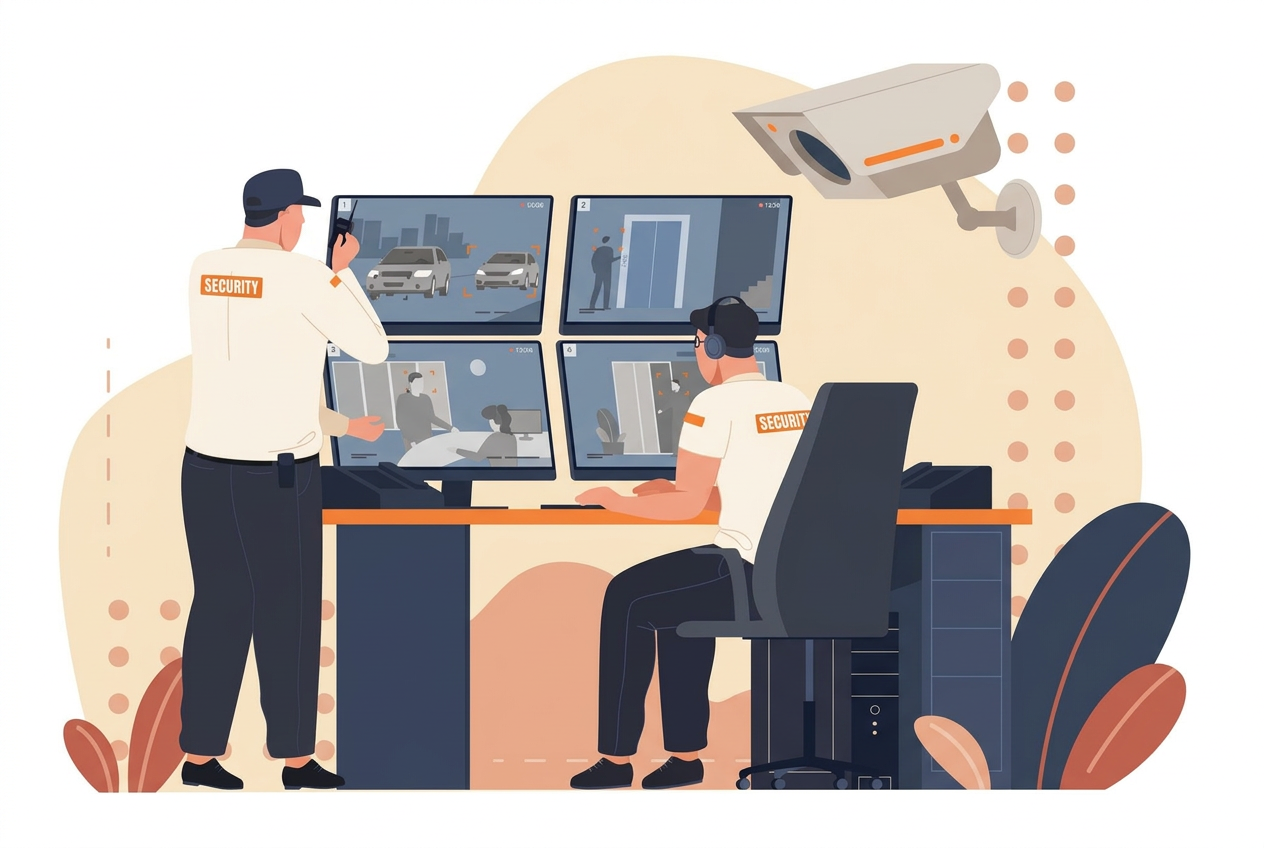
Your overnight guard clocks out at 6 a.m. By morning, payroll has flagged a timesheet discrepancy. A property manager also wants proof the rear entrance was patrolled.
Neither question should send your supervisor combing through separate records. But that’s what happens when clock-ins, patrol scans, and reports are kept in different places.
Security guard software connects what guards do on-site with the hours you pay, the invoices you send, and the reports clients receive.
Follow one shift from assignment to invoice to see how those records reach the right people.
TL;DR
- Security guard software connects shift assignments with verified field activity, so payroll and billing can work from documented hours.
- In the security industry, missing attendance or patrol evidence can lead to pay disputes and complaints about service.
- When officers exchange shifts, dispatch reviews the change and updates the assignment so supervisors are aware of who’s covering each post.
- Payroll and billing capabilities serve different purposes. Employee wages follow approved hours, while client charges follow contract terms.
- GuardTrac brings scheduling, patrol records, payroll exports, and client reporting together. TracBot AI answers questions using the business’s own information.
What Is Security Guard Software?
Security guard software helps security businesses schedule assignments and verify what happened at a site. Unlike a basic scheduling app, it records attendance and patrol activity after an officer arrives.
Security officers use a mobile app to clock in, scan checkpoints, and document incidents. Dispatch can review those entries while the shift is still underway, rather than rely on verbal updates.
Our security guard management software guide covers the features to look for when choosing a platform. Here, we’ll follow one shift from assignment to invoice.
How Security Guard Software Works From Shift to Invoice
A last-minute call-off doesn’t end when dispatch finds a replacement. Payroll still has to account for the hours worked, and the client expects the contracted post to be covered.
1. Schedule Posts and Confirm Guard Assignments
A warehouse contract calls for one officer at the main gate from 10 p.m. to 6 a.m. Dispatch uses security guard scheduling software to assign the shift and send site instructions.
At 8 p.m., that officer calls off. Rather than make several calls, dispatch broadcasts the vacancy through open shifts, reviews requests, and approves a replacement.
The replacement reviews the post orders, including how to handle after-hours deliveries, and acknowledges them before arriving. Dispatch knows the instructions reached the person covering the gate.
The replacement has accepted the shift. At 10 p.m., dispatch still has to check whether they actually arrived.
2. Verify Attendance and Patrols With GPS Tracking
At the warehouse, the replacement clocks in through the guard app. GPS tracking validates the phone’s location against the site’s geofence. If the entry doesn’t appear, dispatch contacts the officer and flags the time tracking record for review.
Attendance alone doesn’t confirm the patrols. As the replacement follows the patrol routes, they record stops using QR codes, near-field communication (NFC) tags, or GPS checkpoints.
The loading dock shows a completed scan, but the rear entrance doesn’t. Was the stop skipped, or did the officer forget to scan? The supervisor checks the checkpoint history before drawing a conclusion.
3. Record Incidents and Pass Unresolved Issues to the Next Shift
Later, the officer finds a damaged latch on the perimeter gate. They use mobile incident reporting to submit a photo, location, and description while the details are fresh.
Dispatch reviews the submission and tells the property manager. Through the in-app communication tools, the supervisor instructs the officer to watch the entrance until maintenance addresses the damage.
The repair is still pending at handover. A handover note identifies the repair status and who’s been notified. The next officer knows what still requires attention.
4. Review Shift Records Before They Reach the Back Office
After the shift, a supervisor compares the schedule with actual attendance. A last-minute staffing change can leave the original assignment out of date.
A relief officer takes over when a colleague leaves early. The manager documents the handoff and verifies each person’s hours. Payroll receives accurate entries, and billing gets a record of the service delivered.
Any manual correction also gets an explanation. Otherwise, the office can’t tell whether a changed entry reflects genuine coverage or a clerical error.
Still sorting out disputed hours through messages and phone calls? GuardTrac keeps security operations records, payroll preparation, and client billing in one platform.
Start a free 14-day trial and put your next payroll handoff to the test.
5. Prepare Payroll From Reviewed Guard Time Records
With hours approved, the payroll team calculates gross wages using each person’s pay rate. They check regular time and overtime under the applicable rules.
A holiday assignment could also qualify for premium pay, depending on the employment terms. The administrator checks the approved timesheet before adding that amount.
GuardTrac lets the office save draft batches, correct figures, and lock totals when processing is complete. It exports CSV or ADP Workforce Now files. The payroll provider handles employee payments.
6. Match Client Billing to Documented Site Coverage
The wages an officer earns don’t automatically determine what the property manager owes. Security firms bill according to the service contract, not the payroll total.
A delayed delivery keeps the warehouse gate staffed beyond the scheduled shift. The billing administrator checks the approved extension against clock-in data and applies the agreed location rate. Overtime pay doesn’t raise the invoice unless the contract calls for it.
GuardTrac keeps rates and invoices alongside attendance records in one system. When someone questions an added charge, the office can explain it using the approved coverage and contract terms.
7. Turn Guard Activity Into Client-Ready Service Reports
The invoice answers what the property manager owes. It doesn’t show whether officers checked the areas they were hired to patrol.
After the damaged gate incident, the manager asks whether staff continued checking that entrance. The account manager reviews checkpoint entries and handover notes, then shares what those records confirm.
With security guard reporting software, security teams can schedule branded summaries rather than assemble each update manually. GuardTrac also gives authorized customers portal access to permitted records, including real-time visibility into guard locations when tracking is enabled.
That can shorten response times when someone questions a patrol. A specific checkpoint entry gives both sides evidence for accountability. A missing scan, however, requires investigation before anyone concludes that the visit was missed.
Where Guard Operations Lose Time and Money
The expense isn’t always the missing entry itself. It’s the staff pulled away from other tasks to settle a dispute.
Missed Clock-Ins Turn Into Payroll Disputes
An officer finishes a retail-center shift but forgets to clock in. Their draft timesheet now shows fewer hours than they worked, and payroll can’t close the entry without checking.
The supervisor compares dispatch confirmations with available patrol activity and the employee’s account. They document the verified hours to support the correction, rather than treating the missing clock-in as an absence.
That workforce management gap creates extra review work before payroll can proceed.
Unverified Patrols Leave Security Firms Defending Their Service
A property manager says nobody checked an apartment building’s side entrance. The officer insists they did, but the handwritten log offers only two words: “all clear.” Not much to go on.
Without a recorded checkpoint visit, the supervisor can’t claim the round happened. They ask about the route, acknowledge the gap, and arrange a follow-up patrol if the entrance still requires attention.
Late Incident Reports Leave Dispatchers and Clients Waiting
During handover, an officer mentions a shattered lobby window but leaves without submitting the written details. The building manager calls. Was the area secured? Dispatch doesn’t know.
It’s difficult to handle incidents when staff have to track down the person who found the damage first. The missing account can delay a maintenance request or a decision to place someone nearby.
After the details arrive, a supervisor confirms what was done and assigns the next action. Dispatch shares real-time updates about confirmed work, not promises that someone will look into it.
Payroll and Client Invoices Tell Different Stories
Two officers overlap while handing over a warehouse gate. Both earned wages, but the customer agreed to pay for only one staffed position.
If billing copies the combined hours into the invoice, the property manager gets charged for coverage the contract didn’t include.
The administrator compares the handoff with the agreement and removes the nonbillable overlap. Neither employee loses the pay they earned.
Slow Client Updates Make Routine Questions Harder Than They Should Be
A property manager requests a weekend coverage summary for a facilities meeting. The account manager finds patrol notes in a message thread and an incident photo buried in an inbox.
They eventually put the details together. Too late for the meeting.
A reviewed site summary would have answered the request without interrupting field personnel. Your customers won’t see the calls behind the scenes. They’ll remember that the information arrived after they needed it.
How Connected Guard Records Help Managers Spot Problems
Consider this scenario. Three properties need attention. One has no confirmed officer. Another has disputed hours, and a third is waiting for an incident update. Where would you start?
Security guard management software shows managers what remains unresolved. Real-time monitoring also helps dispatch check whether officers have arrived at their assigned posts. Instead of opening every shift, they can ask:
- Which posts have no confirmed officer?
- Whose clock-in is missing?
- Which checkpoints weren’t scanned?
- What incidents still require follow-up?
- Which hours need payroll review?
- Who’s waiting for a site report?
The uncovered post comes first. Payroll can sort out questionable hours before the pay period closes. But repeated missed scans aren’t always an officer’s mistake. At a warehouse, delivery trucks might block the usual patrol route. A manager uses their expertise to create another path, then checks whether the problem continues. For small businesses, where owners often handle dispatch themselves, AI-assisted questions can help find these patterns in their records. The manager still has to review the findings and decide what to change.
Run Your Next Security Shift With GuardTrac
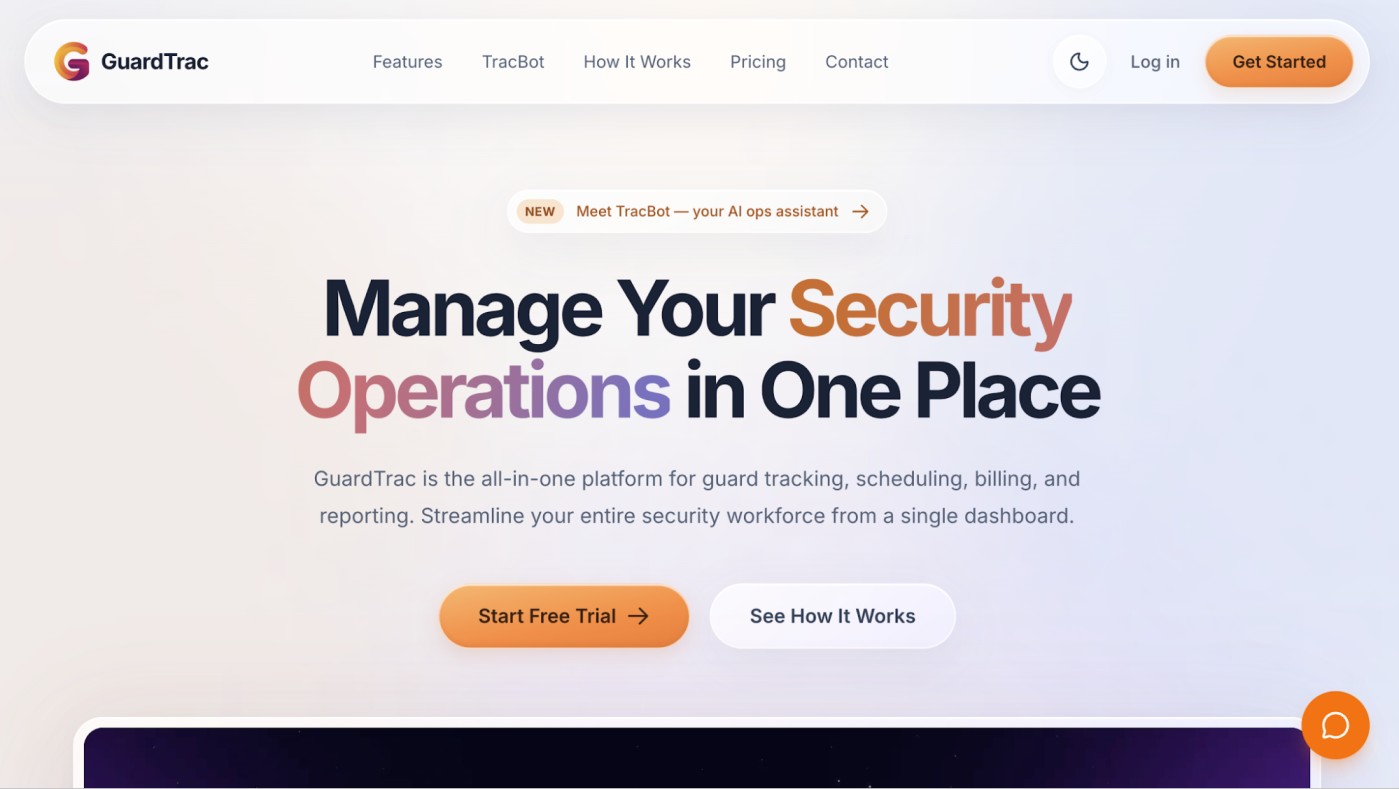 GuardTrac keeps the warehouse shift’s activity available to the people who handle it next. Officers use the iOS or Android app to review post orders, scan checkpoints, and document incidents. Dispatch can review those entries while the officer is still on-site.
When something urgent happens, dispatch can acknowledge real-time alerts, including SOS notifications, and document its response. That gives field supervisors a record of what happened and how the situation was handled.
The same information helps managers answer questions after a shift. With TracBot AI, available on GuardTrac’s Pro plan, an owner can ask, “Which officers arrived late this week?” It uses the company’s own operational records to identify entries that deserve a closer look.
Once supervisors approve the hours, payroll prepares gross wages. The Pro plan supports CSV and ADP Workforce Now exports, so the payroll provider can process employee payments.
Billing prepares invoices using agreed location rates, while each authorized client user can view permitted site records. Scheduled branded report emails are also available on Pro, helping account managers keep customers informed.
Managers still investigate discrepancies and approve financial figures. GuardTrac provides the records and payroll preparation tools, but those decisions remain with your team.
FAQs About Security Guard Software
What software do security companies use?
Security companies use security guard management software for scheduling, patrol tracking, incident reporting, payroll preparation, and billing.
GuardTrac brings these tasks into one platform. Firms with vehicle patrol teams should also check route tracking and whether idle alerts suit their assignments.
What key features should the best security guard software include?
For security companies, the right software includes scheduling to cover open posts and manage assignments. Records from site tours help verify patrol visits, while incident forms document problems. At gatehouses, a visitor manager helps personnel log arrivals and departures.
Do guards need separate GPS tracking devices?
Not usually. Many security apps use a phone’s GPS to verify arrivals at a job site and record checkpoint visits. Some offer a live tracker, so dispatch can see officer locations without separate hardware.
How does security guard software handle payroll preparation and client billing?
Platforms with both tools calculate gross pay from approved hours and prepare invoices using contract rates. Some offer payroll integrations, while other platforms export files for payroll providers. Billing still reviews contract terms since employee wages and client charges can differ.
Put it into practice
Bring your security operations together.
Manage guards, schedules, patrols and reporting in one place. Try GuardTrac with your own team and sites.
- Guard tracking
- Shift scheduling
- Client reporting
14-day free trial. No credit card required.